<!DOCTYPE html>
<html lang="en"><head><meta charset="utf-8"><title>Field report: the Rhône sensors</title>
<style>
  body { font: 11pt/1.5 Arial, sans-serif; color: #1f2937; margin: 0; }
  .frame { border: 2px dashed #ff5a1f; padding: 6mm; }
  h1 { font-size: 22pt; margin: 0 0 3mm; color: #0b1020; }
  h2 { font-size: 14pt; margin: 6mm 0 2mm; color: #0b1020; }
  .band { background: linear-gradient(90deg, #0b1020, #3b0764); color: #fff; padding: 4mm 6mm; border-radius: 3mm; }
  .note { background: #fff7ed; border-left: 4px solid #ff5a1f; padding: 3mm 4mm; }
  table { border-collapse: collapse; width: 100%; margin-top: 3mm; }
  th, td { border: 1px solid #d1d5db; padding: 1.5mm 2.5mm; text-align: left; }
  th { background: #e0e7ff; }
  .page-break { break-before: page; }
</style></head>
<body>
<div class="frame">
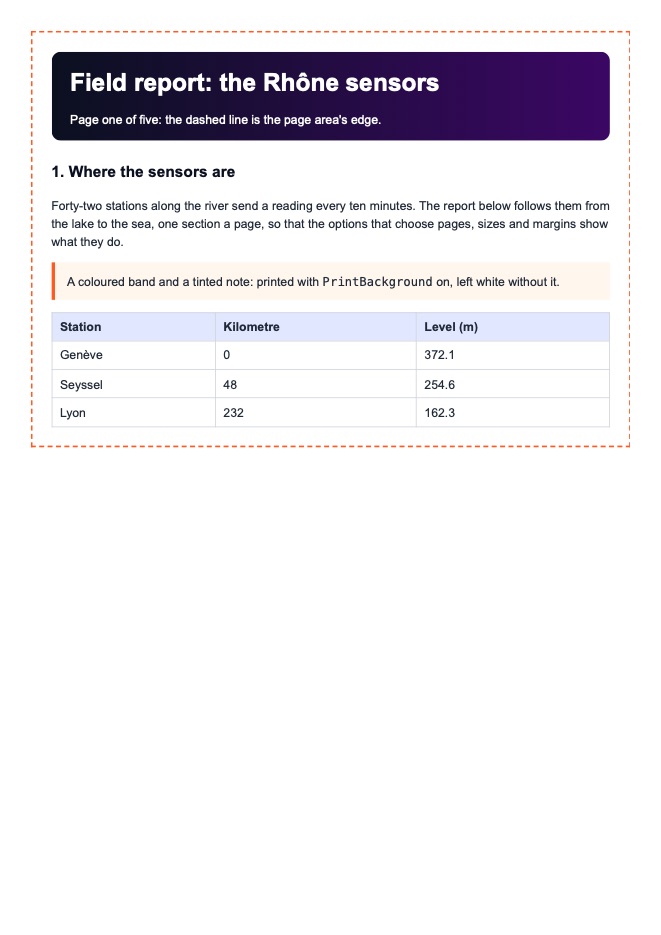
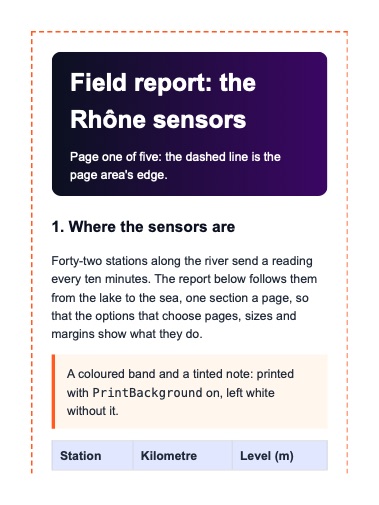
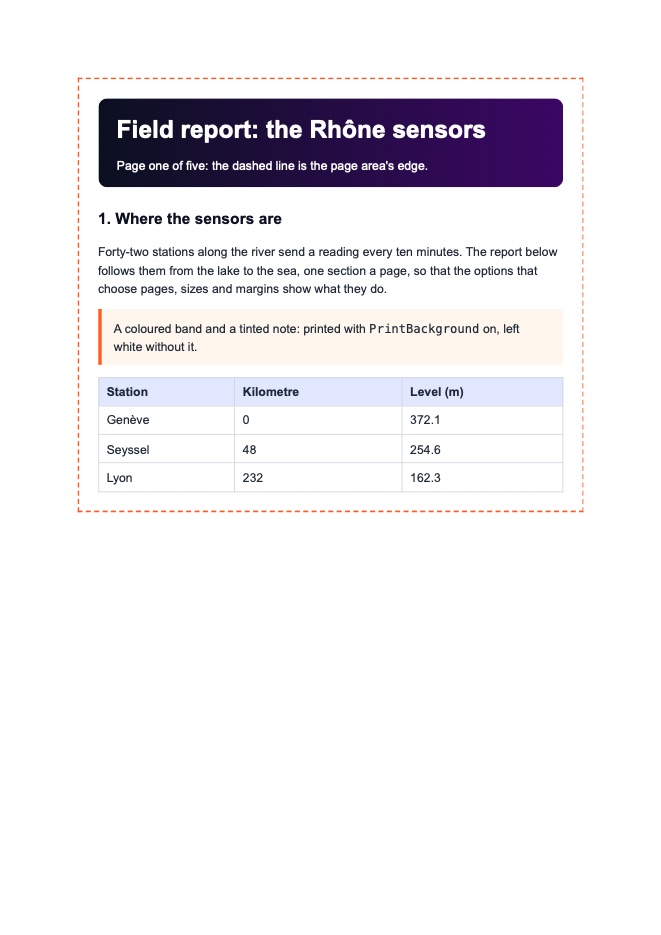
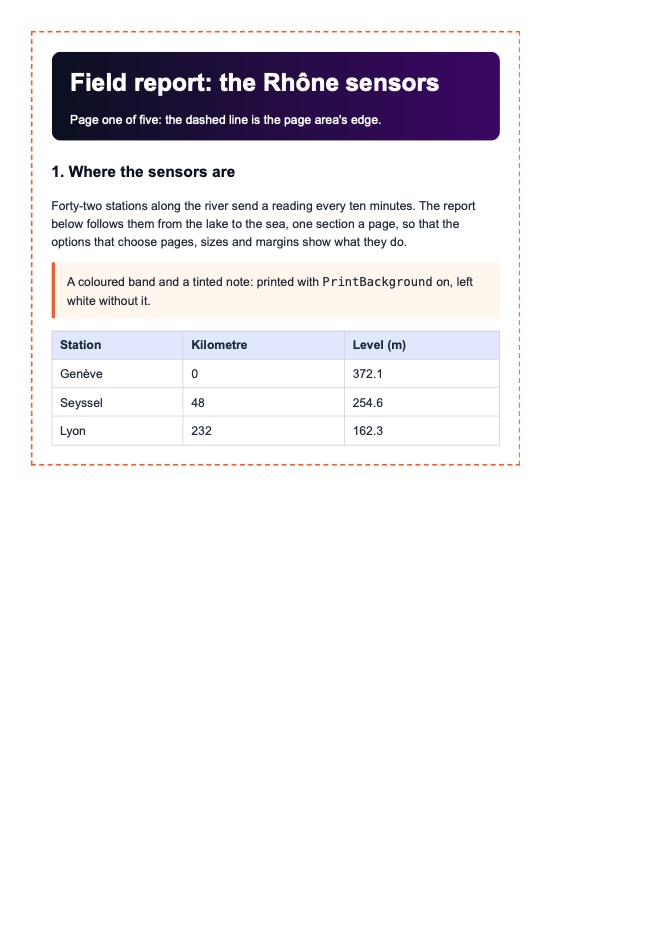
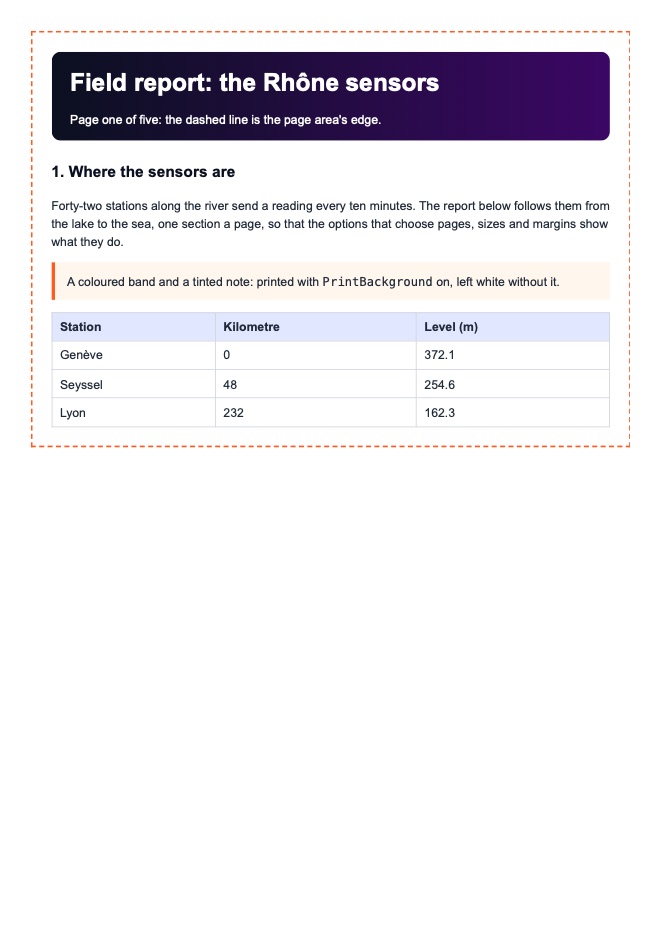
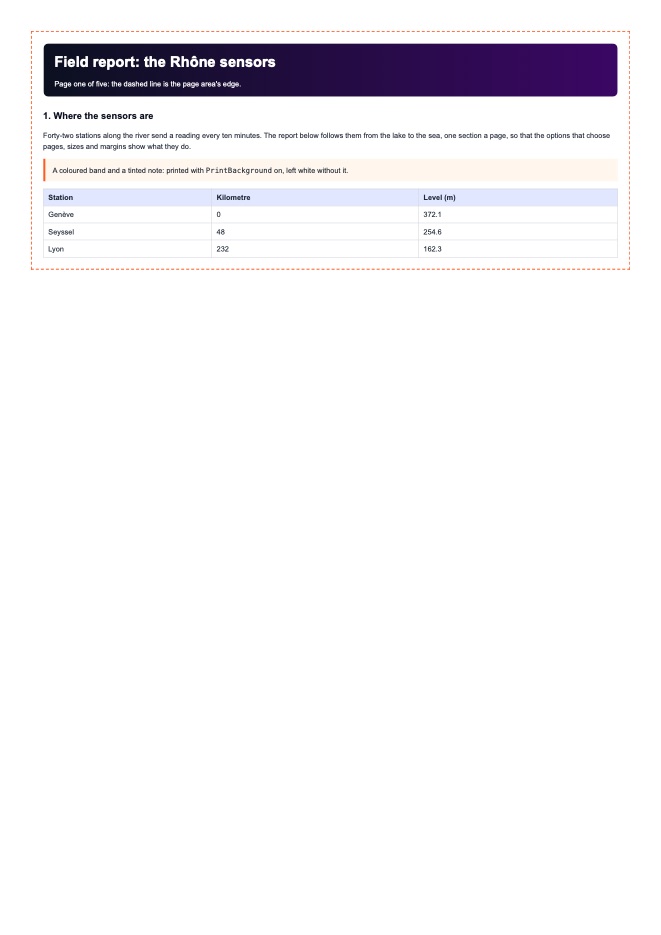
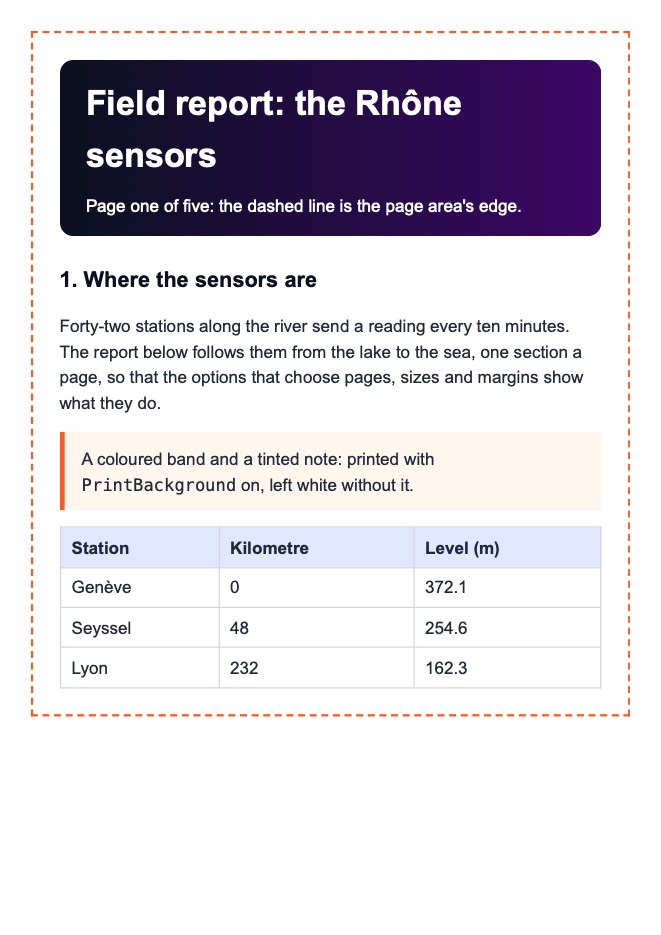
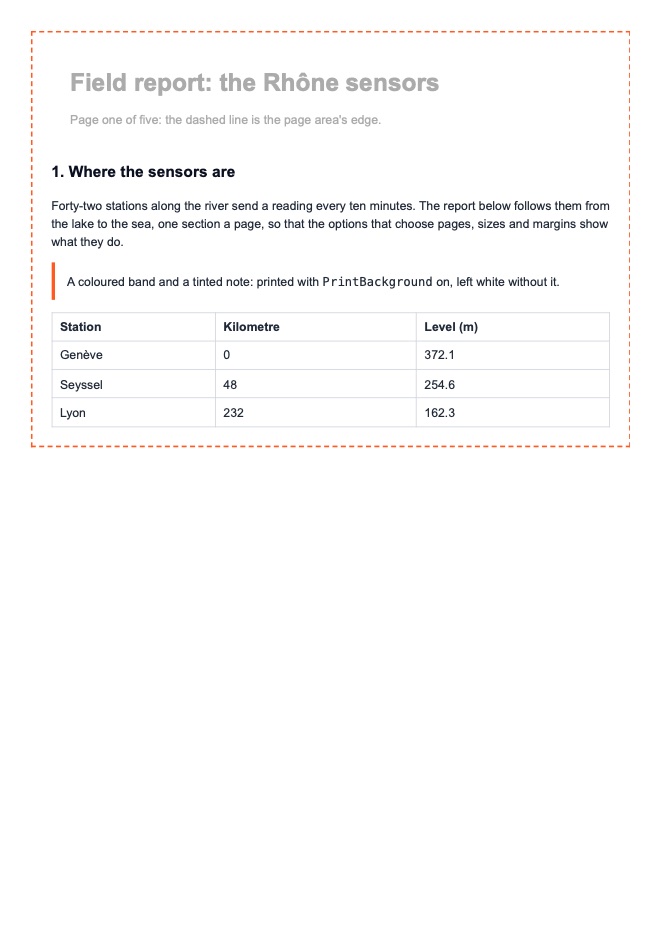
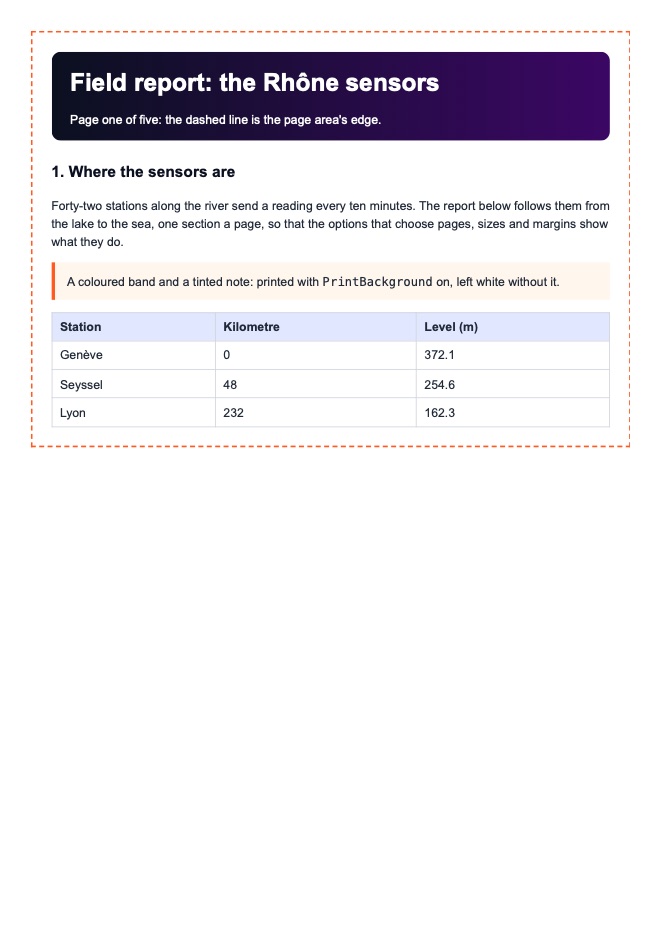
  <div class="band"><h1 style="color:#fff">Field report: the Rhône sensors</h1>Page one of five: the dashed line is the page area's edge.</div>
  <h2>1. Where the sensors are</h2>
  <p>Forty-two stations along the river send a reading every ten minutes. The report below follows them from the lake to the sea, one section a page, so that the options that choose pages, sizes and margins show what they do.</p>
  <p class="note">A coloured band and a tinted note: printed with <code>PrintBackground</code> on, left white without it.</p>
  <table><tr><th>Station</th><th>Kilometre</th><th>Level (m)</th></tr>
    <tr><td>Genève</td><td>0</td><td>372.1</td></tr><tr><td>Seyssel</td><td>48</td><td>254.6</td></tr><tr><td>Lyon</td><td>232</td><td>162.3</td></tr></table>
</div>
<div class="frame page-break"><div class="band">Page two of five</div><h2>2. The upper river</h2><p>The upper river is fast and cold: its stations read the level every ten minutes and the temperature every hour.</p></div>
<div class="frame page-break"><div class="band">Page three of five</div><h2>3. Lyon</h2><p>At Lyon the Saône joins: the station reads both rivers.</p></div>
<div class="frame page-break"><div class="band">Page four of five</div><h2>4. The lower river</h2><p>Dams turn the lower river into a staircase of reaches.</p></div>
<div class="frame page-break"><div class="band">Page five of five</div><h2>5. The delta</h2><p>In the Camargue the river splits in two before the sea.</p></div>
</body></html>
ヘッダーとフッター
var result = HtmlToPdf.Render(html, new HtmlPdfOptions
{
    DisplayHeaderFooter = true,
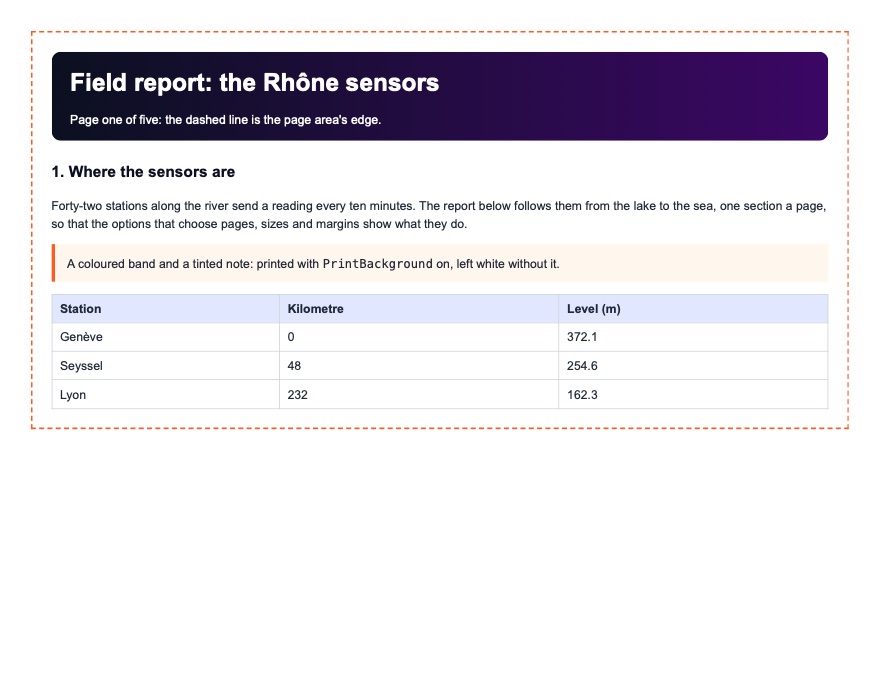
    Margin = new HtmlMargins("22mm", "12mm", "20mm", "12mm"),
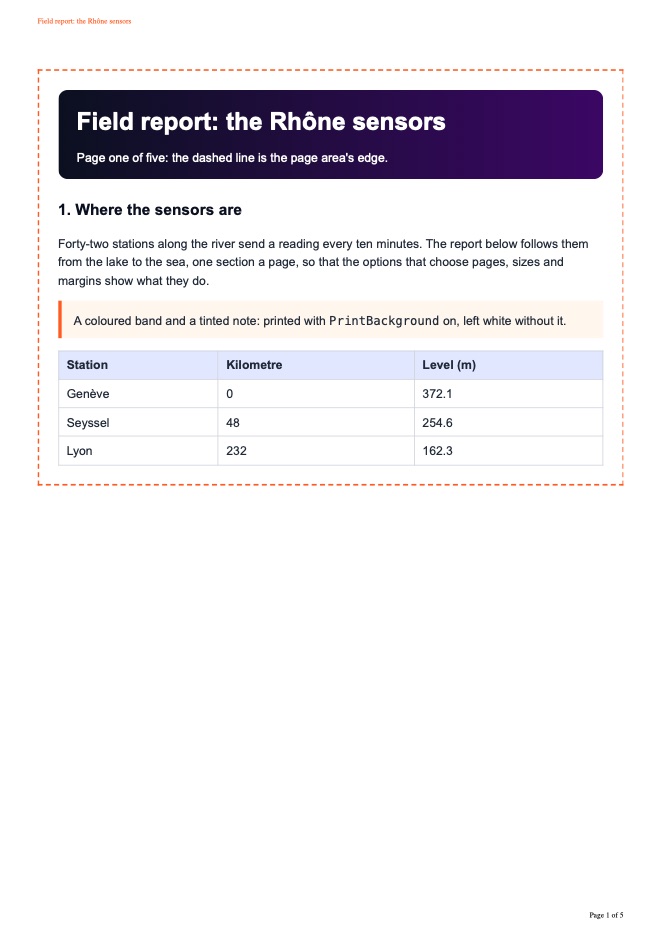
    HeaderTemplate = "<div style='font-size:9px; width:100%; padding:0 12mm; color:#ff5a1f'><span class='title'></span></div>",
    FooterTemplate = "<div style='font-size:9px; width:100%; padding:0 12mm; text-align:right'>Page <span class='pageNumber'></span> of <span class='totalPages'></span></div>",
});
<!DOCTYPE html>
<html lang="en"><head><meta charset="utf-8"><title>Field report: the Rhône sensors</title>
<style>
  body { font: 11pt/1.5 Arial, sans-serif; color: #1f2937; margin: 0; }
  .frame { border: 2px dashed #ff5a1f; padding: 6mm; }
  h1 { font-size: 22pt; margin: 0 0 3mm; color: #0b1020; }
  h2 { font-size: 14pt; margin: 6mm 0 2mm; color: #0b1020; }
  .band { background: linear-gradient(90deg, #0b1020, #3b0764); color: #fff; padding: 4mm 6mm; border-radius: 3mm; }
  .note { background: #fff7ed; border-left: 4px solid #ff5a1f; padding: 3mm 4mm; }
  table { border-collapse: collapse; width: 100%; margin-top: 3mm; }
  th, td { border: 1px solid #d1d5db; padding: 1.5mm 2.5mm; text-align: left; }
  th { background: #e0e7ff; }
  .page-break { break-before: page; }
</style></head>
<body>
<div class="frame">
  <div class="band"><h1 style="color:#fff">Field report: the Rhône sensors</h1>Page one of five: the dashed line is the page area's edge.</div>
  <h2>1. Where the sensors are</h2>
  <p>Forty-two stations along the river send a reading every ten minutes. The report below follows them from the lake to the sea, one section a page, so that the options that choose pages, sizes and margins show what they do.</p>
  <p class="note">A coloured band and a tinted note: printed with <code>PrintBackground</code> on, left white without it.</p>
  <table><tr><th>Station</th><th>Kilometre</th><th>Level (m)</th></tr>
    <tr><td>Genève</td><td>0</td><td>372.1</td></tr><tr><td>Seyssel</td><td>48</td><td>254.6</td></tr><tr><td>Lyon</td><td>232</td><td>162.3</td></tr></table>
</div>
<div class="frame page-break"><div class="band">Page two of five</div><h2>2. The upper river</h2><p>The upper river is fast and cold: its stations read the level every ten minutes and the temperature every hour.</p></div>
<div class="frame page-break"><div class="band">Page three of five</div><h2>3. Lyon</h2><p>At Lyon the Saône joins: the station reads both rivers.</p></div>
<div class="frame page-break"><div class="band">Page four of five</div><h2>4. The lower river</h2><p>Dams turn the lower river into a staircase of reaches.</p></div>
<div class="frame page-break"><div class="band">Page five of five</div><h2>5. The delta</h2><p>In the Camargue the river splits in two before the sea.</p></div>
</body></html>
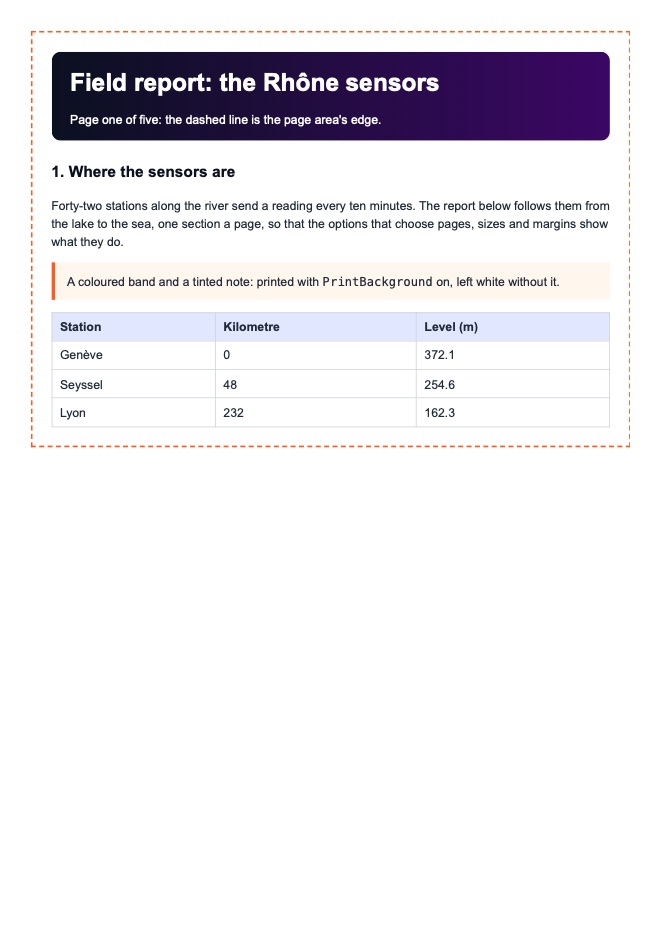
"2-3, 5"
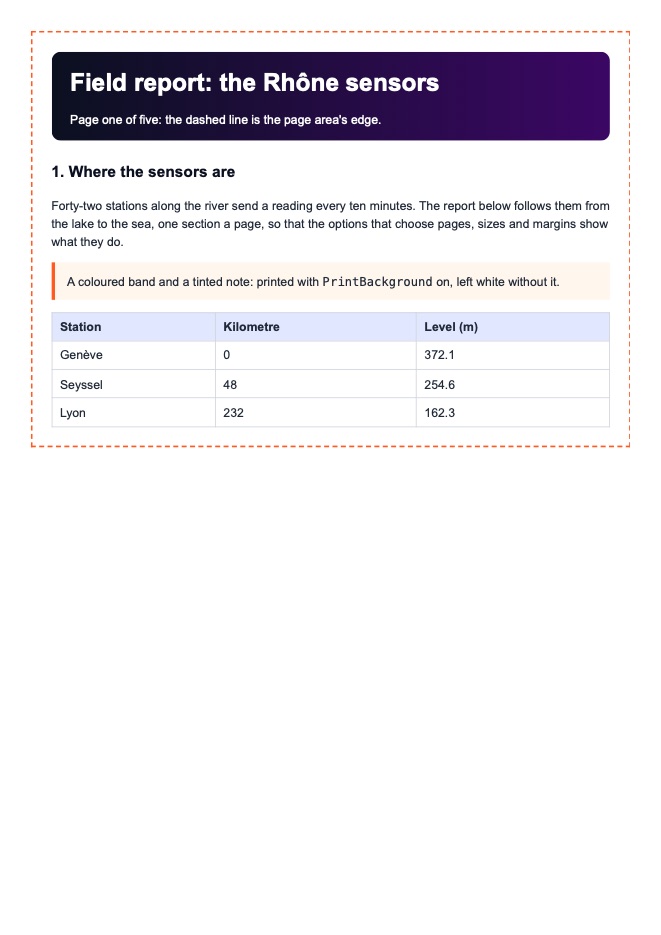
var result = HtmlToPdf.Render(html, new HtmlPdfOptions { PageRanges = "2-3, 5" });
<!DOCTYPE html>
<html lang="en"><head><meta charset="utf-8"><title>Network</title>
<link rel="stylesheet" href="brand.css">
<style>body { font: 12pt/1.5 Arial, sans-serif; margin: 0; } img { width: 40mm; display: block; margin: 4mm 0; }</style></head>
<body>
<h1 class="brand">A page whose picture and CSS are on a server</h1>
<img src="logo.svg" alt="The logo, fetched from the server">
<p>The heading's colour comes from <code>brand.css</code> and the picture from <code>logo.svg</code>, both fetched over HTTP.</p>
</body></html>
オフ (既定)
var result = HtmlToPdf.Render(html, new HtmlPdfOptions { BaseUrl = assets });
<!DOCTYPE html>
<html lang="en"><head><meta charset="utf-8"><title>Account statement</title>
<link rel="stylesheet" href="../brand.css">
<style>
  body { font: 11pt/1.5 Arial, sans-serif; margin: 0; }
  table { border-collapse: collapse; width: 100%; margin-top: 6mm; }
  th, td { border-bottom: 1px solid #d0d4dc; padding: 2mm 3mm; text-align: left; }
  td.n { text-align: right; font-variant-numeric: tabular-nums; }
  .who { color: #555; }
</style></head>
<body>
<h1 class="brand">Account statement, October 2026</h1>
<p class="who">Signed in as <strong id="user">a customer</strong>: this page is served only with a valid session.</p>
<table>
  <tr><th>Date</th><th>Description</th><th class="n">Amount</th></tr>
  <tr><td>2026-10-03</td><td>Subscription, October</td><td class="n">-49.00</td></tr>
  <tr><td>2026-10-14</td><td>Refund, order 1182</td><td class="n">12.50</td></tr>
  <tr><td>2026-10-28</td><td>Top-up</td><td class="n">200.00</td></tr>
</table>
<script>
  // what the page's own scripts see of the session (an HttpOnly cookie never shows here)
  const theme = document.cookie.split('; ').find(c => c.startsWith('theme='));
  if (theme) document.getElementById('user').textContent += ' (theme ' + theme.slice(6) + ')';
</script>
</body></html>
bearer トークン
var result = HtmlToPdf.RenderUrl(new Uri(assets, "account/statement.html"), new HtmlPdfOptions
{
    Network = HtmlNetwork.Allow(assets.Host).WithBearerToken(accessToken),
});
<!DOCTYPE html>
<html lang="en"><head><meta charset="utf-8"><title>Field report: the Rhône sensors</title>
<style>
  body { font: 11pt/1.5 Arial, sans-serif; color: #1f2937; margin: 0; }
  .frame { border: 2px dashed #ff5a1f; padding: 6mm; }
  h1 { font-size: 22pt; margin: 0 0 3mm; color: #0b1020; }
  h2 { font-size: 14pt; margin: 6mm 0 2mm; color: #0b1020; }
  .band { background: linear-gradient(90deg, #0b1020, #3b0764); color: #fff; padding: 4mm 6mm; border-radius: 3mm; }
  .note { background: #fff7ed; border-left: 4px solid #ff5a1f; padding: 3mm 4mm; }
  table { border-collapse: collapse; width: 100%; margin-top: 3mm; }
  th, td { border: 1px solid #d1d5db; padding: 1.5mm 2.5mm; text-align: left; }
  th { background: #e0e7ff; }
  .page-break { break-before: page; }
</style></head>
<body>
<div class="frame">
  <div class="band"><h1 style="color:#fff">Field report: the Rhône sensors</h1>Page one of five: the dashed line is the page area's edge.</div>
  <h2>1. Where the sensors are</h2>
  <p>Forty-two stations along the river send a reading every ten minutes. The report below follows them from the lake to the sea, one section a page, so that the options that choose pages, sizes and margins show what they do.</p>
  <p class="note">A coloured band and a tinted note: printed with <code>PrintBackground</code> on, left white without it.</p>
  <table><tr><th>Station</th><th>Kilometre</th><th>Level (m)</th></tr>
    <tr><td>Genève</td><td>0</td><td>372.1</td></tr><tr><td>Seyssel</td><td>48</td><td>254.6</td></tr><tr><td>Lyon</td><td>232</td><td>162.3</td></tr></table>
</div>
<div class="frame page-break"><div class="band">Page two of five</div><h2>2. The upper river</h2><p>The upper river is fast and cold: its stations read the level every ten minutes and the temperature every hour.</p></div>
<div class="frame page-break"><div class="band">Page three of five</div><h2>3. Lyon</h2><p>At Lyon the Saône joins: the station reads both rivers.</p></div>
<div class="frame page-break"><div class="band">Page four of five</div><h2>4. The lower river</h2><p>Dams turn the lower river into a staircase of reaches.</p></div>
<div class="frame page-break"><div class="band">Page five of five</div><h2>5. The delta</h2><p>In the Camargue the river splits in two before the sea.</p></div>
</body></html>
None
var result = HtmlToPdf.Render(html, new HtmlPdfOptions { Compression = HtmlPdfCompression.None });
<!DOCTYPE html>
<html lang="en"><head><meta charset="utf-8"><title>Field report: the Rhône sensors</title>
<style>
  body { font: 11pt/1.5 Arial, sans-serif; color: #1f2937; margin: 0; }
  .frame { border: 2px dashed #ff5a1f; padding: 6mm; }
  h1 { font-size: 22pt; margin: 0 0 3mm; color: #0b1020; }
  h2 { font-size: 14pt; margin: 6mm 0 2mm; color: #0b1020; }
  .band { background: linear-gradient(90deg, #0b1020, #3b0764); color: #fff; padding: 4mm 6mm; border-radius: 3mm; }
  .note { background: #fff7ed; border-left: 4px solid #ff5a1f; padding: 3mm 4mm; }
  table { border-collapse: collapse; width: 100%; margin-top: 3mm; }
  th, td { border: 1px solid #d1d5db; padding: 1.5mm 2.5mm; text-align: left; }
  th { background: #e0e7ff; }
  .page-break { break-before: page; }
</style></head>
<body>
<div class="frame">
  <div class="band"><h1 style="color:#fff">Field report: the Rhône sensors</h1>Page one of five: the dashed line is the page area's edge.</div>
  <h2>1. Where the sensors are</h2>
  <p>Forty-two stations along the river send a reading every ten minutes. The report below follows them from the lake to the sea, one section a page, so that the options that choose pages, sizes and margins show what they do.</p>
  <p class="note">A coloured band and a tinted note: printed with <code>PrintBackground</code> on, left white without it.</p>
  <table><tr><th>Station</th><th>Kilometre</th><th>Level (m)</th></tr>
    <tr><td>Genève</td><td>0</td><td>372.1</td></tr><tr><td>Seyssel</td><td>48</td><td>254.6</td></tr><tr><td>Lyon</td><td>232</td><td>162.3</td></tr></table>
</div>
<div class="frame page-break"><div class="band">Page two of five</div><h2>2. The upper river</h2><p>The upper river is fast and cold: its stations read the level every ten minutes and the temperature every hour.</p></div>
<div class="frame page-break"><div class="band">Page three of five</div><h2>3. Lyon</h2><p>At Lyon the Saône joins: the station reads both rivers.</p></div>
<div class="frame page-break"><div class="band">Page four of five</div><h2>4. The lower river</h2><p>Dams turn the lower river into a staircase of reaches.</p></div>
<div class="frame page-break"><div class="band">Page five of five</div><h2>5. The delta</h2><p>In the Camargue the river splits in two before the sea.</p></div>
</body></html>
ユーザーパスワード、コピー不可
var result = HtmlToPdf.Render(html, new HtmlPdfOptions
{
    Security = new HtmlPdfSecurity { UserPassword = "open-me", OwnerPassword = "owner-secret", PermitCopying = false },
});
<!DOCTYPE html>
<html lang="en"><head><meta charset="utf-8"><title>Field report: the Rhône sensors</title>
<style>
  body { font: 11pt/1.5 Arial, sans-serif; color: #1f2937; margin: 0; }
  .frame { border: 2px dashed #ff5a1f; padding: 6mm; }
  h1 { font-size: 22pt; margin: 0 0 3mm; color: #0b1020; }
  h2 { font-size: 14pt; margin: 6mm 0 2mm; color: #0b1020; }
  .band { background: linear-gradient(90deg, #0b1020, #3b0764); color: #fff; padding: 4mm 6mm; border-radius: 3mm; }
  .note { background: #fff7ed; border-left: 4px solid #ff5a1f; padding: 3mm 4mm; }
  table { border-collapse: collapse; width: 100%; margin-top: 3mm; }
  th, td { border: 1px solid #d1d5db; padding: 1.5mm 2.5mm; text-align: left; }
  th { background: #e0e7ff; }
  .page-break { break-before: page; }
</style></head>
<body>
<div class="frame">
  <div class="band"><h1 style="color:#fff">Field report: the Rhône sensors</h1>Page one of five: the dashed line is the page area's edge.</div>
  <h2>1. Where the sensors are</h2>
  <p>Forty-two stations along the river send a reading every ten minutes. The report below follows them from the lake to the sea, one section a page, so that the options that choose pages, sizes and margins show what they do.</p>
  <p class="note">A coloured band and a tinted note: printed with <code>PrintBackground</code> on, left white without it.</p>
  <table><tr><th>Station</th><th>Kilometre</th><th>Level (m)</th></tr>
    <tr><td>Genève</td><td>0</td><td>372.1</td></tr><tr><td>Seyssel</td><td>48</td><td>254.6</td></tr><tr><td>Lyon</td><td>232</td><td>162.3</td></tr></table>
</div>
<div class="frame page-break"><div class="band">Page two of five</div><h2>2. The upper river</h2><p>The upper river is fast and cold: its stations read the level every ten minutes and the temperature every hour.</p></div>
<div class="frame page-break"><div class="band">Page three of five</div><h2>3. Lyon</h2><p>At Lyon the Saône joins: the station reads both rivers.</p></div>
<div class="frame page-break"><div class="band">Page four of five</div><h2>4. The lower river</h2><p>Dams turn the lower river into a staircase of reaches.</p></div>
<div class="frame page-break"><div class="band">Page five of five</div><h2>5. The delta</h2><p>In the Camargue the river splits in two before the sea.</p></div>
</body></html>
タイトル、作成者、PDF/A
var result = HtmlToPdf.Render(html, new HtmlPdfOptions { Title = "Rhône field report", Author = "Hydrology team", PdfA = true });
<!DOCTYPE html>
<html lang="en"><head><meta charset="utf-8"><title>Field report: the Rhône sensors</title>
<style>
  body { font: 11pt/1.5 Arial, sans-serif; color: #1f2937; margin: 0; }
  .frame { border: 2px dashed #ff5a1f; padding: 6mm; }
  h1 { font-size: 22pt; margin: 0 0 3mm; color: #0b1020; }
  h2 { font-size: 14pt; margin: 6mm 0 2mm; color: #0b1020; }
  .band { background: linear-gradient(90deg, #0b1020, #3b0764); color: #fff; padding: 4mm 6mm; border-radius: 3mm; }
  .note { background: #fff7ed; border-left: 4px solid #ff5a1f; padding: 3mm 4mm; }
  table { border-collapse: collapse; width: 100%; margin-top: 3mm; }
  th, td { border: 1px solid #d1d5db; padding: 1.5mm 2.5mm; text-align: left; }
  th { background: #e0e7ff; }
  .page-break { break-before: page; }
</style></head>
<body>
<div class="frame">
  <div class="band"><h1 style="color:#fff">Field report: the Rhône sensors</h1>Page one of five: the dashed line is the page area's edge.</div>
  <h2>1. Where the sensors are</h2>
  <p>Forty-two stations along the river send a reading every ten minutes. The report below follows them from the lake to the sea, one section a page, so that the options that choose pages, sizes and margins show what they do.</p>
  <p class="note">A coloured band and a tinted note: printed with <code>PrintBackground</code> on, left white without it.</p>
  <table><tr><th>Station</th><th>Kilometre</th><th>Level (m)</th></tr>
    <tr><td>Genève</td><td>0</td><td>372.1</td></tr><tr><td>Seyssel</td><td>48</td><td>254.6</td></tr><tr><td>Lyon</td><td>232</td><td>162.3</td></tr></table>
</div>
<div class="frame page-break"><div class="band">Page two of five</div><h2>2. The upper river</h2><p>The upper river is fast and cold: its stations read the level every ten minutes and the temperature every hour.</p></div>
<div class="frame page-break"><div class="band">Page three of five</div><h2>3. Lyon</h2><p>At Lyon the Saône joins: the station reads both rivers.</p></div>
<div class="frame page-break"><div class="band">Page four of five</div><h2>4. The lower river</h2><p>Dams turn the lower river into a staircase of reaches.</p></div>
<div class="frame page-break"><div class="band">Page five of five</div><h2>5. The delta</h2><p>In the Camargue the river splits in two before the sea.</p></div>
</body></html>
MaxPages = 2
var result = HtmlToPdf.Render(html, new HtmlPdfOptions { Limits = HtmlPdfLimits.Default with { MaxPages = 2 } });
Console.WriteLine($"{result.PageCount} pages, completed: {result.Completed}");
<!DOCTYPE html>
<html lang="en"><head><meta charset="utf-8"><title>Notes</title>
<style>body { font: 12pt/1.5 Arial, sans-serif; margin: 0; } .odd { font-family: "Some Font Nobody Has", serif; }</style></head>
<body>
<h1>A page with problems</h1>
<p><img src="missing-picture.png" alt="A picture that is not there" width="120" height="60"></p>
<p class="odd">Text in a font family the machine does not have.</p>
<p><img src="https://cdn.example.com/banner.png" alt="A picture on another host" width="120" height="60"></p>
<script>
  document.body.append('The script ran up to here; ');
  undefinedFunction();
</script>
</body></html>
問題のあるページ
var result = HtmlToPdf.Render(html);
foreach (var note in result.Notes)
    Console.WriteLine($"{note.Severity} {note.Code}: {note.Message}");
Warning scriptError: ReferenceError: undefinedFunction is not defined | at about:blank#script-25:11:3 | at HostDelegate.<anonymous> (<anonymous>) | at Object.hostCall (ssrs2-dom.js:15562:11)
Warning resourceFailed: Image "missing-picture.png" is not a URL that resolves against no base URL.
Info resourceRefused: Image https://cdn.example.com/banner.png: no resource loader was given (only data: URLs load).
Info scriptsRan: The page's scripts ran (17 ms of virtual time, 4 tasks; 0 canvases drawn).
Info notImplemented: A picture that did not load shows its alternative text; Chrome's broken-image icon beside it is laid out but not drawn.
Info fontFamilyMissing: The font family "Some Font Nobody Has" is not on this machine: its text goes to the next family.
ページから見えるブラウザー
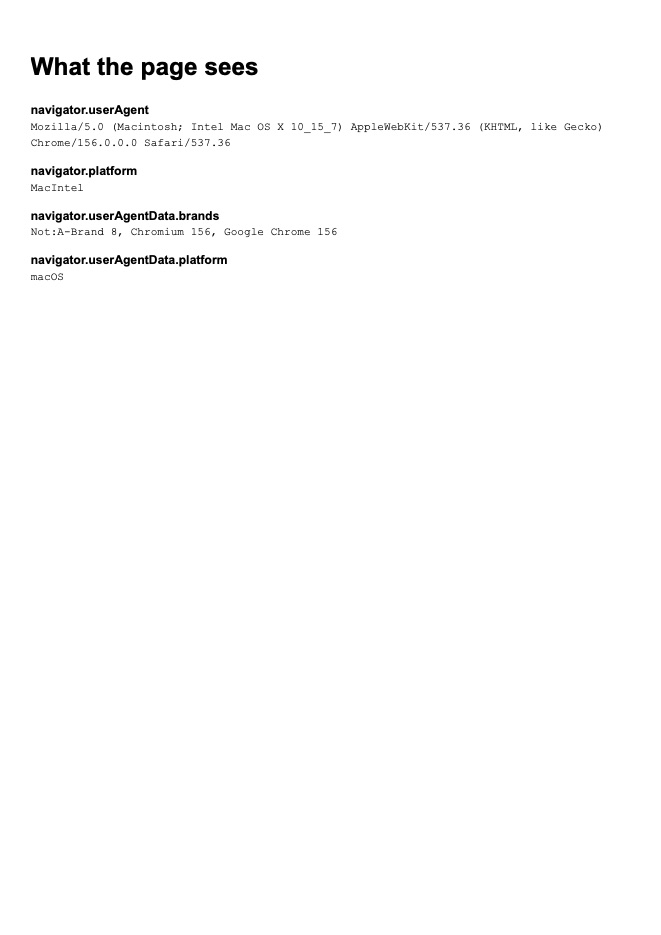
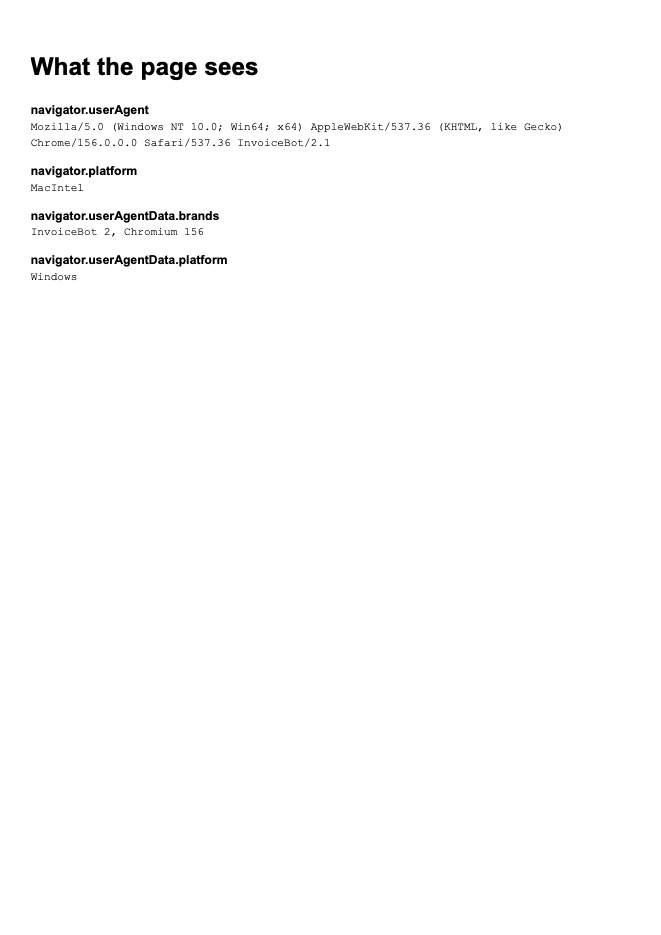
既定では、ページからはマシン自身の OS 上で動くデスクトップ版 Chrome 156 に見えます。これらのページは macOS で作成しました。
Info scriptsRan: The page's scripts ran (17 ms of virtual time, 2 tasks; 0 canvases drawn).
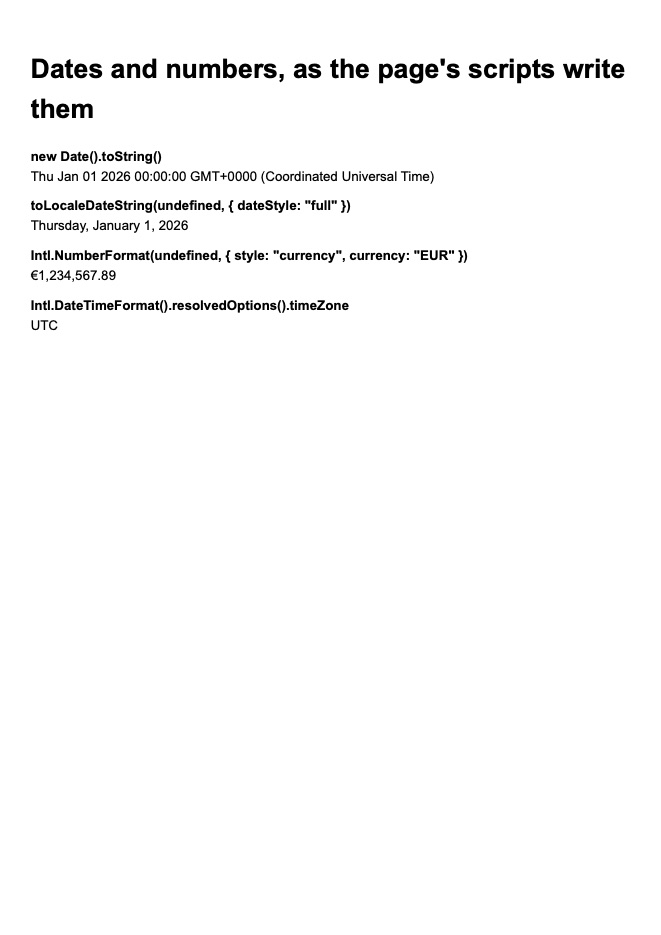
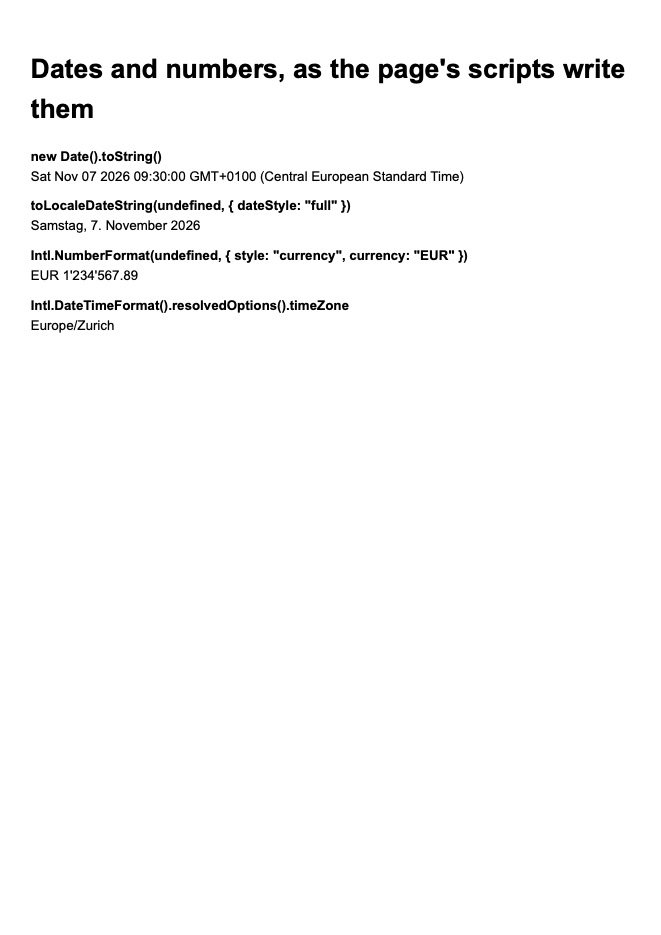
de-CH、Europe/Zurich、固定の時計
var result = HtmlToPdf.Render(html, new HtmlPdfOptions
{
    Locale = "de-CH",
    TimeZone = "Europe/Zurich",
    Now = new DateTimeOffset(2026, 11, 7, 9, 30, 0, TimeSpan.FromHours(1)),
});
<!DOCTYPE html>
<html lang="en"><head><meta charset="utf-8"><title>Fonts</title>
<style>body { font: 13pt/1.6 Arial, sans-serif; margin: 0; } p { margin: 2mm 0; } span { color: #6b7280; font: 9pt Arial; }</style></head>
<body>
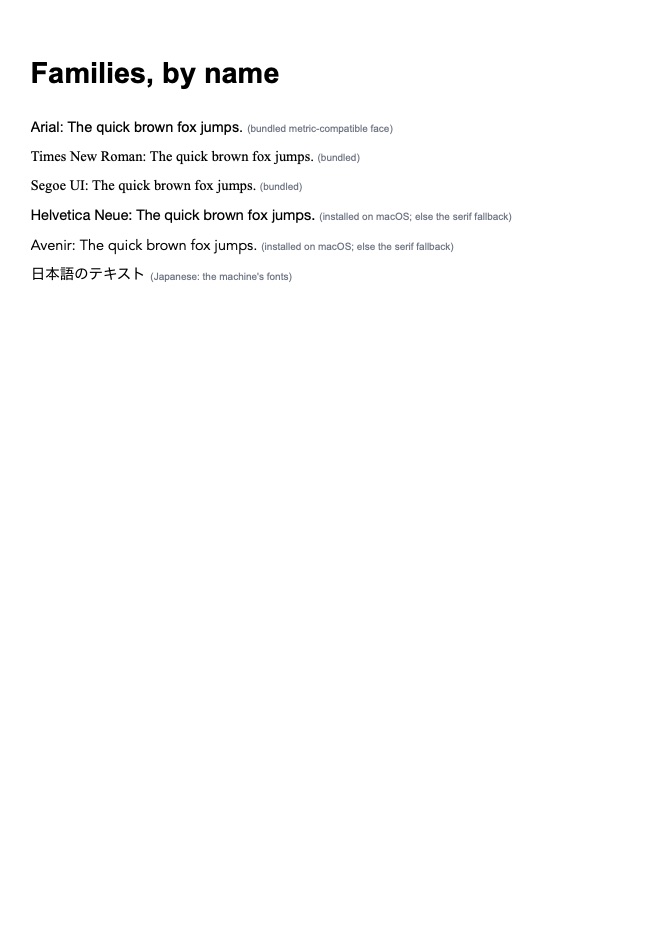
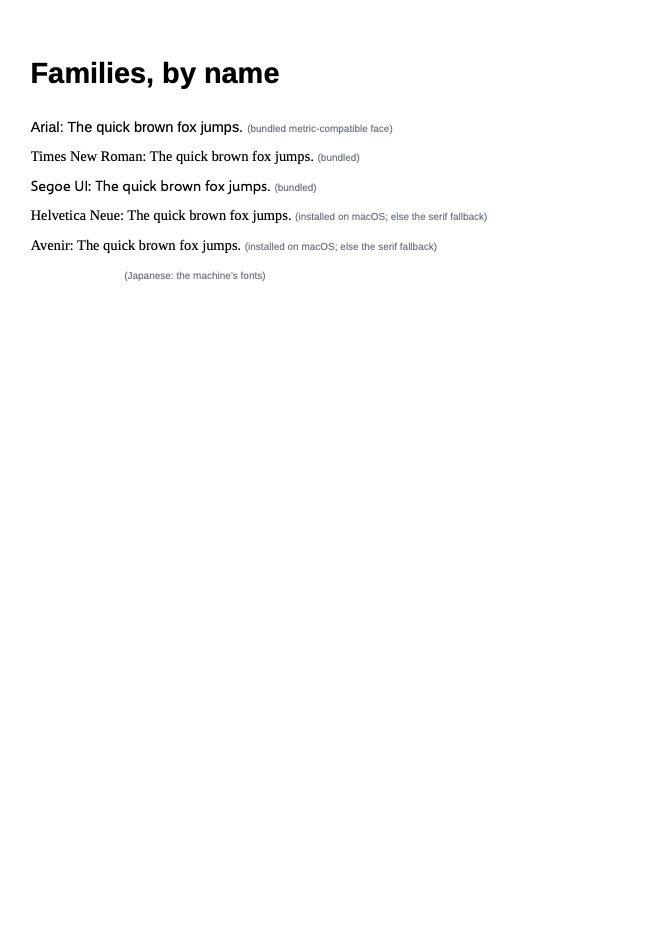
<h1>Families, by name</h1>
<p style="font-family: Arial">Arial: The quick brown fox jumps. <span>(bundled metric-compatible face)</span></p>
<p style="font-family: 'Times New Roman'">Times New Roman: The quick brown fox jumps. <span>(bundled)</span></p>
<p style="font-family: 'Segoe UI'">Segoe UI: The quick brown fox jumps. <span>(bundled)</span></p>
<p style="font-family: 'Helvetica Neue', serif">Helvetica Neue: The quick brown fox jumps. <span>(installed on macOS; else the serif fallback)</span></p>
<p style="font-family: Avenir, serif">Avenir: The quick brown fox jumps. <span>(installed on macOS; else the serif fallback)</span></p>
<p style="font-family: 'Hiragino Sans', serif">日本語のテキスト <span>(Japanese: the machine's fonts)</span></p>
</body></html>
<!DOCTYPE html>
<html lang="en"><head><meta charset="utf-8"><title>A list that loads as you scroll</title>
<style>
  body { font: 11pt/1.4 Arial, sans-serif; margin: 0; }
  li { padding: 2.2mm 3mm; min-height: 24mm; box-sizing: border-box; border-bottom: 1px solid #e5e7eb; }
  li:nth-child(odd) { background: #f8fafc; }
  #more { padding: 3mm; color: #6b7280; font-style: italic; }
</style></head>
<body>
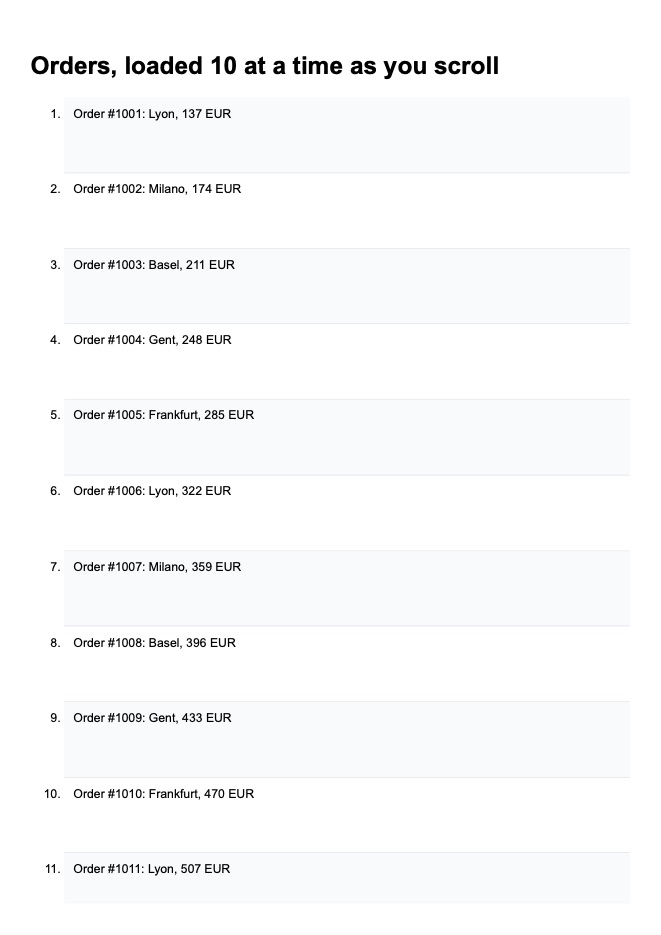
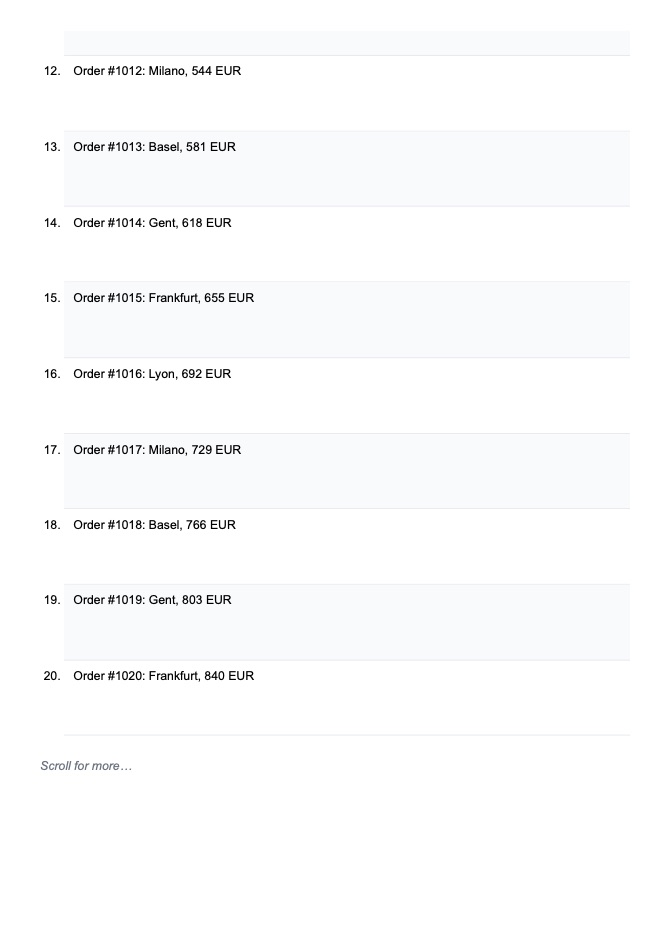
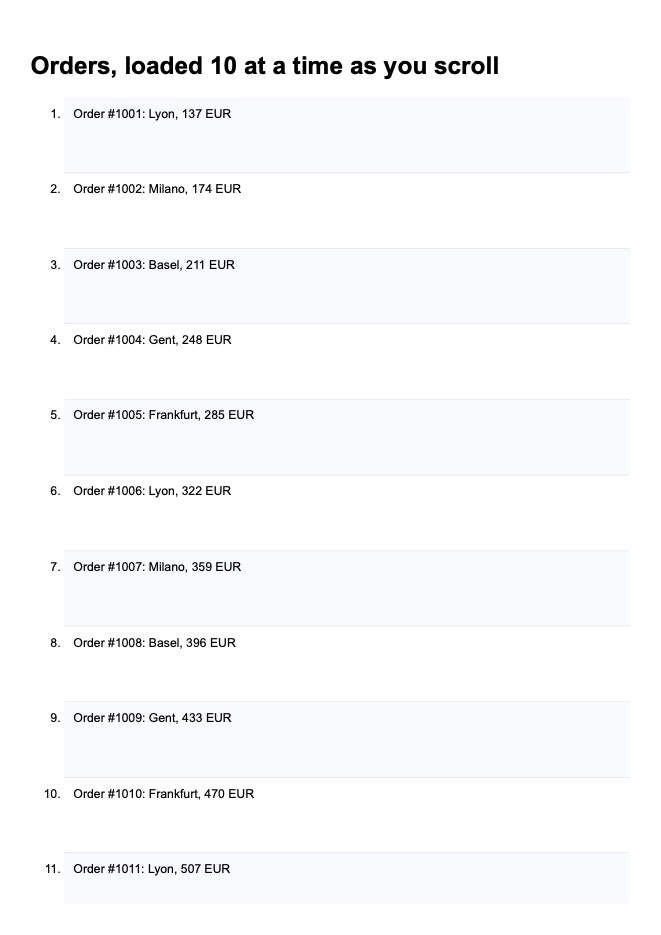
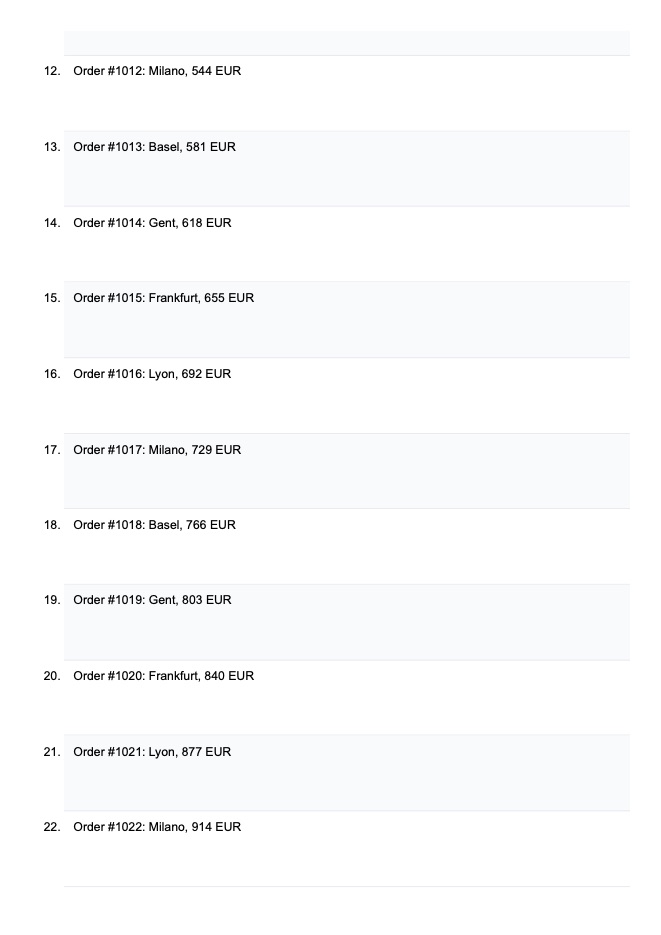
<h1>Orders, loaded 10 at a time as you scroll</h1>
<ol id="list"></ol>
<p id="more">Scroll for more…</p>
<script>
  // An infinite list as sites write it: the next ten orders load when the bottom comes into view, up to 60
  let loaded = 0;
  const list = document.getElementById('list');
  function loadMore() {
    for (let i = 0; i < 10 && loaded < 60; i++) {
      loaded++;
      const li = document.createElement('li');
      li.textContent = `Order #${1000 + loaded}: ${['Frankfurt', 'Lyon', 'Milano', 'Basel', 'Gent'][loaded % 5]}, ${(loaded * 37) % 900 + 100} EUR`;
      list.append(li);
    }
    if (loaded >= 60) document.getElementById('more').textContent = 'All 60 orders loaded.';
  }
  loadMore();
  new IntersectionObserver((entries) => { if (entries.some(e => e.isIntersecting)) setTimeout(loadMore, 100); })
    .observe(document.getElementById('more'));
</script>
</body></html>
<!DOCTYPE html>
<html lang="en"><head><meta charset="utf-8"><title>The Daily Example</title>
<style>
  body { font: 15px/1.6 Georgia, serif; margin: 0; color: #111827; }
  header { padding: 14px 32px; border-bottom: 3px double #111827; font: bold 26px Georgia, serif; }
  main { display: flex; gap: 32px; padding: 20px 32px; }
  article { flex: 1; }
  h1 { font-size: 26px; line-height: 1.25; margin: 0 0 8px; }
  .byline { color: #6b7280; font: 12px Arial, sans-serif; margin-bottom: 12px; }
  aside { width: 200px; flex: none; }
  .slot { display: block; background: #e5e7eb; color: #6b7280; font: 11px Arial, sans-serif; text-align: center; }
  .sponsored { margin-top: 16px; padding: 10px; border: 1px solid #d1d5db; font: 12px Arial, sans-serif; }
  .sponsored b { display: block; color: #6b7280; text-transform: uppercase; font-size: 10px; }
  #veil { position: fixed; inset: 0; background: rgba(17, 24, 39, .55); }
  #consent { position: fixed; top: 150px; left: 50%; width: 420px; margin-left: -230px; padding: 20px; background: #fff;
    border-radius: 8px; font: 13px/1.5 Arial, sans-serif; box-shadow: 0 8px 30px rgba(0, 0, 0, .3); }
  #consent h2 { margin: 0 0 8px; font-size: 17px; }
  #consent button { margin: 12px 8px 0 0; padding: 8px 14px; border: 0; border-radius: 4px; background: #111827; color: #fff; }
  #cookie-bar { position: fixed; left: 0; right: 0; bottom: 0; padding: 12px 32px; background: #111827; color: #fff;
    font: 13px Arial, sans-serif; }
  #cookie-bar a { color: #fbbf24; }
</style></head>
<body>
<header>The Daily Example</header>
<ins class="adsbygoogle slot" data-ad-slot="1234567890" style="height: 90px; line-height: 90px; margin: 12px 32px;">Advertisement</ins>
<main>
  <article>
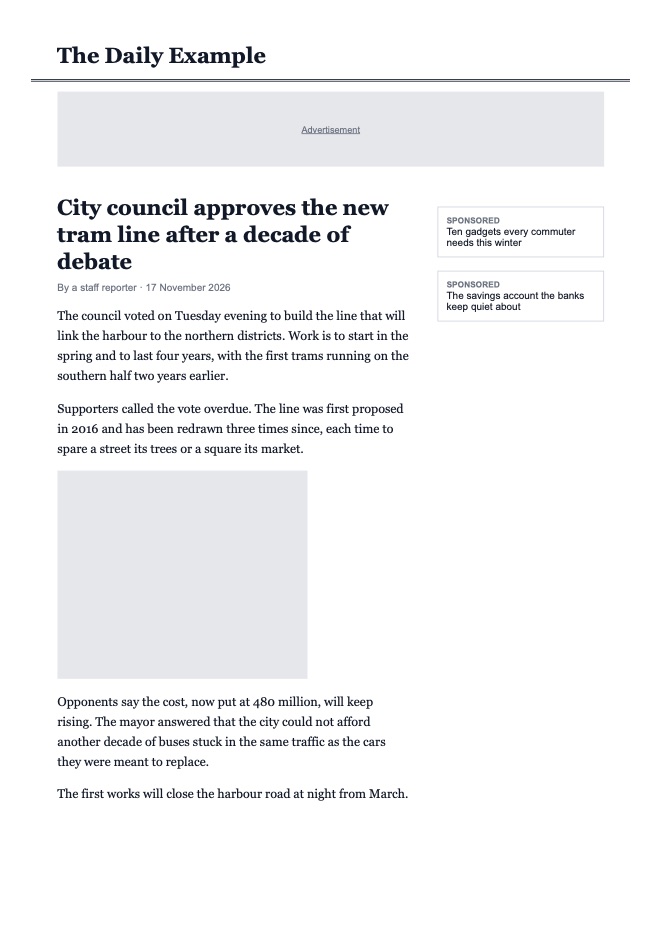
    <h1>City council approves the new tram line after a decade of debate</h1>
    <div class="byline">By a staff reporter · 17 November 2026</div>
    <p>The council voted on Tuesday evening to build the line that will link the harbour to the northern districts.
    Work is to start in the spring and to last four years, with the first trams running on the southern half two years
    earlier.</p>
    <p>Supporters called the vote overdue. The line was first proposed in 2016 and has been redrawn three times since,
    each time to spare a street its trees or a square its market.</p>
    <iframe class="slot" src="https://securepubads.g.doubleclick.net/gampad/adx?slot=inline" width="300" height="250" style="border: 0; margin: 8px 0;"></iframe>
    <p>Opponents say the cost, now put at 480 million, will keep rising. The mayor answered that the city could not
    afford another decade of buses stuck in the same traffic as the cars they were meant to replace.</p>
    <p>The first works will close the harbour road at night from March.</p>
  </article>
  <aside>
    <div class="sponsored"><b>Sponsored</b>Ten gadgets every commuter needs this winter</div>
    <div class="sponsored"><b>Sponsored</b>The savings account the banks keep quiet about</div>
  </aside>
</main>
<div id="veil" hidden></div>
<div id="consent" role="dialog" aria-modal="true" hidden>
  <h2>We value your privacy</h2>
  We and our 214 partners use cookies and similar technologies to store and read information on your device, to show
  you personalised advertising and to measure its audience.
  <div><button>Accept all</button><button>Reject all</button><button>Manage preferences</button></div>
</div>
<div id="cookie-bar" hidden>We use cookies to give you the best experience. <a href="#">Find out more</a> · <a href="#" role="button">OK, I agree</a></div>
<script src="https://www.google-analytics.com/analytics.js" async></script>
<script>
  // (as a consent platform does: its boxes appear once the page has loaded)
  window.addEventListener('load', function () {
    for (const id of ['veil', 'consent', 'cookie-bar']) document.getElementById(id).hidden = false;
  });
</script>
</body></html>