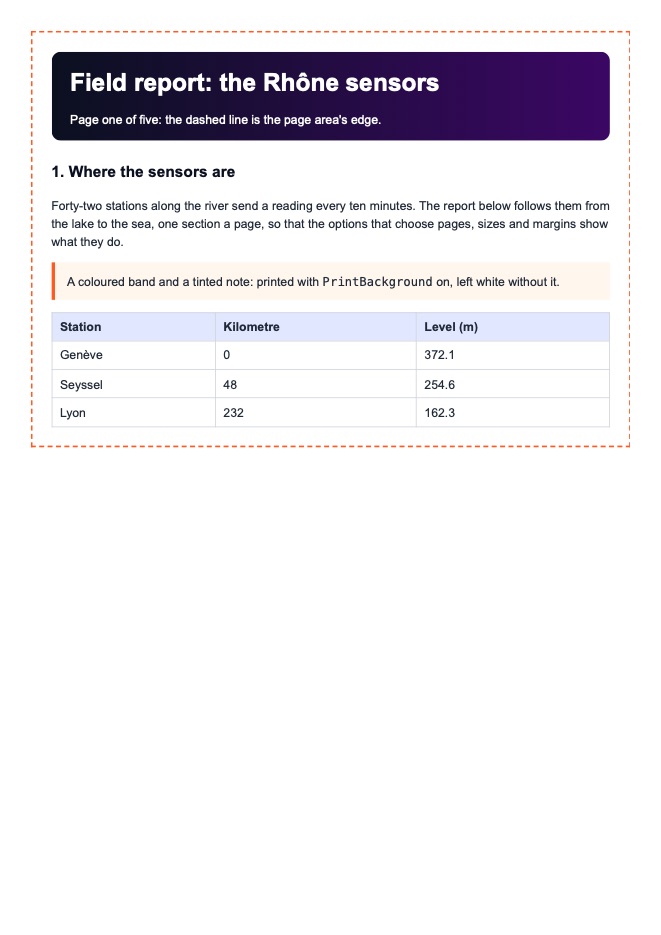
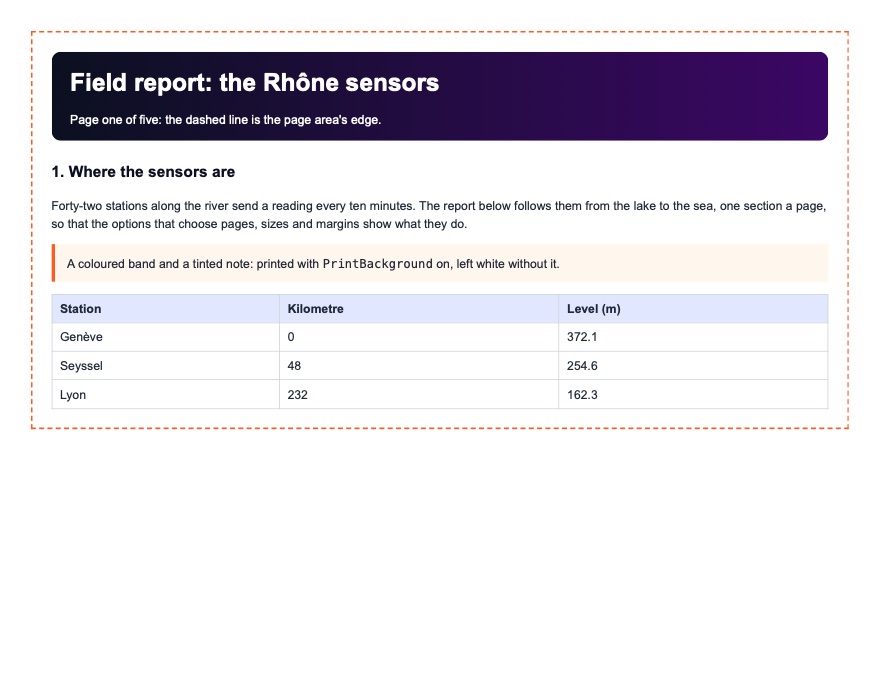
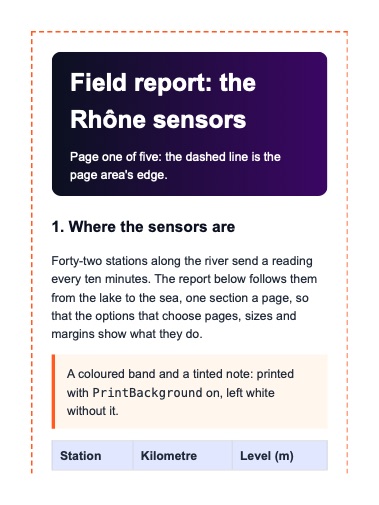
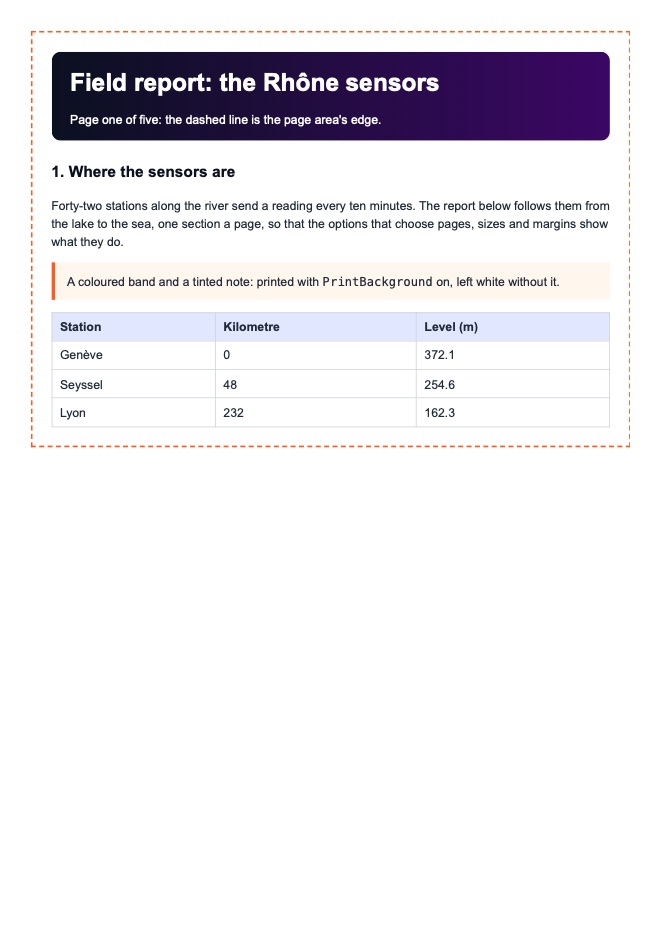
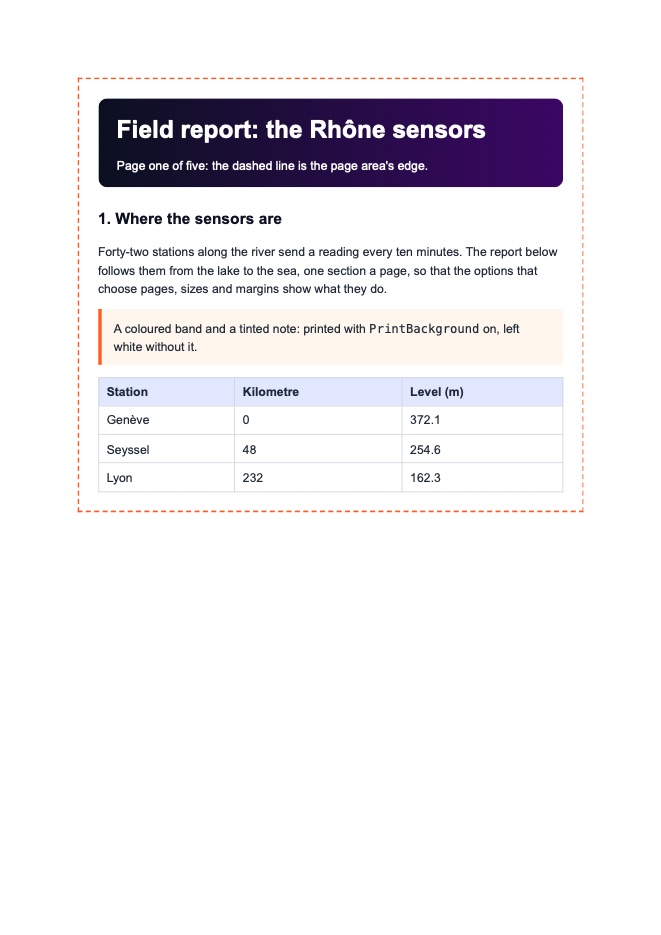
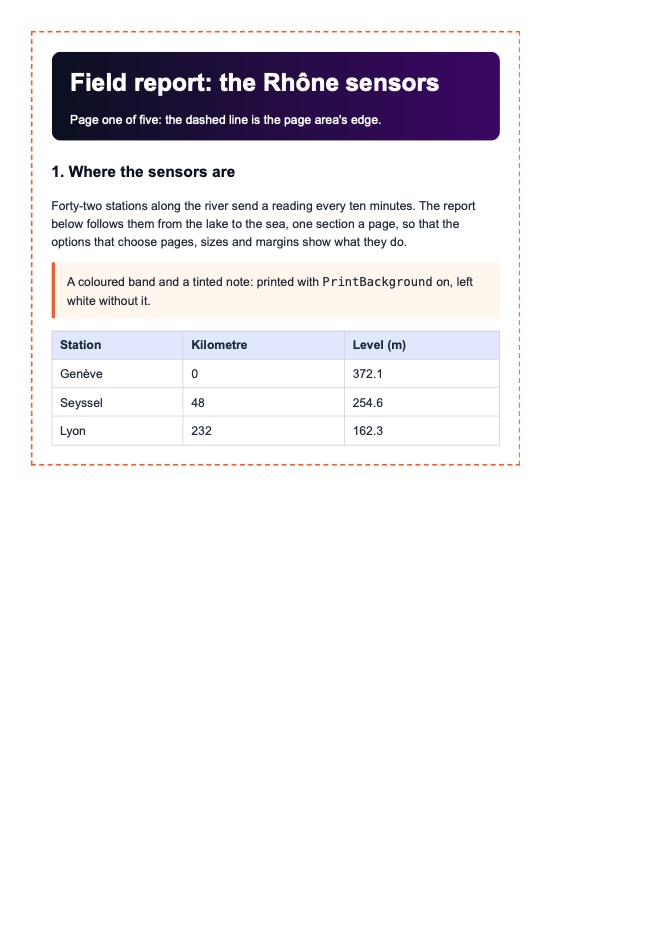
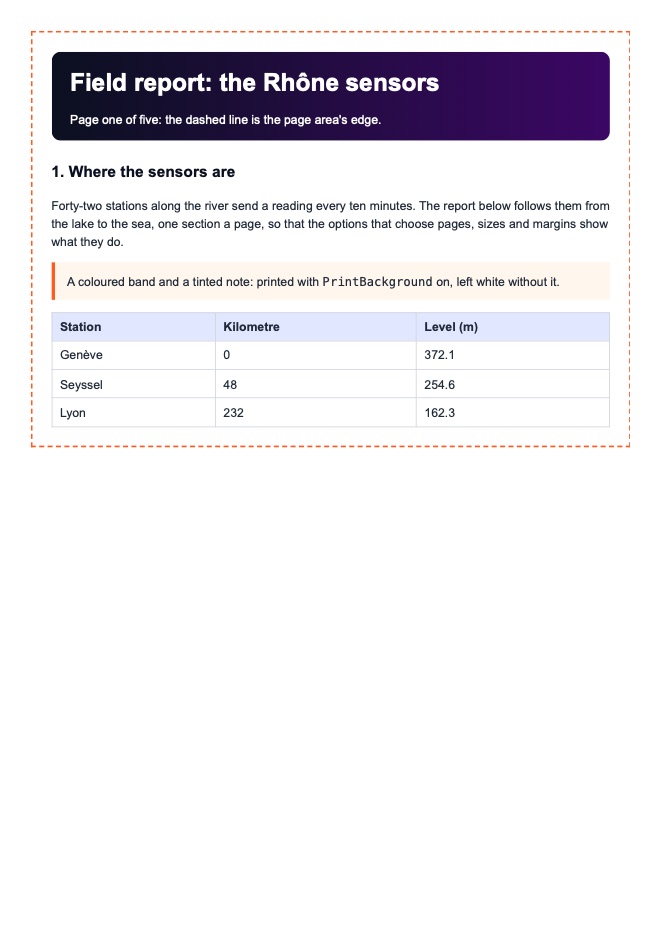
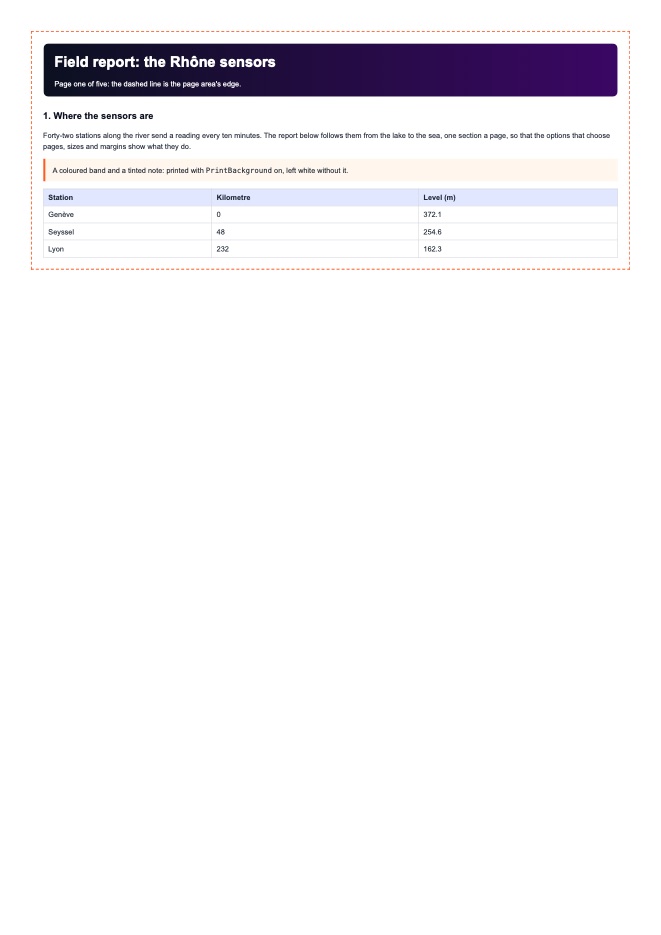
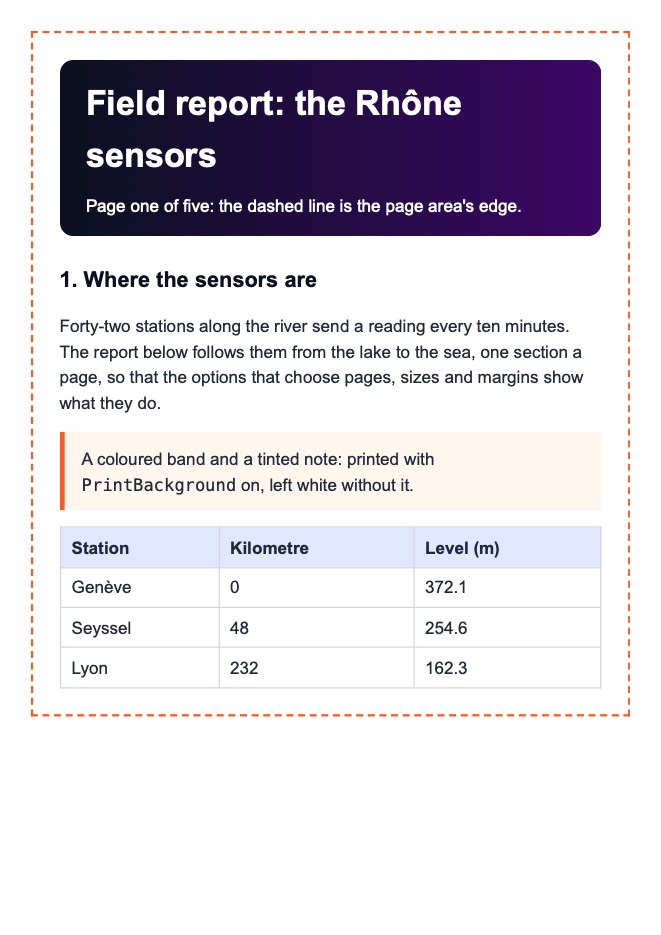
Para cada opción que cambia el resultado: una página pequeña, el C# que configura la opción y las páginas que imprimió Weblitz, junto al valor predeterminado cuando eso muestra la diferencia. Hecho el 2026-11-23 en macOS; las páginas se dibujan a partir de los PDF, que puedes descargar. Lo que el motor señaló se muestra tal como llegó (en inglés), incluido lo que aún no hace.
<!DOCTYPE html>
<html lang="en"><head><meta charset="utf-8"><title>Field report: the Rhône sensors</title>
<style>
  body { font: 11pt/1.5 Arial, sans-serif; color: #1f2937; margin: 0; }
  .frame { border: 2px dashed #ff5a1f; padding: 6mm; }
  h1 { font-size: 22pt; margin: 0 0 3mm; color: #0b1020; }
  h2 { font-size: 14pt; margin: 6mm 0 2mm; color: #0b1020; }
  .band { background: linear-gradient(90deg, #0b1020, #3b0764); color: #fff; padding: 4mm 6mm; border-radius: 3mm; }
  .note { background: #fff7ed; border-left: 4px solid #ff5a1f; padding: 3mm 4mm; }
  table { border-collapse: collapse; width: 100%; margin-top: 3mm; }
  th, td { border: 1px solid #d1d5db; padding: 1.5mm 2.5mm; text-align: left; }
  th { background: #e0e7ff; }
  .page-break { break-before: page; }
</style></head>
<body>
<div class="frame">
  <div class="band"><h1 style="color:#fff">Field report: the Rhône sensors</h1>Page one of five: the dashed line is the page area's edge.</div>
  <h2>1. Where the sensors are</h2>
  <p>Forty-two stations along the river send a reading every ten minutes. The report below follows them from the lake to the sea, one section a page, so that the options that choose pages, sizes and margins show what they do.</p>
  <p class="note">A coloured band and a tinted note: printed with <code>PrintBackground</code> on, left white without it.</p>
  <table><tr><th>Station</th><th>Kilometre</th><th>Level (m)</th></tr>
    <tr><td>Genève</td><td>0</td><td>372.1</td></tr><tr><td>Seyssel</td><td>48</td><td>254.6</td></tr><tr><td>Lyon</td><td>232</td><td>162.3</td></tr></table>
</div>
<div class="frame page-break"><div class="band">Page two of five</div><h2>2. The upper river</h2><p>The upper river is fast and cold: its stations read the level every ten minutes and the temperature every hour.</p></div>
<div class="frame page-break"><div class="band">Page three of five</div><h2>3. Lyon</h2><p>At Lyon the Saône joins: the station reads both rivers.</p></div>
<div class="frame page-break"><div class="band">Page four of five</div><h2>4. The lower river</h2><p>Dams turn the lower river into a staircase of reaches.</p></div>
<div class="frame page-break"><div class="band">Page five of five</div><h2>5. The delta</h2><p>In the Camargue the river splits in two before the sea.</p></div>
</body></html>
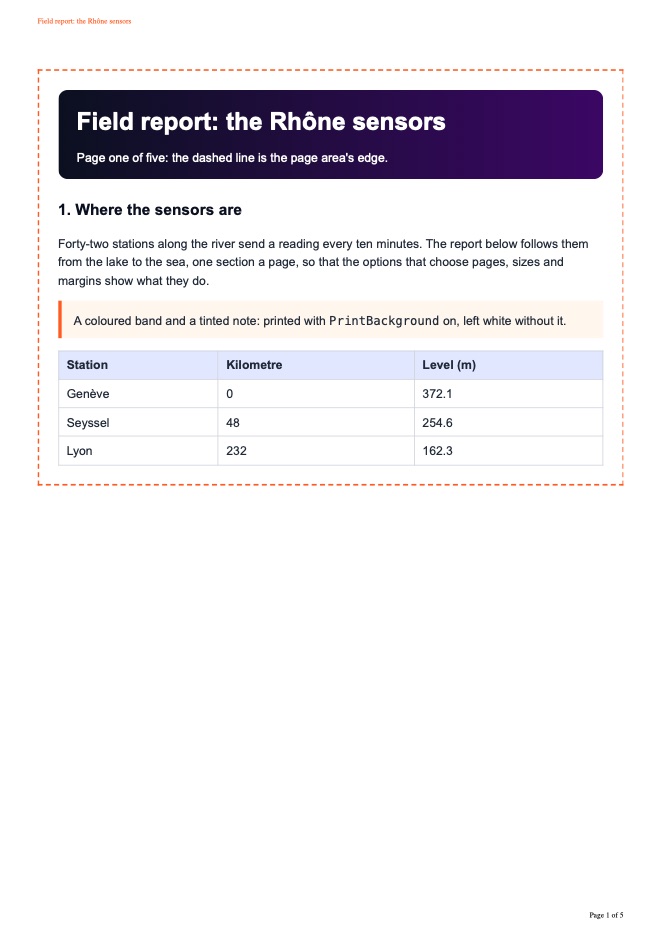
Las plantillas son HTML impreso en los márgenes superior e inferior de cada página, como los imprime Chrome; los elementos con las clases pageNumber, totalPages, title, url y date se rellenan. Una plantilla que no fija ningún tamaño de fuente recibe el diminuto tamaño predeterminado de Chrome: fija uno. Deja espacio para ellas en los márgenes.
<!DOCTYPE html>
<html lang="en"><head><meta charset="utf-8"><title>Field report: the Rhône sensors</title>
<style>
  body { font: 11pt/1.5 Arial, sans-serif; color: #1f2937; margin: 0; }
  .frame { border: 2px dashed #ff5a1f; padding: 6mm; }
  h1 { font-size: 22pt; margin: 0 0 3mm; color: #0b1020; }
  h2 { font-size: 14pt; margin: 6mm 0 2mm; color: #0b1020; }
  .band { background: linear-gradient(90deg, #0b1020, #3b0764); color: #fff; padding: 4mm 6mm; border-radius: 3mm; }
  .note { background: #fff7ed; border-left: 4px solid #ff5a1f; padding: 3mm 4mm; }
  table { border-collapse: collapse; width: 100%; margin-top: 3mm; }
  th, td { border: 1px solid #d1d5db; padding: 1.5mm 2.5mm; text-align: left; }
  th { background: #e0e7ff; }
  .page-break { break-before: page; }
</style></head>
<body>
<div class="frame">
  <div class="band"><h1 style="color:#fff">Field report: the Rhône sensors</h1>Page one of five: the dashed line is the page area's edge.</div>
  <h2>1. Where the sensors are</h2>
  <p>Forty-two stations along the river send a reading every ten minutes. The report below follows them from the lake to the sea, one section a page, so that the options that choose pages, sizes and margins show what they do.</p>
  <p class="note">A coloured band and a tinted note: printed with <code>PrintBackground</code> on, left white without it.</p>
  <table><tr><th>Station</th><th>Kilometre</th><th>Level (m)</th></tr>
    <tr><td>Genève</td><td>0</td><td>372.1</td></tr><tr><td>Seyssel</td><td>48</td><td>254.6</td></tr><tr><td>Lyon</td><td>232</td><td>162.3</td></tr></table>
</div>
<div class="frame page-break"><div class="band">Page two of five</div><h2>2. The upper river</h2><p>The upper river is fast and cold: its stations read the level every ten minutes and the temperature every hour.</p></div>
<div class="frame page-break"><div class="band">Page three of five</div><h2>3. Lyon</h2><p>At Lyon the Saône joins: the station reads both rivers.</p></div>
<div class="frame page-break"><div class="band">Page four of five</div><h2>4. The lower river</h2><p>Dams turn the lower river into a staircase of reaches.</p></div>
<div class="frame page-break"><div class="band">Page five of five</div><h2>5. The delta</h2><p>In the Camargue the river splits in two before the sea.</p></div>
</body></html>
Encabezado y pie de página
var result = HtmlToPdf.Render(html, new HtmlPdfOptions
{
    DisplayHeaderFooter = true,
    Margin = new HtmlMargins("22mm", "12mm", "20mm", "12mm"),
    HeaderTemplate = "<div style='font-size:9px; width:100%; padding:0 12mm; color:#ff5a1f'><span class='title'></span></div>",
    FooterTemplate = "<div style='font-size:9px; width:100%; padding:0 12mm; text-align:right'>Page <span class='pageNumber'></span> of <span class='totalPages'></span></div>",
});
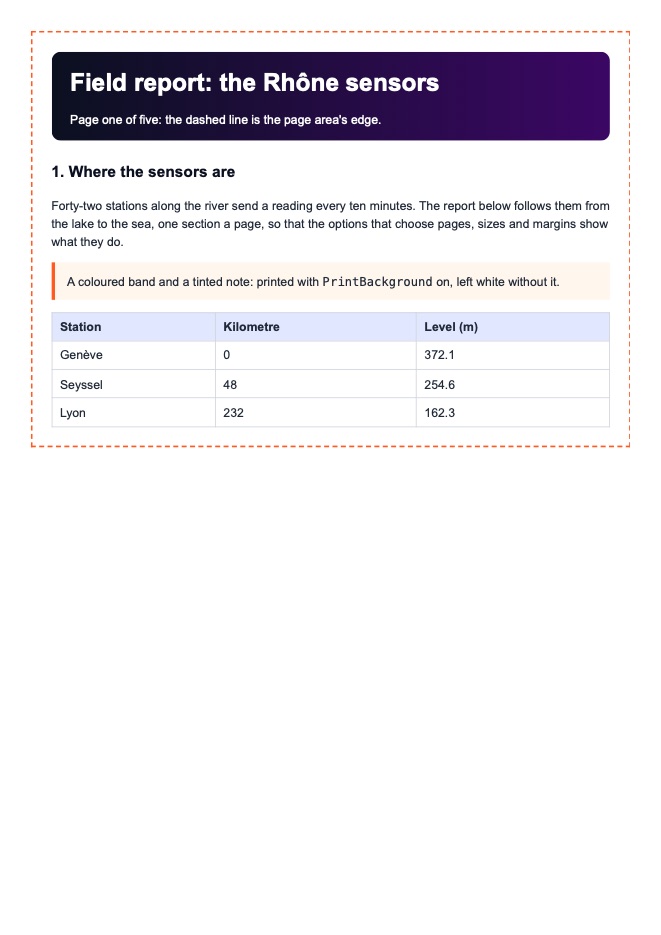
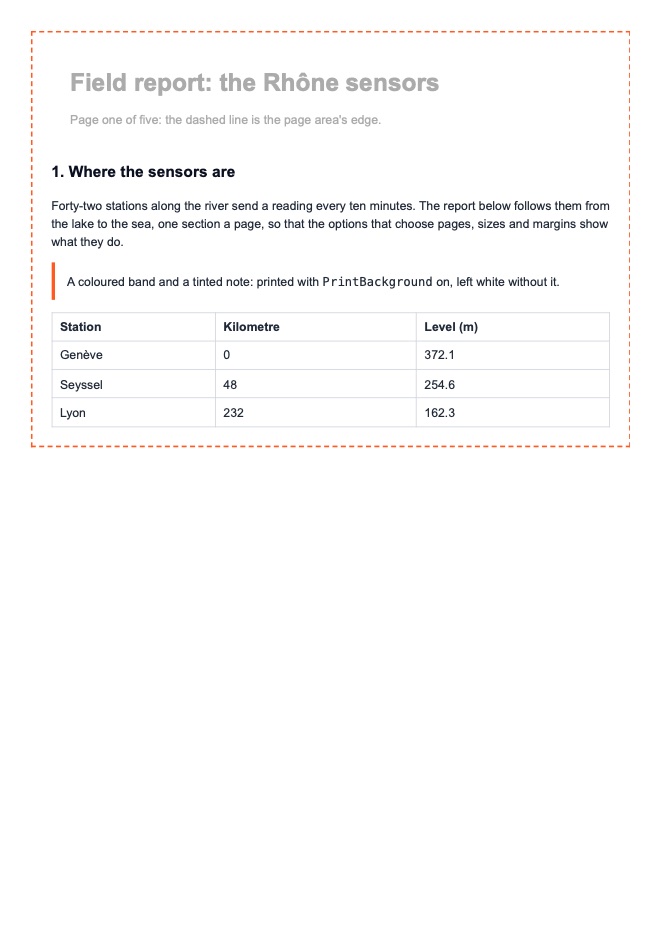
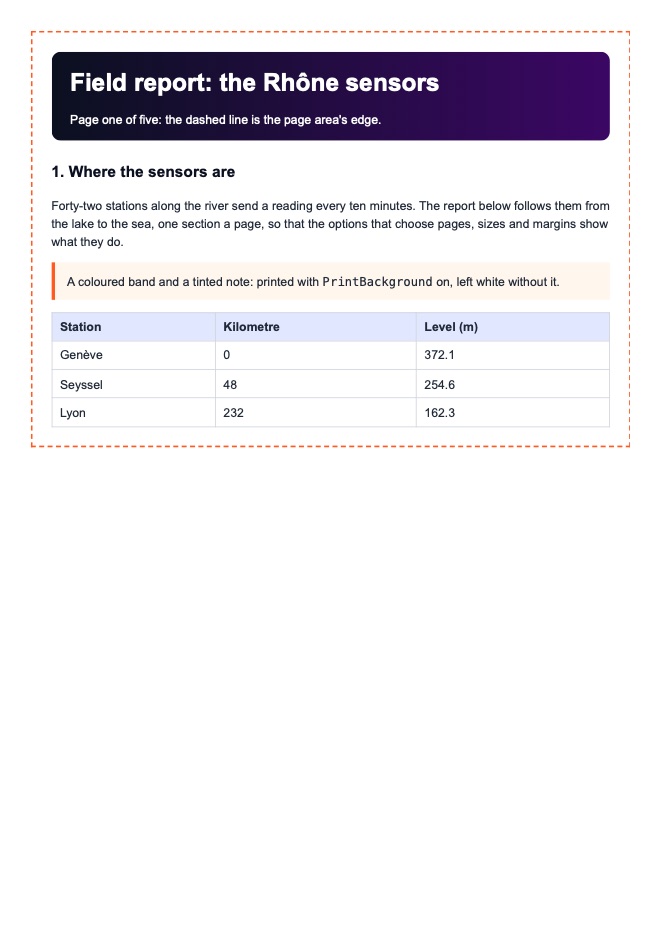
Los colores, degradados e imágenes de fondo se imprimen de forma predeterminada; desactivados, se omiten, como con la casilla «Gráficos de fondo» de Chrome sin marcar.
<!DOCTYPE html>
<html lang="en"><head><meta charset="utf-8"><title>Field report: the Rhône sensors</title>
<style>
  body { font: 11pt/1.5 Arial, sans-serif; color: #1f2937; margin: 0; }
  .frame { border: 2px dashed #ff5a1f; padding: 6mm; }
  h1 { font-size: 22pt; margin: 0 0 3mm; color: #0b1020; }
  h2 { font-size: 14pt; margin: 6mm 0 2mm; color: #0b1020; }
  .band { background: linear-gradient(90deg, #0b1020, #3b0764); color: #fff; padding: 4mm 6mm; border-radius: 3mm; }
  .note { background: #fff7ed; border-left: 4px solid #ff5a1f; padding: 3mm 4mm; }
  table { border-collapse: collapse; width: 100%; margin-top: 3mm; }
  th, td { border: 1px solid #d1d5db; padding: 1.5mm 2.5mm; text-align: left; }
  th { background: #e0e7ff; }
  .page-break { break-before: page; }
</style></head>
<body>
<div class="frame">
  <div class="band"><h1 style="color:#fff">Field report: the Rhône sensors</h1>Page one of five: the dashed line is the page area's edge.</div>
  <h2>1. Where the sensors are</h2>
  <p>Forty-two stations along the river send a reading every ten minutes. The report below follows them from the lake to the sea, one section a page, so that the options that choose pages, sizes and margins show what they do.</p>
  <p class="note">A coloured band and a tinted note: printed with <code>PrintBackground</code> on, left white without it.</p>
  <table><tr><th>Station</th><th>Kilometre</th><th>Level (m)</th></tr>
    <tr><td>Genève</td><td>0</td><td>372.1</td></tr><tr><td>Seyssel</td><td>48</td><td>254.6</td></tr><tr><td>Lyon</td><td>232</td><td>162.3</td></tr></table>
</div>
<div class="frame page-break"><div class="band">Page two of five</div><h2>2. The upper river</h2><p>The upper river is fast and cold: its stations read the level every ten minutes and the temperature every hour.</p></div>
<div class="frame page-break"><div class="band">Page three of five</div><h2>3. Lyon</h2><p>At Lyon the Saône joins: the station reads both rivers.</p></div>
<div class="frame page-break"><div class="band">Page four of five</div><h2>4. The lower river</h2><p>Dams turn the lower river into a staircase of reaches.</p></div>
<div class="frame page-break"><div class="band">Page five of five</div><h2>5. The delta</h2><p>In the Camargue the river splits in two before the sea.</p></div>
</body></html>
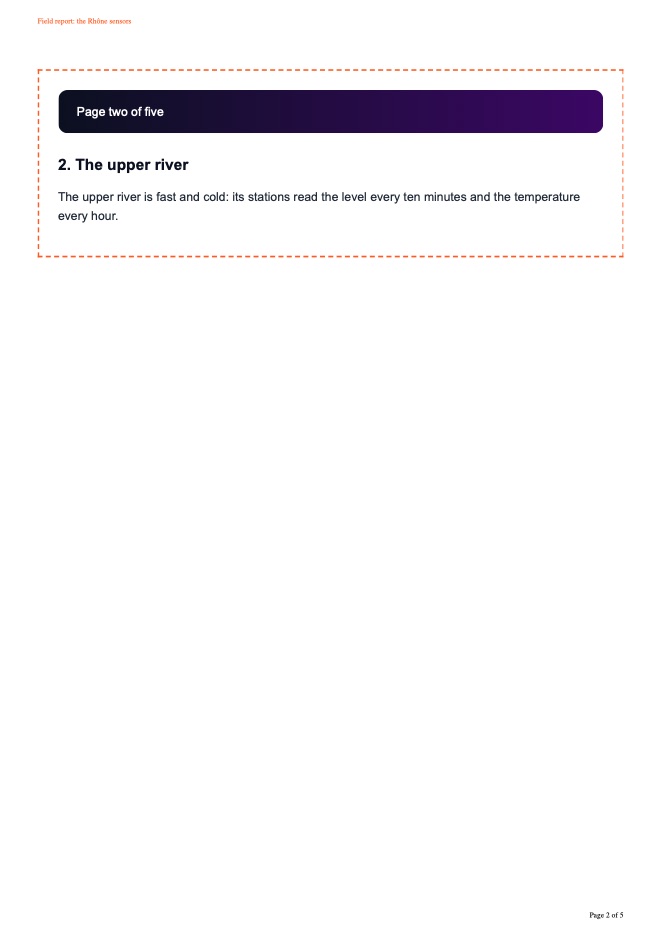
"2-3, 5"
var result = HtmlToPdf.Render(html, new HtmlPdfOptions { PageRanges = "2-3, 5" });
Los scripts se ejecutan una vez antes de imprimir; los temporizadores corren en tiempo virtual durante WaitFor (5 segundos de forma predeterminada), así que el temporizador de 2 segundos de una página se dispara, y el de 8 segundos solo con una espera más larga. beforeprint se ejecuta justo antes de crear el PDF.
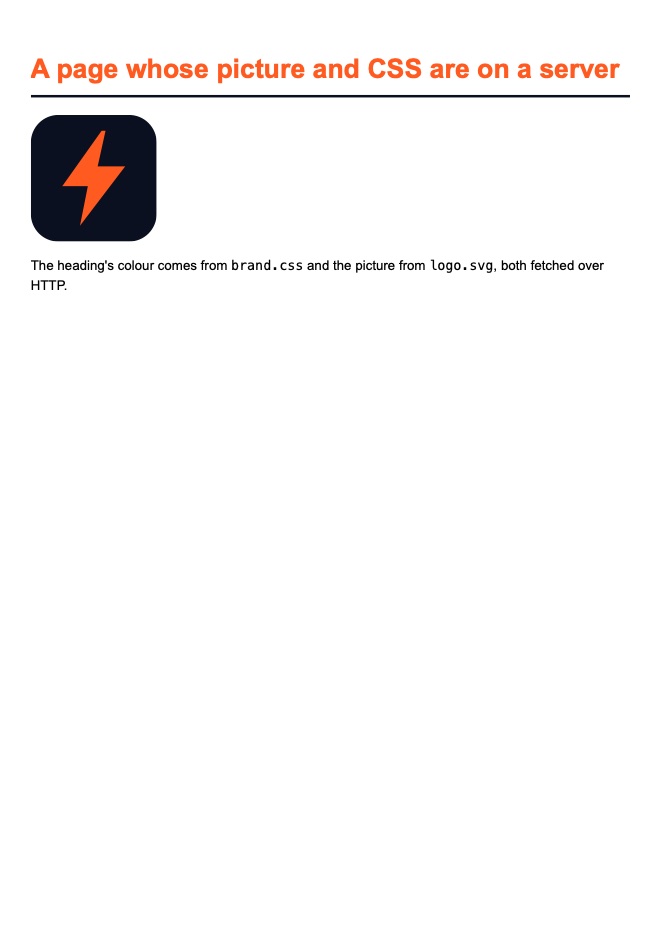
La red está desactivada de forma predeterminada: las direcciones web de una página no se descargan y se anotan en su lugar. Permite los hosts desde los que una página puede cargar (assets es un servidor que el generador inicia en esta máquina).
<!DOCTYPE html>
<html lang="en"><head><meta charset="utf-8"><title>Network</title>
<link rel="stylesheet" href="brand.css">
<style>body { font: 12pt/1.5 Arial, sans-serif; margin: 0; } img { width: 40mm; display: block; margin: 4mm 0; }</style></head>
<body>
<h1 class="brand">A page whose picture and CSS are on a server</h1>
<img src="logo.svg" alt="The logo, fetched from the server">
<p>The heading's colour comes from <code>brand.css</code> and the picture from <code>logo.svg</code>, both fetched over HTTP.</p>
</body></html>
Desactivada (predeterminado)
var result = HtmlToPdf.Render(html, new HtmlPdfOptions { BaseUrl = assets });
Una página que tu servidor muestra solo a usuarios que han iniciado sesión se imprime con lo que enviaría un navegador: un token bearer, una cookie de sesión o una contraseña para la autenticación HTTP. Cada uno va solo a los hosts que nombra, de forma predeterminada al del propio documento (assets es un servidor que el generador inicia en esta máquina; sus páginas de cuenta necesitan uno de ellos).
<!DOCTYPE html>
<html lang="en"><head><meta charset="utf-8"><title>Account statement</title>
<link rel="stylesheet" href="../brand.css">
<style>
  body { font: 11pt/1.5 Arial, sans-serif; margin: 0; }
  table { border-collapse: collapse; width: 100%; margin-top: 6mm; }
  th, td { border-bottom: 1px solid #d0d4dc; padding: 2mm 3mm; text-align: left; }
  td.n { text-align: right; font-variant-numeric: tabular-nums; }
  .who { color: #555; }
</style></head>
<body>
<h1 class="brand">Account statement, October 2026</h1>
<p class="who">Signed in as <strong id="user">a customer</strong>: this page is served only with a valid session.</p>
<table>
  <tr><th>Date</th><th>Description</th><th class="n">Amount</th></tr>
  <tr><td>2026-10-03</td><td>Subscription, October</td><td class="n">-49.00</td></tr>
  <tr><td>2026-10-14</td><td>Refund, order 1182</td><td class="n">12.50</td></tr>
  <tr><td>2026-10-28</td><td>Top-up</td><td class="n">200.00</td></tr>
</table>
<script>
  // what the page's own scripts see of the session (an HttpOnly cookie never shows here)
  const theme = document.cookie.split('; ').find(c => c.startsWith('theme='));
  if (theme) document.getElementById('user').textContent += ' (theme ' + theme.slice(6) + ')';
</script>
</body></html>
Un token bearer
var result = HtmlToPdf.RenderUrl(new Uri(assets, "account/statement.html"), new HtmlPdfOptions
{
    Network = HtmlNetwork.Allow(assets.Host).WithBearerToken(accessToken),
});
<!DOCTYPE html>
<html lang="en"><head><meta charset="utf-8"><title>Field report: the Rhône sensors</title>
<style>
  body { font: 11pt/1.5 Arial, sans-serif; color: #1f2937; margin: 0; }
  .frame { border: 2px dashed #ff5a1f; padding: 6mm; }
  h1 { font-size: 22pt; margin: 0 0 3mm; color: #0b1020; }
  h2 { font-size: 14pt; margin: 6mm 0 2mm; color: #0b1020; }
  .band { background: linear-gradient(90deg, #0b1020, #3b0764); color: #fff; padding: 4mm 6mm; border-radius: 3mm; }
  .note { background: #fff7ed; border-left: 4px solid #ff5a1f; padding: 3mm 4mm; }
  table { border-collapse: collapse; width: 100%; margin-top: 3mm; }
  th, td { border: 1px solid #d1d5db; padding: 1.5mm 2.5mm; text-align: left; }
  th { background: #e0e7ff; }
  .page-break { break-before: page; }
</style></head>
<body>
<div class="frame">
  <div class="band"><h1 style="color:#fff">Field report: the Rhône sensors</h1>Page one of five: the dashed line is the page area's edge.</div>
  <h2>1. Where the sensors are</h2>
  <p>Forty-two stations along the river send a reading every ten minutes. The report below follows them from the lake to the sea, one section a page, so that the options that choose pages, sizes and margins show what they do.</p>
  <p class="note">A coloured band and a tinted note: printed with <code>PrintBackground</code> on, left white without it.</p>
  <table><tr><th>Station</th><th>Kilometre</th><th>Level (m)</th></tr>
    <tr><td>Genève</td><td>0</td><td>372.1</td></tr><tr><td>Seyssel</td><td>48</td><td>254.6</td></tr><tr><td>Lyon</td><td>232</td><td>162.3</td></tr></table>
</div>
<div class="frame page-break"><div class="band">Page two of five</div><h2>2. The upper river</h2><p>The upper river is fast and cold: its stations read the level every ten minutes and the temperature every hour.</p></div>
<div class="frame page-break"><div class="band">Page three of five</div><h2>3. Lyon</h2><p>At Lyon the Saône joins: the station reads both rivers.</p></div>
<div class="frame page-break"><div class="band">Page four of five</div><h2>4. The lower river</h2><p>Dams turn the lower river into a staircase of reaches.</p></div>
<div class="frame page-break"><div class="band">Page five of five</div><h2>5. The delta</h2><p>In the Camargue the river splits in two before the sea.</p></div>
</body></html>
None
var result = HtmlToPdf.Render(html, new HtmlPdfOptions { Compression = HtmlPdfCompression.None });
<!DOCTYPE html>
<html lang="en"><head><meta charset="utf-8"><title>Field report: the Rhône sensors</title>
<style>
  body { font: 11pt/1.5 Arial, sans-serif; color: #1f2937; margin: 0; }
  .frame { border: 2px dashed #ff5a1f; padding: 6mm; }
  h1 { font-size: 22pt; margin: 0 0 3mm; color: #0b1020; }
  h2 { font-size: 14pt; margin: 6mm 0 2mm; color: #0b1020; }
  .band { background: linear-gradient(90deg, #0b1020, #3b0764); color: #fff; padding: 4mm 6mm; border-radius: 3mm; }
  .note { background: #fff7ed; border-left: 4px solid #ff5a1f; padding: 3mm 4mm; }
  table { border-collapse: collapse; width: 100%; margin-top: 3mm; }
  th, td { border: 1px solid #d1d5db; padding: 1.5mm 2.5mm; text-align: left; }
  th { background: #e0e7ff; }
  .page-break { break-before: page; }
</style></head>
<body>
<div class="frame">
  <div class="band"><h1 style="color:#fff">Field report: the Rhône sensors</h1>Page one of five: the dashed line is the page area's edge.</div>
  <h2>1. Where the sensors are</h2>
  <p>Forty-two stations along the river send a reading every ten minutes. The report below follows them from the lake to the sea, one section a page, so that the options that choose pages, sizes and margins show what they do.</p>
  <p class="note">A coloured band and a tinted note: printed with <code>PrintBackground</code> on, left white without it.</p>
  <table><tr><th>Station</th><th>Kilometre</th><th>Level (m)</th></tr>
    <tr><td>Genève</td><td>0</td><td>372.1</td></tr><tr><td>Seyssel</td><td>48</td><td>254.6</td></tr><tr><td>Lyon</td><td>232</td><td>162.3</td></tr></table>
</div>
<div class="frame page-break"><div class="band">Page two of five</div><h2>2. The upper river</h2><p>The upper river is fast and cold: its stations read the level every ten minutes and the temperature every hour.</p></div>
<div class="frame page-break"><div class="band">Page three of five</div><h2>3. Lyon</h2><p>At Lyon the Saône joins: the station reads both rivers.</p></div>
<div class="frame page-break"><div class="band">Page four of five</div><h2>4. The lower river</h2><p>Dams turn the lower river into a staircase of reaches.</p></div>
<div class="frame page-break"><div class="band">Page five of five</div><h2>5. The delta</h2><p>In the Camargue the river splits in two before the sea.</p></div>
</body></html>
Una contraseña de usuario, sin copia
var result = HtmlToPdf.Render(html, new HtmlPdfOptions
{
    Security = new HtmlPdfSecurity { UserPassword = "open-me", OwnerPassword = "owner-secret", PermitCopying = false },
});
<!DOCTYPE html>
<html lang="en"><head><meta charset="utf-8"><title>Field report: the Rhône sensors</title>
<style>
  body { font: 11pt/1.5 Arial, sans-serif; color: #1f2937; margin: 0; }
  .frame { border: 2px dashed #ff5a1f; padding: 6mm; }
  h1 { font-size: 22pt; margin: 0 0 3mm; color: #0b1020; }
  h2 { font-size: 14pt; margin: 6mm 0 2mm; color: #0b1020; }
  .band { background: linear-gradient(90deg, #0b1020, #3b0764); color: #fff; padding: 4mm 6mm; border-radius: 3mm; }
  .note { background: #fff7ed; border-left: 4px solid #ff5a1f; padding: 3mm 4mm; }
  table { border-collapse: collapse; width: 100%; margin-top: 3mm; }
  th, td { border: 1px solid #d1d5db; padding: 1.5mm 2.5mm; text-align: left; }
  th { background: #e0e7ff; }
  .page-break { break-before: page; }
</style></head>
<body>
<div class="frame">
  <div class="band"><h1 style="color:#fff">Field report: the Rhône sensors</h1>Page one of five: the dashed line is the page area's edge.</div>
  <h2>1. Where the sensors are</h2>
  <p>Forty-two stations along the river send a reading every ten minutes. The report below follows them from the lake to the sea, one section a page, so that the options that choose pages, sizes and margins show what they do.</p>
  <p class="note">A coloured band and a tinted note: printed with <code>PrintBackground</code> on, left white without it.</p>
  <table><tr><th>Station</th><th>Kilometre</th><th>Level (m)</th></tr>
    <tr><td>Genève</td><td>0</td><td>372.1</td></tr><tr><td>Seyssel</td><td>48</td><td>254.6</td></tr><tr><td>Lyon</td><td>232</td><td>162.3</td></tr></table>
</div>
<div class="frame page-break"><div class="band">Page two of five</div><h2>2. The upper river</h2><p>The upper river is fast and cold: its stations read the level every ten minutes and the temperature every hour.</p></div>
<div class="frame page-break"><div class="band">Page three of five</div><h2>3. Lyon</h2><p>At Lyon the Saône joins: the station reads both rivers.</p></div>
<div class="frame page-break"><div class="band">Page four of five</div><h2>4. The lower river</h2><p>Dams turn the lower river into a staircase of reaches.</p></div>
<div class="frame page-break"><div class="band">Page five of five</div><h2>5. The delta</h2><p>In the Camargue the river splits in two before the sea.</p></div>
</body></html>
Título, autor, PDF/A
var result = HtmlToPdf.Render(html, new HtmlPdfOptions { Title = "Rhône field report", Author = "Hydrology team", PdfA = true });
Una página sujeta a sus límites: aquí dos páginas como máximo. El renderizado se detiene ahí, imprime lo que tiene y lo dice: Completed es false y una nota indica qué límite.
<!DOCTYPE html>
<html lang="en"><head><meta charset="utf-8"><title>Field report: the Rhône sensors</title>
<style>
  body { font: 11pt/1.5 Arial, sans-serif; color: #1f2937; margin: 0; }
  .frame { border: 2px dashed #ff5a1f; padding: 6mm; }
  h1 { font-size: 22pt; margin: 0 0 3mm; color: #0b1020; }
  h2 { font-size: 14pt; margin: 6mm 0 2mm; color: #0b1020; }
  .band { background: linear-gradient(90deg, #0b1020, #3b0764); color: #fff; padding: 4mm 6mm; border-radius: 3mm; }
  .note { background: #fff7ed; border-left: 4px solid #ff5a1f; padding: 3mm 4mm; }
  table { border-collapse: collapse; width: 100%; margin-top: 3mm; }
  th, td { border: 1px solid #d1d5db; padding: 1.5mm 2.5mm; text-align: left; }
  th { background: #e0e7ff; }
  .page-break { break-before: page; }
</style></head>
<body>
<div class="frame">
  <div class="band"><h1 style="color:#fff">Field report: the Rhône sensors</h1>Page one of five: the dashed line is the page area's edge.</div>
  <h2>1. Where the sensors are</h2>
  <p>Forty-two stations along the river send a reading every ten minutes. The report below follows them from the lake to the sea, one section a page, so that the options that choose pages, sizes and margins show what they do.</p>
  <p class="note">A coloured band and a tinted note: printed with <code>PrintBackground</code> on, left white without it.</p>
  <table><tr><th>Station</th><th>Kilometre</th><th>Level (m)</th></tr>
    <tr><td>Genève</td><td>0</td><td>372.1</td></tr><tr><td>Seyssel</td><td>48</td><td>254.6</td></tr><tr><td>Lyon</td><td>232</td><td>162.3</td></tr></table>
</div>
<div class="frame page-break"><div class="band">Page two of five</div><h2>2. The upper river</h2><p>The upper river is fast and cold: its stations read the level every ten minutes and the temperature every hour.</p></div>
<div class="frame page-break"><div class="band">Page three of five</div><h2>3. Lyon</h2><p>At Lyon the Saône joins: the station reads both rivers.</p></div>
<div class="frame page-break"><div class="band">Page four of five</div><h2>4. The lower river</h2><p>Dams turn the lower river into a staircase of reaches.</p></div>
<div class="frame page-break"><div class="band">Page five of five</div><h2>5. The delta</h2><p>In the Camargue the river splits in two before the sea.</p></div>
</body></html>
MaxPages = 2
var result = HtmlToPdf.Render(html, new HtmlPdfOptions { Limits = HtmlPdfLimits.Default with { MaxPages = 2 } });
Console.WriteLine($"{result.PageCount} pages, completed: {result.Completed}");
Warning limitReached: the document was cut after 2 pages.
Notas: lo que no se pudo hacer
Los problemas propios de una página nunca lanzan excepciones: una imagen que falta, un host no permitido, una fuente que la máquina no tiene, un script que lanza una excepción. Cada uno es una nota.
<!DOCTYPE html>
<html lang="en"><head><meta charset="utf-8"><title>Notes</title>
<style>body { font: 12pt/1.5 Arial, sans-serif; margin: 0; } .odd { font-family: "Some Font Nobody Has", serif; }</style></head>
<body>
<h1>A page with problems</h1>
<p><img src="missing-picture.png" alt="A picture that is not there" width="120" height="60"></p>
<p class="odd">Text in a font family the machine does not have.</p>
<p><img src="https://cdn.example.com/banner.png" alt="A picture on another host" width="120" height="60"></p>
<script>
  document.body.append('The script ran up to here; ');
  undefinedFunction();
</script>
</body></html>
Una página con problemas
var result = HtmlToPdf.Render(html);
foreach (var note in result.Notes)
    Console.WriteLine($"{note.Severity} {note.Code}: {note.Message}");
Warning scriptError: ReferenceError: undefinedFunction is not defined | at about:blank#script-25:11:3 | at HostDelegate.<anonymous> (<anonymous>) | at Object.hostCall (ssrs2-dom.js:15562:11)
Warning resourceFailed: Image "missing-picture.png" is not a URL that resolves against no base URL.
Info resourceRefused: Image https://cdn.example.com/banner.png: no resource loader was given (only data: URLs load).
Info scriptsRan: The page's scripts ran (17 ms of virtual time, 4 tasks; 0 canvases drawn).
Info notImplemented: A picture that did not load shows its alternative text; Chrome's broken-image icon beside it is laid out but not drawn.
Info fontFamilyMissing: The font family "Some Font Nobody Has" is not on this machine: its text goes to the next family.
El navegador que ve la página
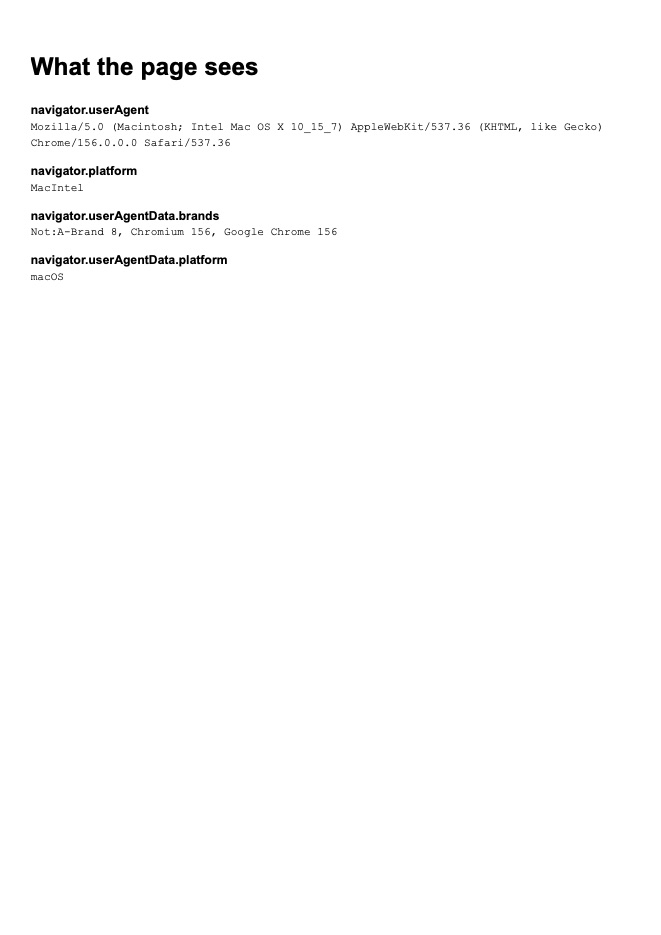
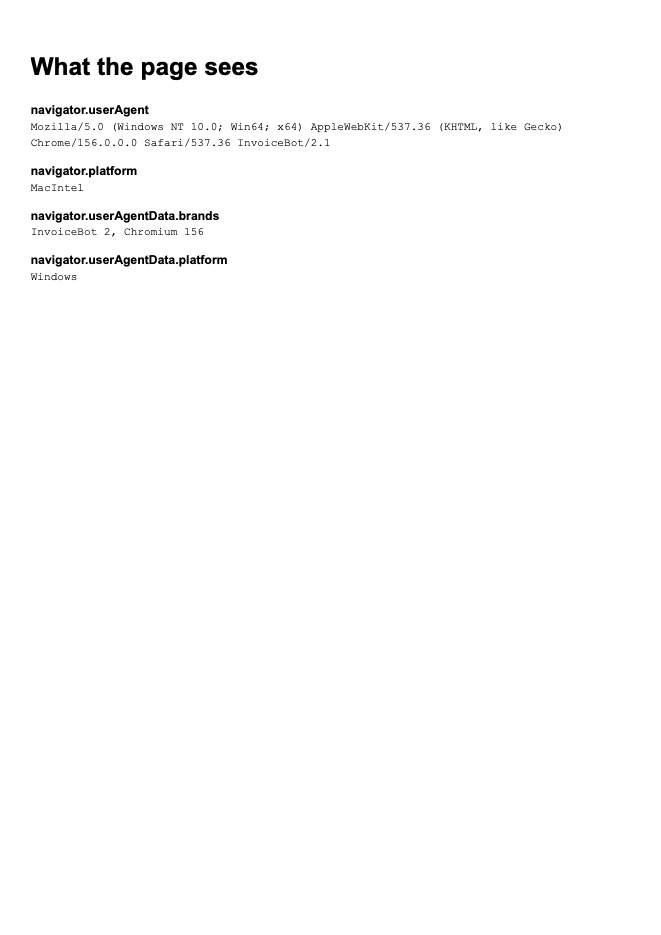
De forma predeterminada, una página ve Chrome 156 de escritorio en el sistema operativo de la máquina. Estas páginas se hicieron en macOS.
Info scriptsRan: The page's scripts ran (17 ms of virtual time, 2 tasks; 0 canvases drawn).
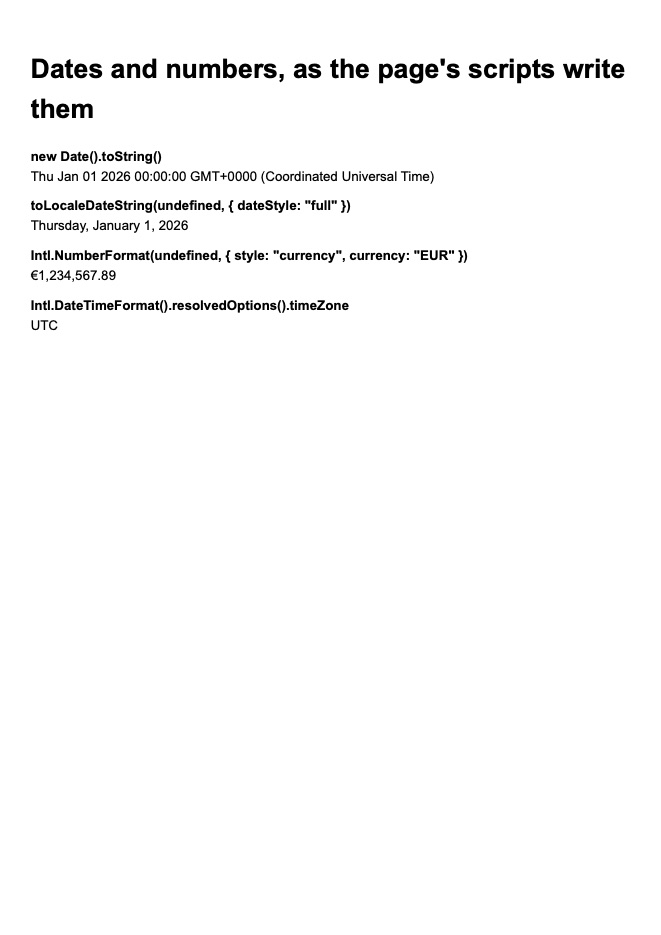
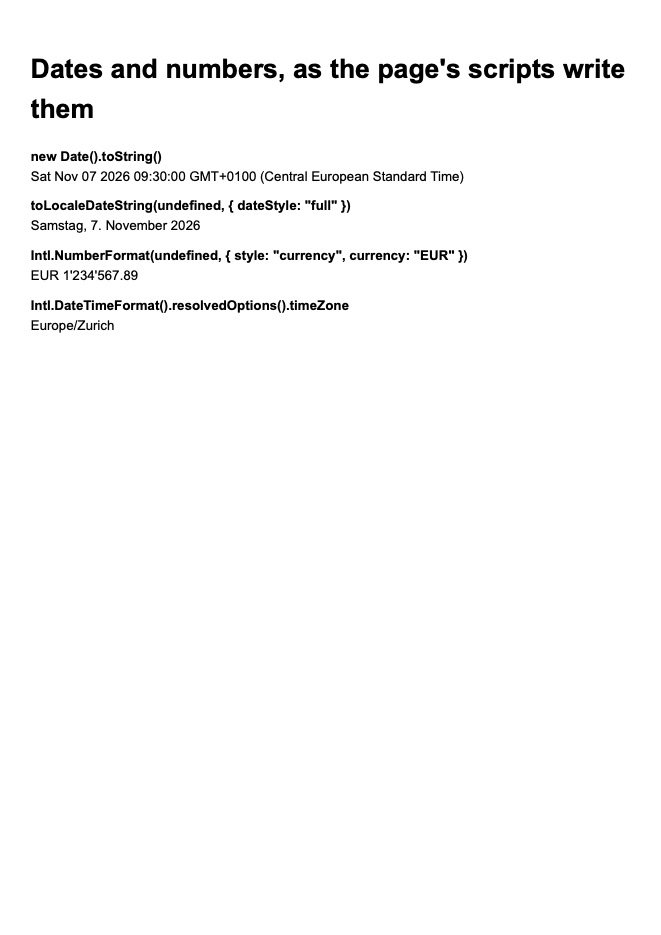
de-CH, Europe/Zurich, un reloj fijo
var result = HtmlToPdf.Render(html, new HtmlPdfOptions
{
    Locale = "de-CH",
    TimeZone = "Europe/Zurich",
    Now = new DateTimeOffset(2026, 11, 7, 9, 30, 0, TimeSpan.FromHours(1)),
});
Info scriptsRan: The page's scripts ran (17 ms of virtual time, 2 tasks; 0 canvases drawn).
Fuentes instaladas
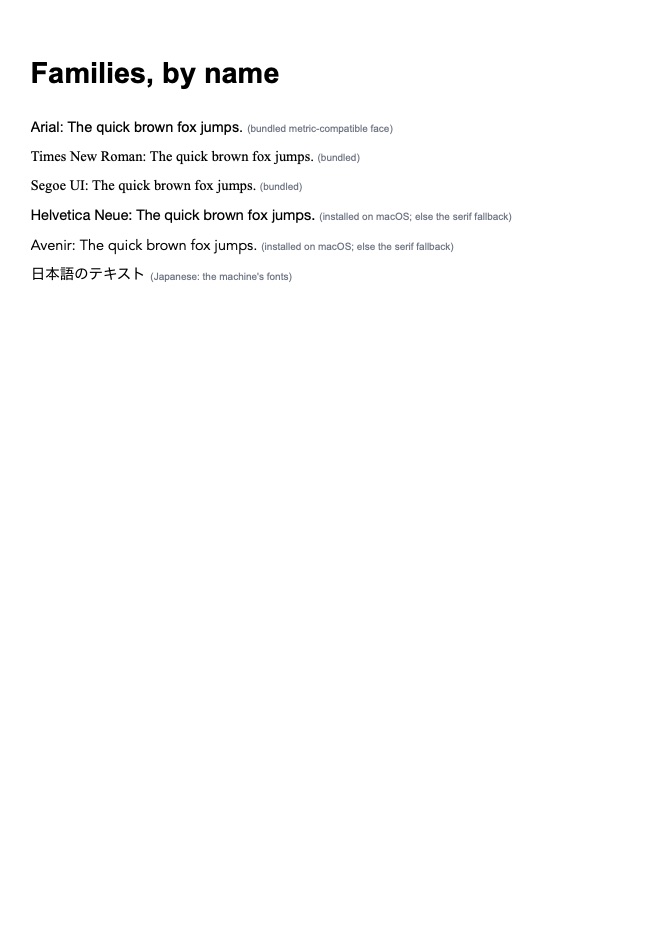
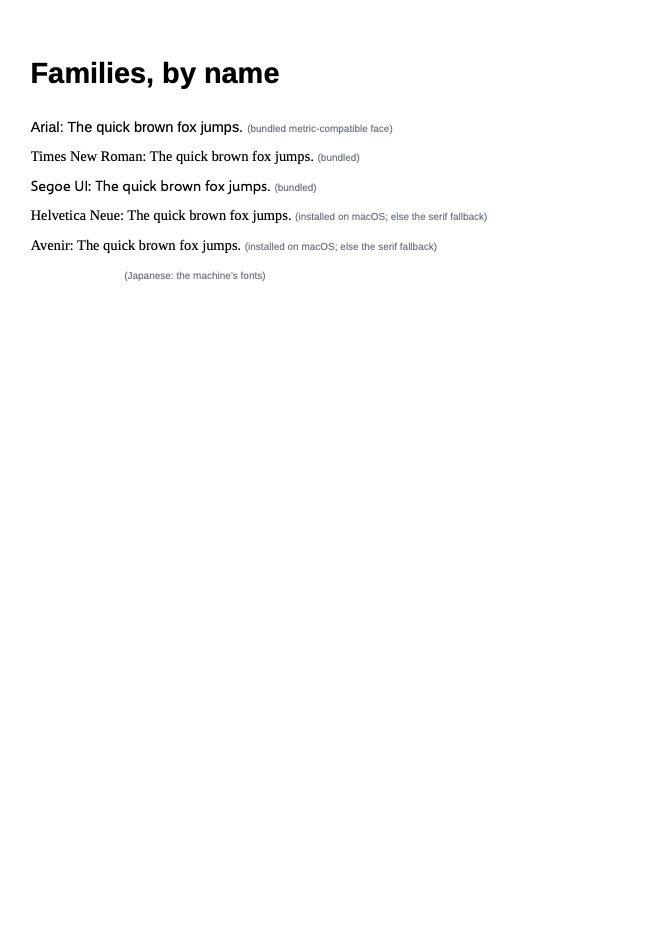
De forma predeterminada, las fuentes de la máquina se usan después de las fuentes @font-face de la propia página; desactivado, solo las fuentes incluidas. Estas páginas se hicieron en macOS.
<!DOCTYPE html>
<html lang="en"><head><meta charset="utf-8"><title>Fonts</title>
<style>body { font: 13pt/1.6 Arial, sans-serif; margin: 0; } p { margin: 2mm 0; } span { color: #6b7280; font: 9pt Arial; }</style></head>
<body>
<h1>Families, by name</h1>
<p style="font-family: Arial">Arial: The quick brown fox jumps. <span>(bundled metric-compatible face)</span></p>
<p style="font-family: 'Times New Roman'">Times New Roman: The quick brown fox jumps. <span>(bundled)</span></p>
<p style="font-family: 'Segoe UI'">Segoe UI: The quick brown fox jumps. <span>(bundled)</span></p>
<p style="font-family: 'Helvetica Neue', serif">Helvetica Neue: The quick brown fox jumps. <span>(installed on macOS; else the serif fallback)</span></p>
<p style="font-family: Avenir, serif">Avenir: The quick brown fox jumps. <span>(installed on macOS; else the serif fallback)</span></p>
<p style="font-family: 'Hiragino Sans', serif">日本語のテキスト <span>(Japanese: the machine's fonts)</span></p>
</body></html>
Info fontFamilyMissing: The font family "Helvetica Neue" is not in the font profile "reference": its text goes to the next family.
Info fontFamilyMissing: The font family "Avenir" is not in the font profile "reference": its text goes to the next family.
Info fontFamilyMissing: The font family "Hiragino Sans" is not in the font profile "reference": its text goes to the next family.
Warning missingGlyph: No font of 'Hiragino Sans, serif' nor the fallback has a glyph for a character: drawn as .notdef.
Listas que se cargan al desplazarse
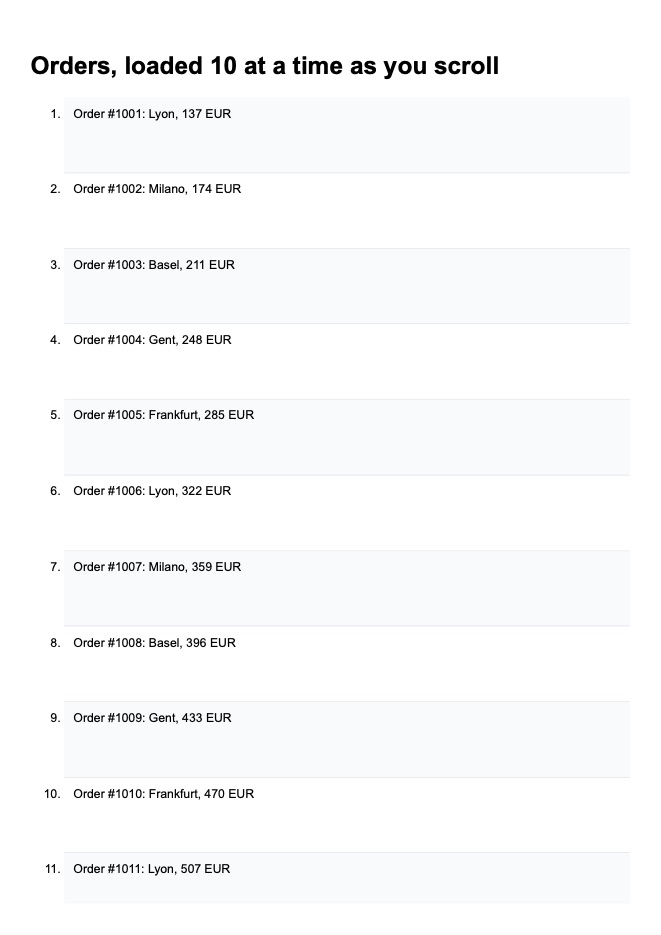
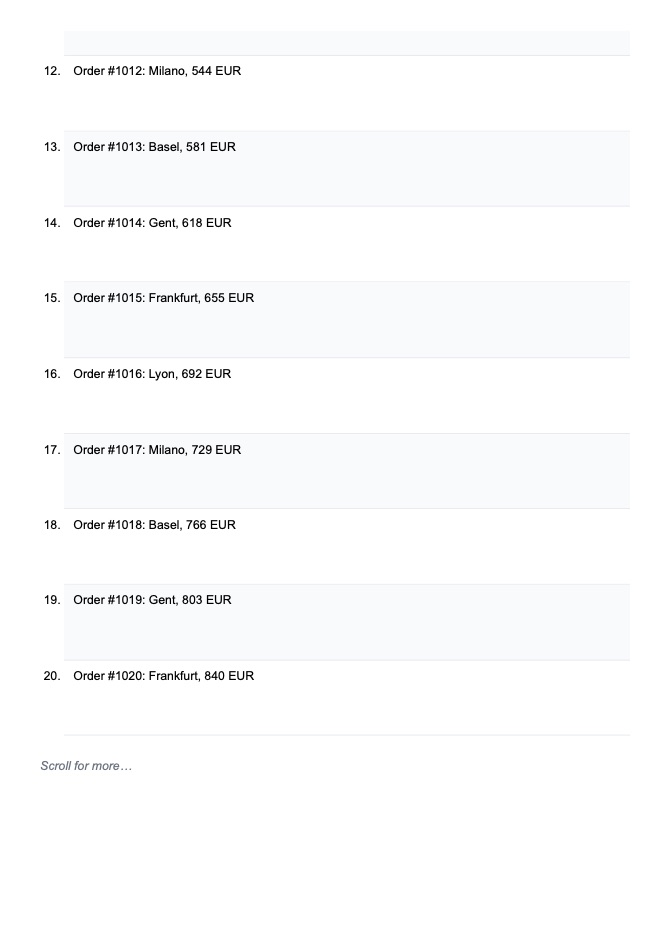
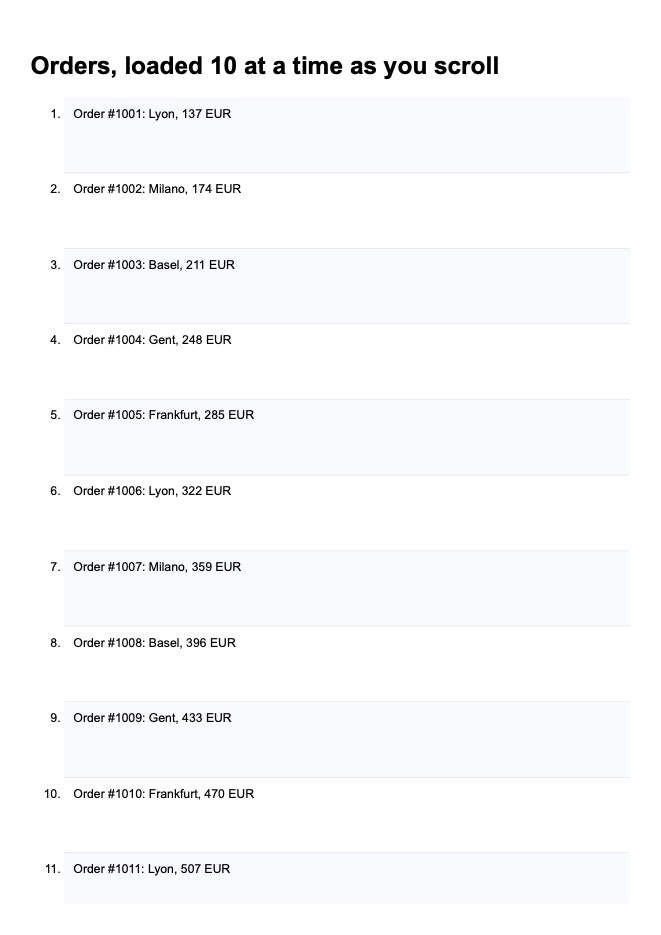
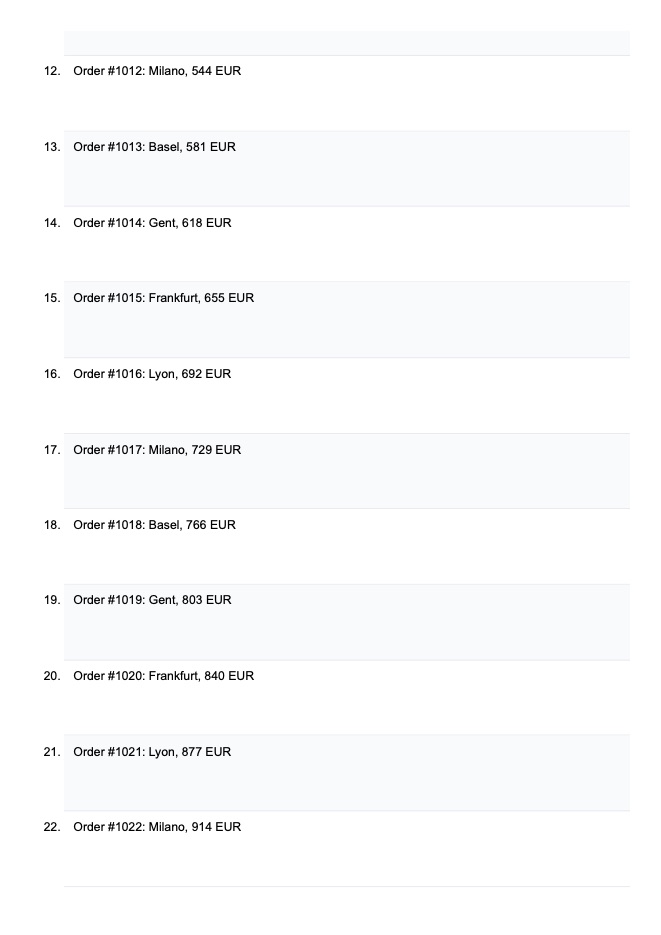
Una lista infinita carga los diez pedidos siguientes cada vez que su final entra en la vista. Sin una opción de desplazamiento, el IntersectionObserver de Weblitz informa una sola vez de que el final es visible, así que el PDF contiene veinte; ScrollThrough desplaza la ventana una altura de ventana cada vez, esperando en cada paso ScrollStepWait de tiempo virtual, de modo que la lista se carga hasta el final y se imprimen los sesenta.
<!DOCTYPE html>
<html lang="en"><head><meta charset="utf-8"><title>A list that loads as you scroll</title>
<style>
  body { font: 11pt/1.4 Arial, sans-serif; margin: 0; }
  li { padding: 2.2mm 3mm; min-height: 24mm; box-sizing: border-box; border-bottom: 1px solid #e5e7eb; }
  li:nth-child(odd) { background: #f8fafc; }
  #more { padding: 3mm; color: #6b7280; font-style: italic; }
</style></head>
<body>
<h1>Orders, loaded 10 at a time as you scroll</h1>
<ol id="list"></ol>
<p id="more">Scroll for more…</p>
<script>
  // An infinite list as sites write it: the next ten orders load when the bottom comes into view, up to 60
  let loaded = 0;
  const list = document.getElementById('list');
  function loadMore() {
    for (let i = 0; i < 10 && loaded < 60; i++) {
      loaded++;
      const li = document.createElement('li');
      li.textContent = `Order #${1000 + loaded}: ${['Frankfurt', 'Lyon', 'Milano', 'Basel', 'Gent'][loaded % 5]}, ${(loaded * 37) % 900 + 100} EUR`;
      list.append(li);
    }
    if (loaded >= 60) document.getElementById('more').textContent = 'All 60 orders loaded.';
  }
  loadMore();
  new IntersectionObserver((entries) => { if (entries.some(e => e.isIntersecting)) setTimeout(loadMore, 100); })
    .observe(document.getElementById('more'));
</script>
</body></html>
Info scriptsRan: The page's scripts ran (883 ms of virtual time, 40 tasks; 0 canvases drawn).
Desplazarse primero a una sección
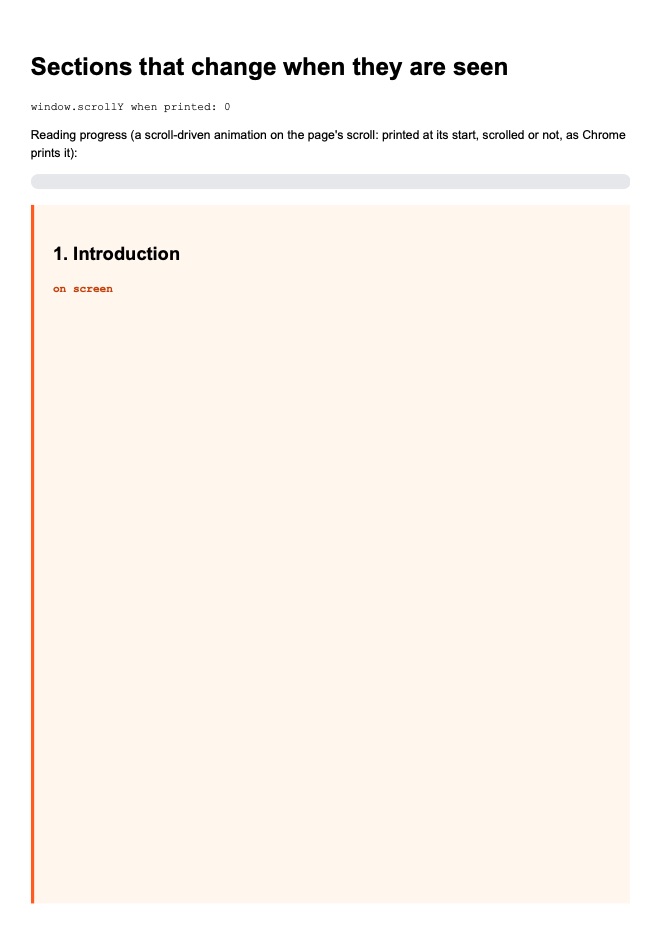
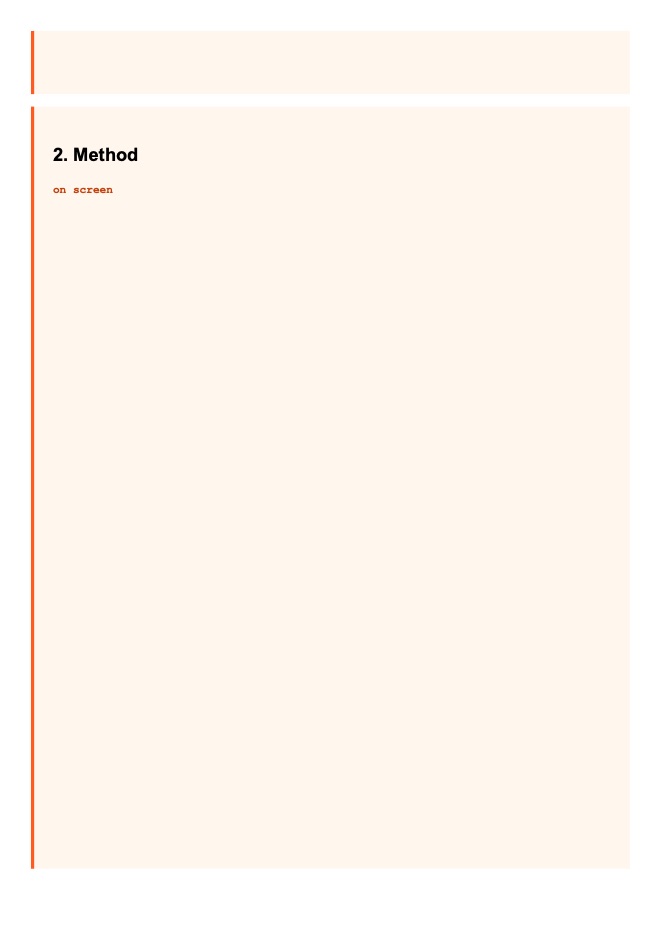
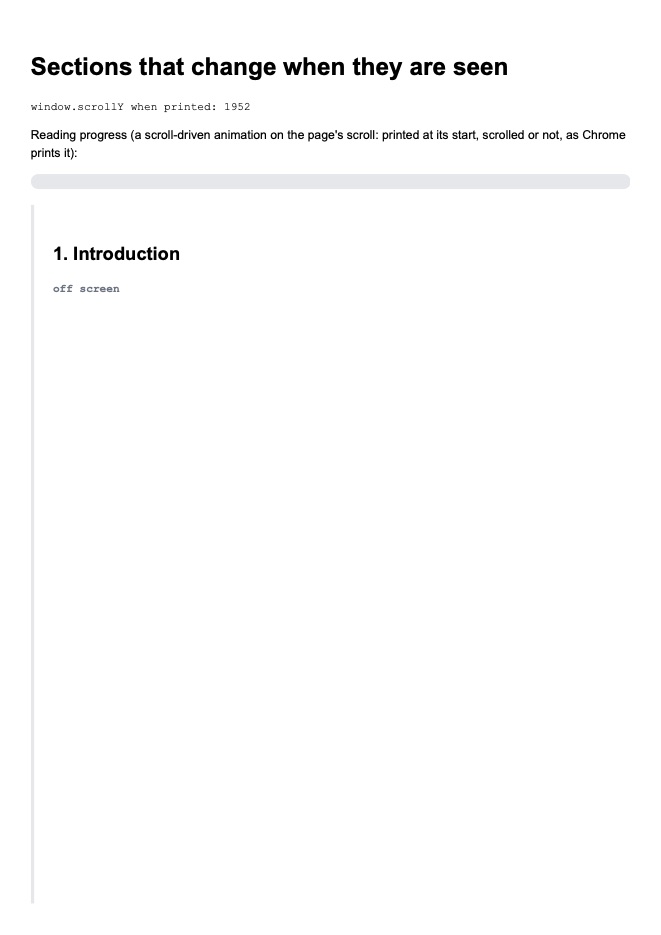
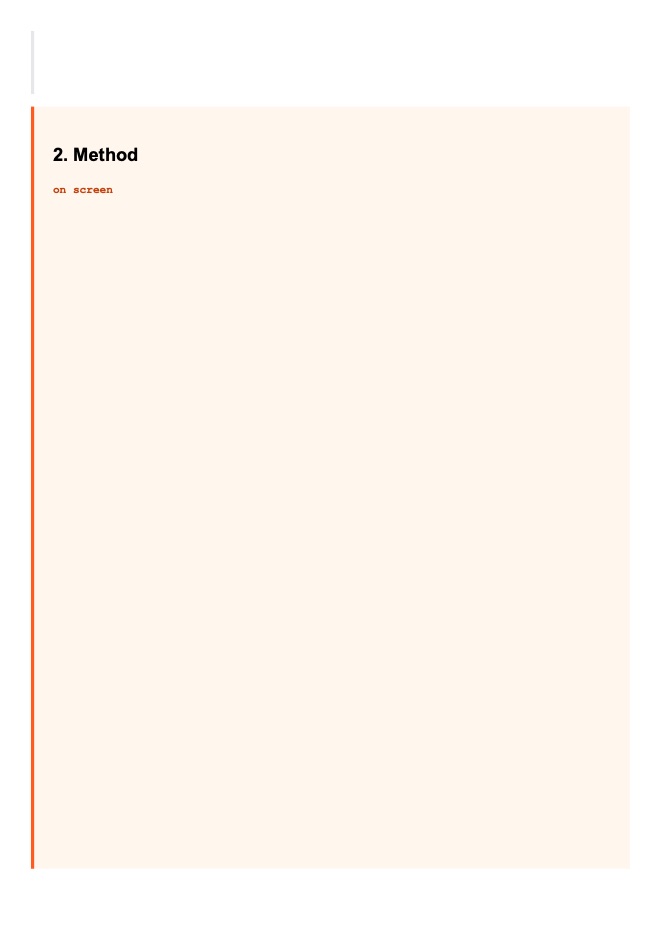
ScrollTo desplaza la ventana antes de imprimir, como haría un usuario antes de pulsar Imprimir: los eventos de desplazamiento de la página y las devoluciones de llamada del IntersectionObserver lo ven (aquí las secciones que salieron de la pantalla, y scrollY). Una línea de tiempo de desplazamiento sobre el desplazamiento propio de la página se imprime en su inicio de todos modos, como la imprime Chrome. El PDF sigue conteniendo el documento entero desde el principio.
Info scriptsRan: The page's scripts ran (33 ms of virtual time, 4 tasks; 0 canvases drawn).
Imprimir una parte de la página
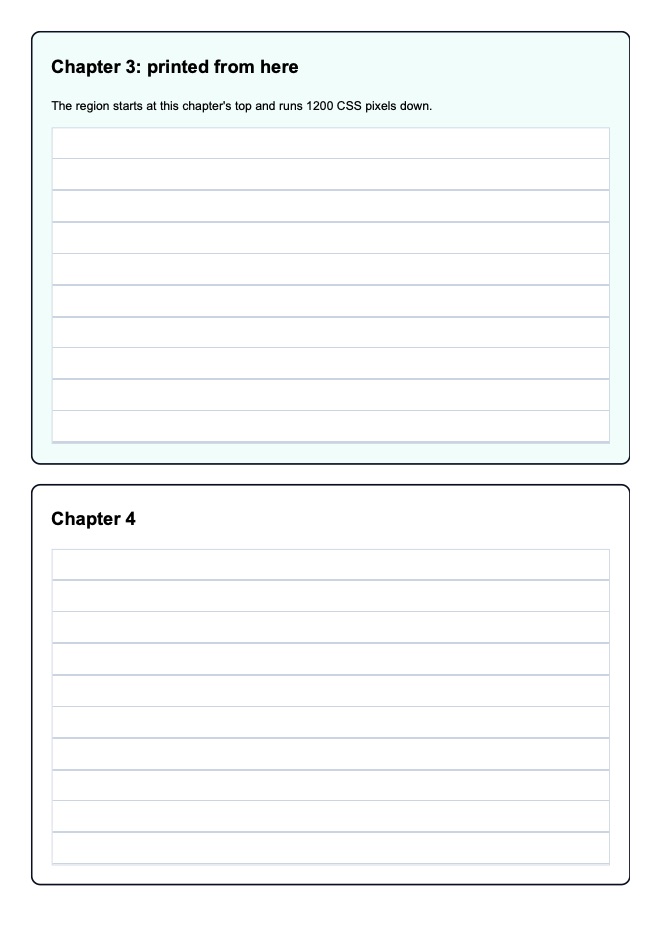
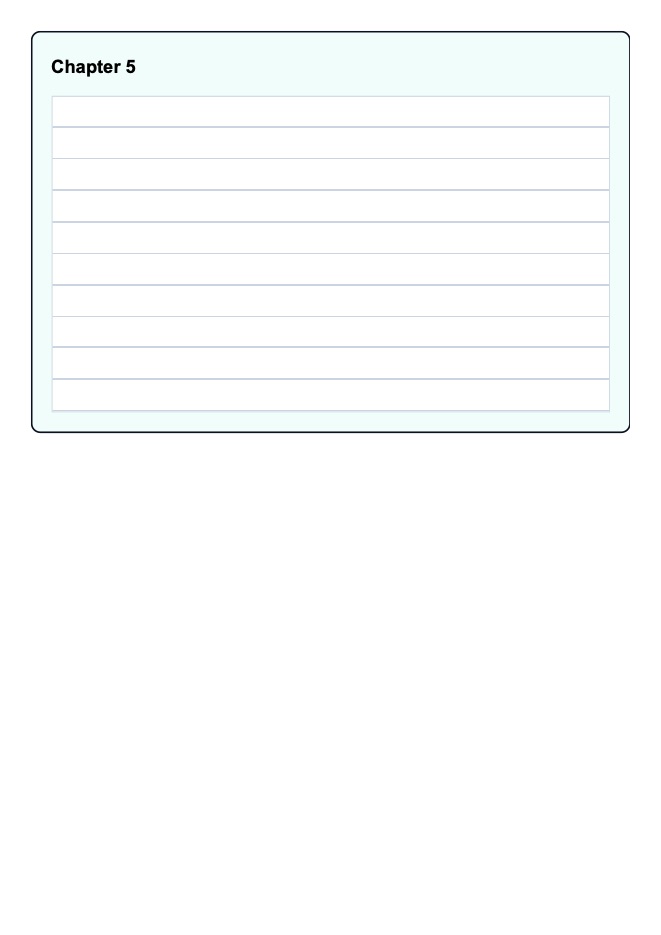
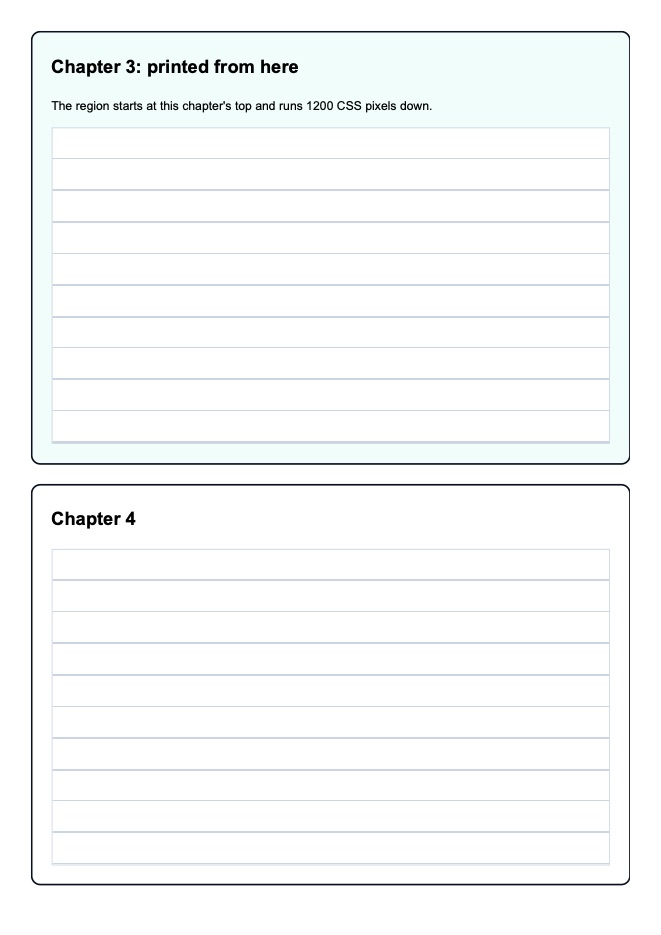
Region imprime una parte del documento, desde un inicio (la posición de desplazamiento, una longitud, un elemento) durante una altura; lo que queda por encima y por debajo se omite, y la parte se compagina como un documento entero.
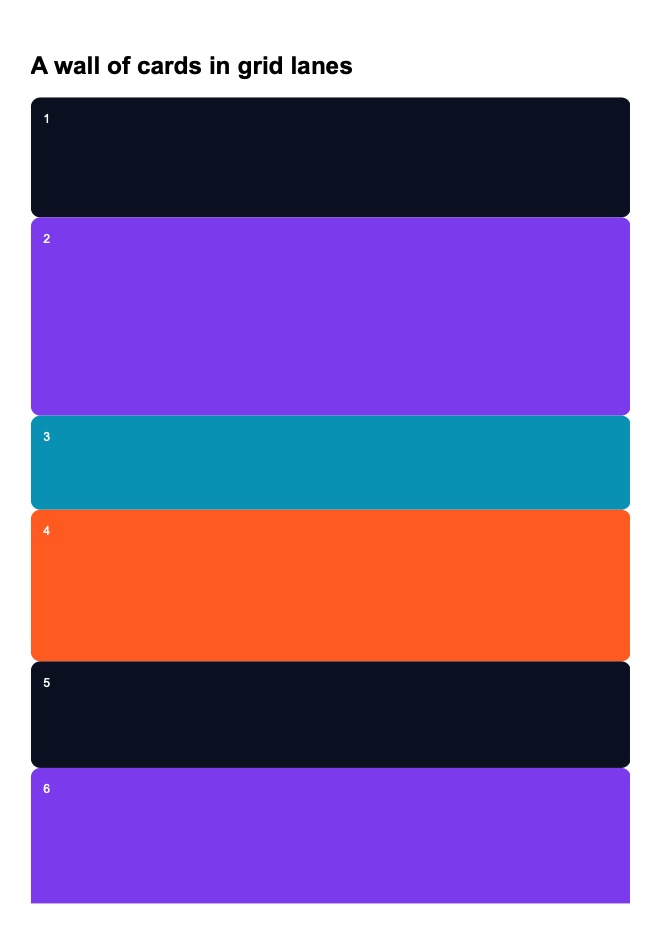
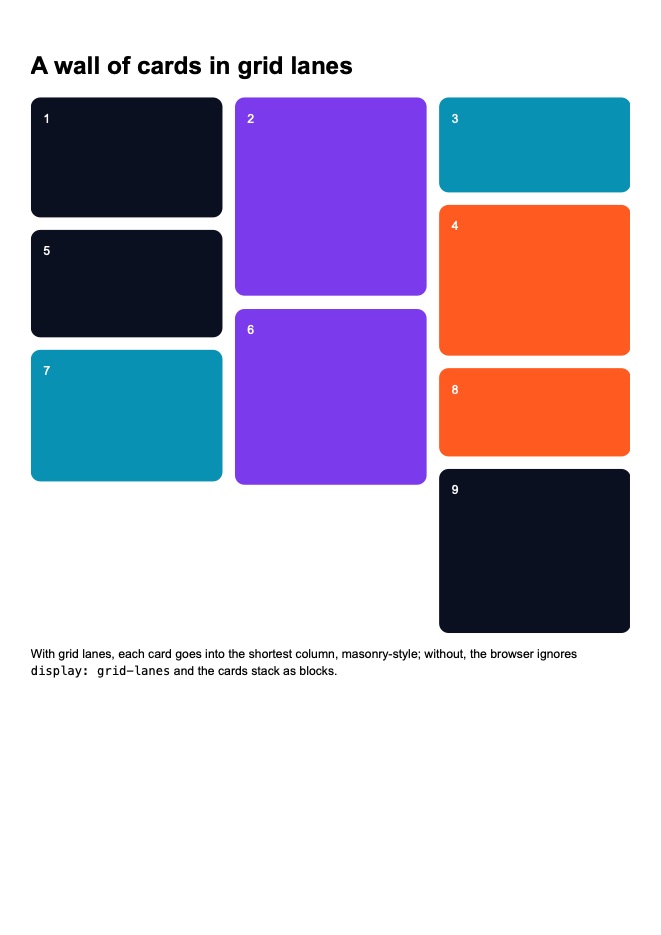
Desactivado de forma predeterminada, como imprime Chrome estable; activado, las funciones que Chrome 156 tiene tras su indicador «Experimental Web Platform features» y que Weblitz ha implementado, entre ellas grid lanes.
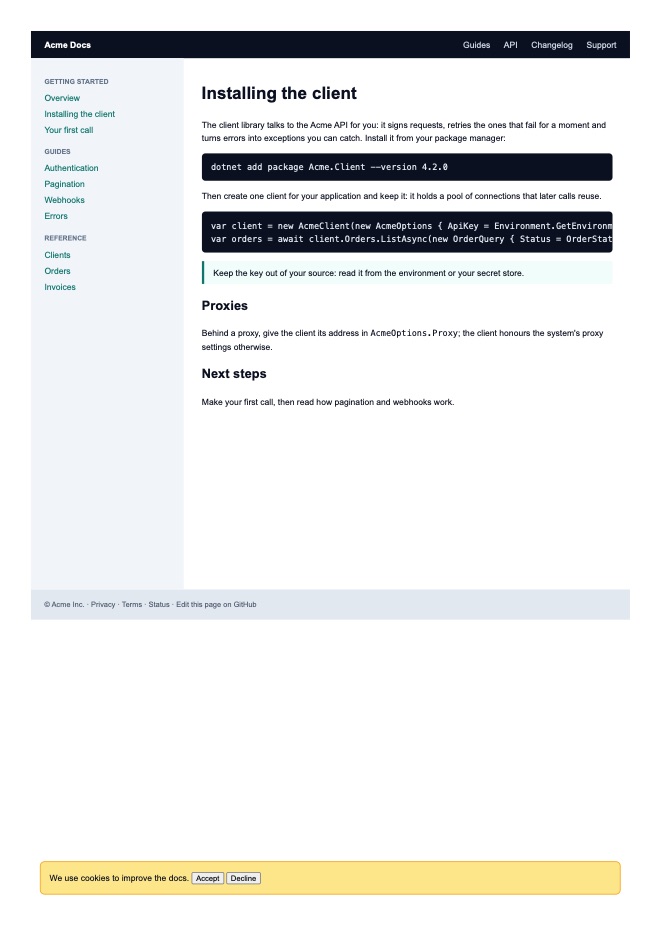
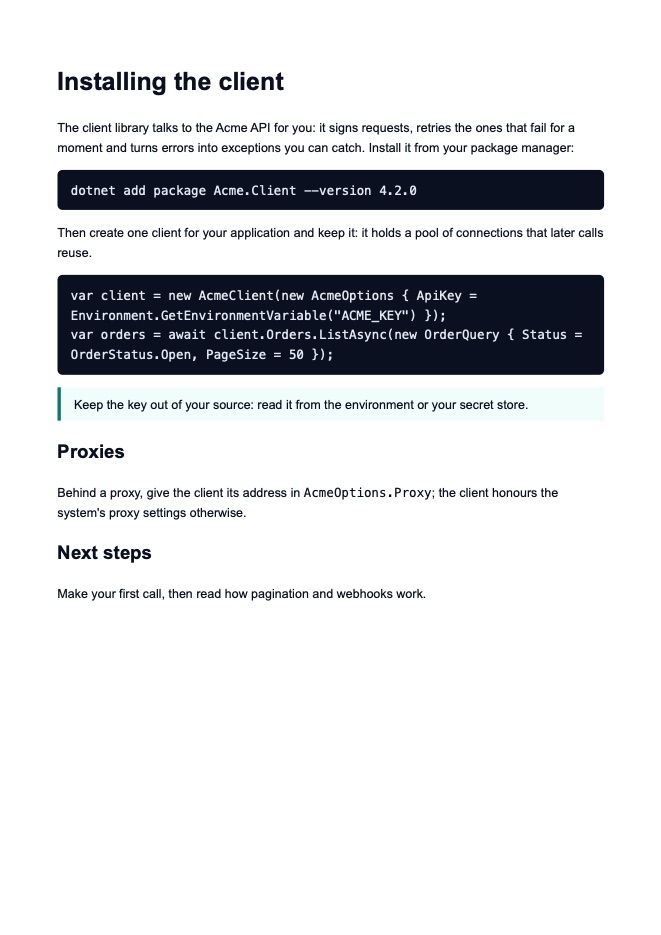
Una página de documentación sin estilos de impresión propios imprime su barra superior, su barra lateral, su pie de página y su aviso de cookies. Hide omite elementos por selector CSS (cada uno una regla display: none !important); Styles añade CSS propio, aquí un estilo de impresión que deja que el texto ocupe el ancho de la página y ajusta las líneas largas de código. Ambos se añaden como page.addStyleTag de Puppeteer añade CSS antes de page.pdf(): una vez asentados los scripts de la página, antes de beforeprint.
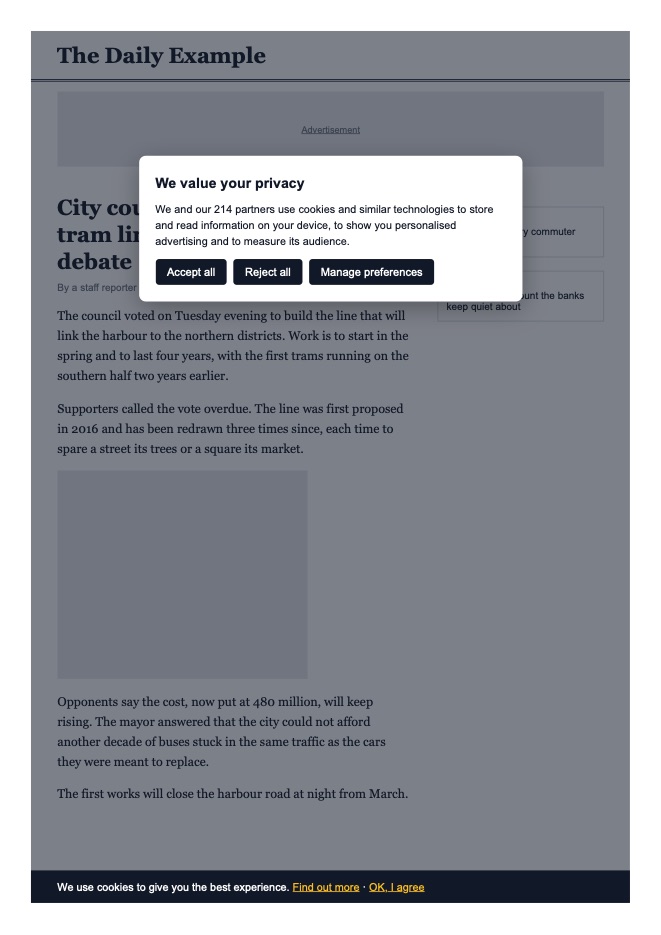
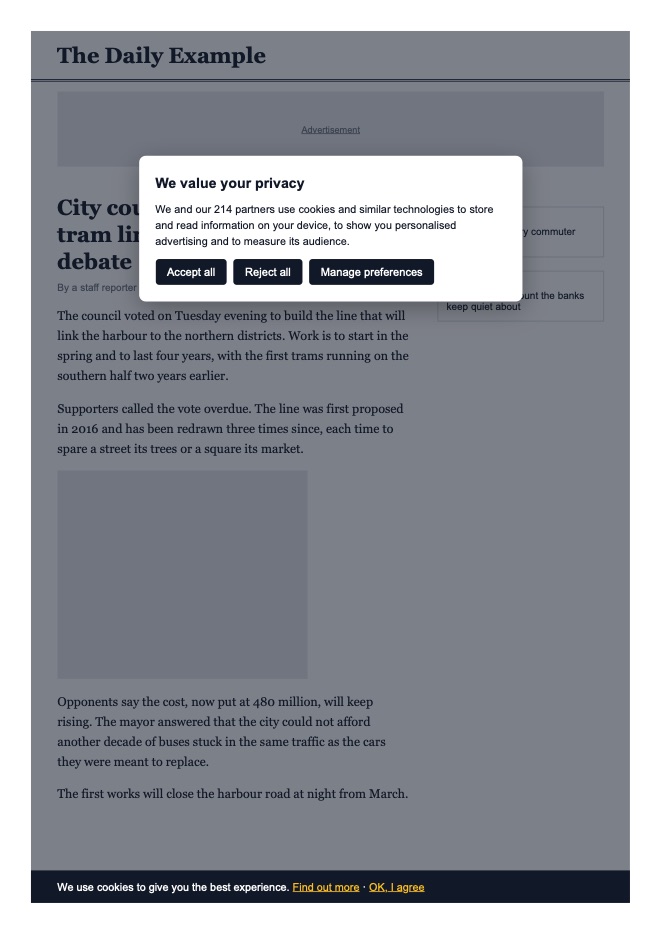
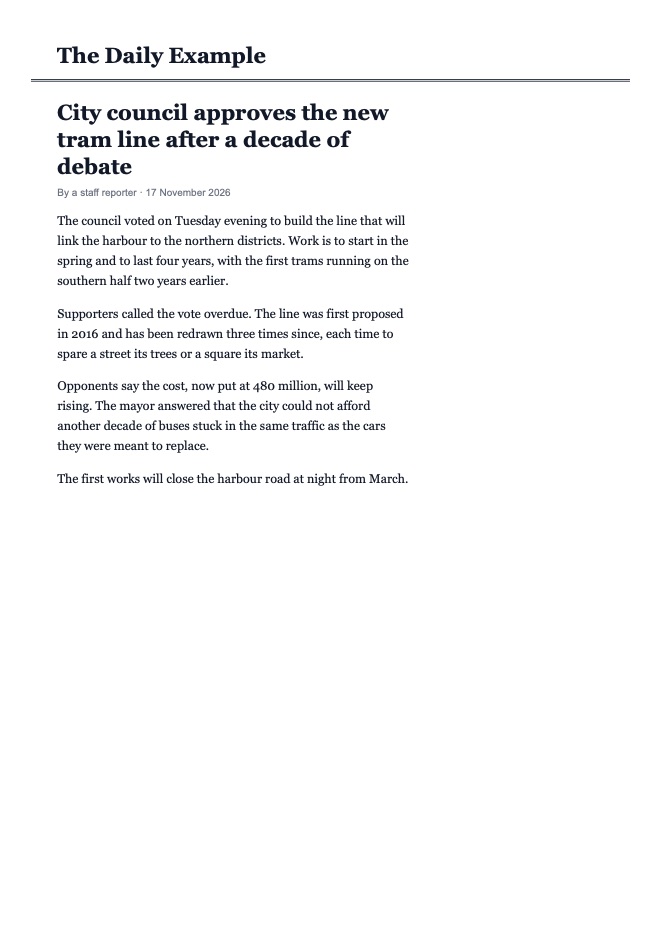
Una página de la web suele llegar con un diálogo de consentimiento encima y una barra de cookies debajo. Consent = Hide los deja fuera de la impresión sin pulsar nada: la página y su plataforma de consentimiento se ejecutan tal como vienen, no se da ninguna respuesta en nombre del lector. Oculta los avisos propios de las plataformas de consentimiento, los que nombra la EasyList Cookie List y un aviso propio de la página (fijo en la ventana, o un diálogo, que habla de cookies, consentimiento o privacidad y contiene un botón para responder), con el velo que hay detrás y el bloqueo que pone al desplazamiento de la página. Una nota consentHidden dice qué se ocultó.
<!DOCTYPE html>
<html lang="en"><head><meta charset="utf-8"><title>The Daily Example</title>
<style>
  body { font: 15px/1.6 Georgia, serif; margin: 0; color: #111827; }
  header { padding: 14px 32px; border-bottom: 3px double #111827; font: bold 26px Georgia, serif; }
  main { display: flex; gap: 32px; padding: 20px 32px; }
  article { flex: 1; }
  h1 { font-size: 26px; line-height: 1.25; margin: 0 0 8px; }
  .byline { color: #6b7280; font: 12px Arial, sans-serif; margin-bottom: 12px; }
  aside { width: 200px; flex: none; }
  .slot { display: block; background: #e5e7eb; color: #6b7280; font: 11px Arial, sans-serif; text-align: center; }
  .sponsored { margin-top: 16px; padding: 10px; border: 1px solid #d1d5db; font: 12px Arial, sans-serif; }
  .sponsored b { display: block; color: #6b7280; text-transform: uppercase; font-size: 10px; }
  #veil { position: fixed; inset: 0; background: rgba(17, 24, 39, .55); }
  #consent { position: fixed; top: 150px; left: 50%; width: 420px; margin-left: -230px; padding: 20px; background: #fff;
    border-radius: 8px; font: 13px/1.5 Arial, sans-serif; box-shadow: 0 8px 30px rgba(0, 0, 0, .3); }
  #consent h2 { margin: 0 0 8px; font-size: 17px; }
  #consent button { margin: 12px 8px 0 0; padding: 8px 14px; border: 0; border-radius: 4px; background: #111827; color: #fff; }
  #cookie-bar { position: fixed; left: 0; right: 0; bottom: 0; padding: 12px 32px; background: #111827; color: #fff;
    font: 13px Arial, sans-serif; }
  #cookie-bar a { color: #fbbf24; }
</style></head>
<body>
<header>The Daily Example</header>
<ins class="adsbygoogle slot" data-ad-slot="1234567890" style="height: 90px; line-height: 90px; margin: 12px 32px;">Advertisement</ins>
<main>
  <article>
    <h1>City council approves the new tram line after a decade of debate</h1>
    <div class="byline">By a staff reporter · 17 November 2026</div>
    <p>The council voted on Tuesday evening to build the line that will link the harbour to the northern districts.
    Work is to start in the spring and to last four years, with the first trams running on the southern half two years
    earlier.</p>
    <p>Supporters called the vote overdue. The line was first proposed in 2016 and has been redrawn three times since,
    each time to spare a street its trees or a square its market.</p>
    <iframe class="slot" src="https://securepubads.g.doubleclick.net/gampad/adx?slot=inline" width="300" height="250" style="border: 0; margin: 8px 0;"></iframe>
    <p>Opponents say the cost, now put at 480 million, will keep rising. The mayor answered that the city could not
    afford another decade of buses stuck in the same traffic as the cars they were meant to replace.</p>
    <p>The first works will close the harbour road at night from March.</p>
  </article>
  <aside>
    <div class="sponsored"><b>Sponsored</b>Ten gadgets every commuter needs this winter</div>
    <div class="sponsored"><b>Sponsored</b>The savings account the banks keep quiet about</div>
  </aside>
</main>
<div id="veil" hidden></div>
<div id="consent" role="dialog" aria-modal="true" hidden>
  <h2>We value your privacy</h2>
  We and our 214 partners use cookies and similar technologies to store and read information on your device, to show
  you personalised advertising and to measure its audience.
  <div><button>Accept all</button><button>Reject all</button><button>Manage preferences</button></div>
</div>
<div id="cookie-bar" hidden>We use cookies to give you the best experience. <a href="#">Find out more</a> · <a href="#" role="button">OK, I agree</a></div>
<script src="https://www.google-analytics.com/analytics.js" async></script>
<script>
  // (as a consent platform does: its boxes appear once the page has loaded)
  window.addEventListener('load', function () {
    for (const id of ['veil', 'consent', 'cookie-bar']) document.getElementById(id).hidden = false;
  });
</script>
</body></html>
Info resourceRefused: Script https://www.google-analytics.com/analytics.js: no resource loader was given (only data: URLs load).
Info resourceRefused: Frame https://securepubads.g.doubleclick.net/gampad/adx?slot=inline: no resource loader was given (only data: URLs load).
Info consentHidden: Consent boxes are not printed (Consent = Hide): the page's own div#consent, the page's own div#cookie-bar.
Info scriptsRan: The page's scripts ran (33 ms of virtual time, 6 tasks; 0 canvases drawn).
Sin anuncios ni rastreadores
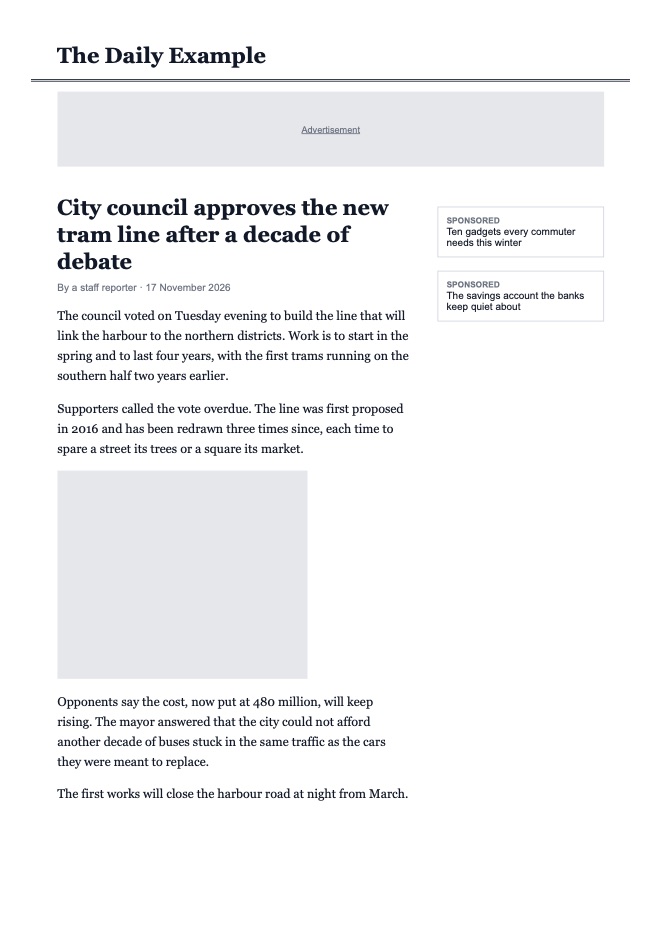
Ads = Block imprime una página como la muestra un bloqueador de anuncios, según las listas de filtros EasyList y EasyPrivacy (el trabajo de los autores de EasyList, del que el paquete lleva una instantánea): una solicitud que las listas bloquean no se hace, un elemento que ocultan no se imprime y un marco cuya solicitud se rechazó no deja un recuadro vacío. AdFilters añade reglas propias con la misma sintaxis, aquí para los recuadros patrocinados de la página. Una nota adsBlocked cuenta lo que se omitió. Aquí también con Consent = Hide.
<!DOCTYPE html>
<html lang="en"><head><meta charset="utf-8"><title>The Daily Example</title>
<style>
  body { font: 15px/1.6 Georgia, serif; margin: 0; color: #111827; }
  header { padding: 14px 32px; border-bottom: 3px double #111827; font: bold 26px Georgia, serif; }
  main { display: flex; gap: 32px; padding: 20px 32px; }
  article { flex: 1; }
  h1 { font-size: 26px; line-height: 1.25; margin: 0 0 8px; }
  .byline { color: #6b7280; font: 12px Arial, sans-serif; margin-bottom: 12px; }
  aside { width: 200px; flex: none; }
  .slot { display: block; background: #e5e7eb; color: #6b7280; font: 11px Arial, sans-serif; text-align: center; }
  .sponsored { margin-top: 16px; padding: 10px; border: 1px solid #d1d5db; font: 12px Arial, sans-serif; }
  .sponsored b { display: block; color: #6b7280; text-transform: uppercase; font-size: 10px; }
  #veil { position: fixed; inset: 0; background: rgba(17, 24, 39, .55); }
  #consent { position: fixed; top: 150px; left: 50%; width: 420px; margin-left: -230px; padding: 20px; background: #fff;
    border-radius: 8px; font: 13px/1.5 Arial, sans-serif; box-shadow: 0 8px 30px rgba(0, 0, 0, .3); }
  #consent h2 { margin: 0 0 8px; font-size: 17px; }
  #consent button { margin: 12px 8px 0 0; padding: 8px 14px; border: 0; border-radius: 4px; background: #111827; color: #fff; }
  #cookie-bar { position: fixed; left: 0; right: 0; bottom: 0; padding: 12px 32px; background: #111827; color: #fff;
    font: 13px Arial, sans-serif; }
  #cookie-bar a { color: #fbbf24; }
</style></head>
<body>
<header>The Daily Example</header>
<ins class="adsbygoogle slot" data-ad-slot="1234567890" style="height: 90px; line-height: 90px; margin: 12px 32px;">Advertisement</ins>
<main>
  <article>
    <h1>City council approves the new tram line after a decade of debate</h1>
    <div class="byline">By a staff reporter · 17 November 2026</div>
    <p>The council voted on Tuesday evening to build the line that will link the harbour to the northern districts.
    Work is to start in the spring and to last four years, with the first trams running on the southern half two years
    earlier.</p>
    <p>Supporters called the vote overdue. The line was first proposed in 2016 and has been redrawn three times since,
    each time to spare a street its trees or a square its market.</p>
    <iframe class="slot" src="https://securepubads.g.doubleclick.net/gampad/adx?slot=inline" width="300" height="250" style="border: 0; margin: 8px 0;"></iframe>
    <p>Opponents say the cost, now put at 480 million, will keep rising. The mayor answered that the city could not
    afford another decade of buses stuck in the same traffic as the cars they were meant to replace.</p>
    <p>The first works will close the harbour road at night from March.</p>
  </article>
  <aside>
    <div class="sponsored"><b>Sponsored</b>Ten gadgets every commuter needs this winter</div>
    <div class="sponsored"><b>Sponsored</b>The savings account the banks keep quiet about</div>
  </aside>
</main>
<div id="veil" hidden></div>
<div id="consent" role="dialog" aria-modal="true" hidden>
  <h2>We value your privacy</h2>
  We and our 214 partners use cookies and similar technologies to store and read information on your device, to show
  you personalised advertising and to measure its audience.
  <div><button>Accept all</button><button>Reject all</button><button>Manage preferences</button></div>
</div>
<div id="cookie-bar" hidden>We use cookies to give you the best experience. <a href="#">Find out more</a> · <a href="#" role="button">OK, I agree</a></div>
<script src="https://www.google-analytics.com/analytics.js" async></script>
<script>
  // (as a consent platform does: its boxes appear once the page has loaded)
  window.addEventListener('load', function () {
    for (const id of ['veil', 'consent', 'cookie-bar']) document.getElementById(id).hidden = false;
  });
</script>
</body></html>