
HTML-to-PDF for .NET · Preview
HTML to PDF, printed like Chrome. No browser inside.
Turn HTML, CSS and JavaScript into PDFs in your .NET process. No Chromium to ship, start or keep alive.
- Preview by email. Not on NuGet yet.
- Own .NET layout and PDF engine. V8 for JavaScript.
Same HTML. Two PDF outputs. Move the divider to compare.
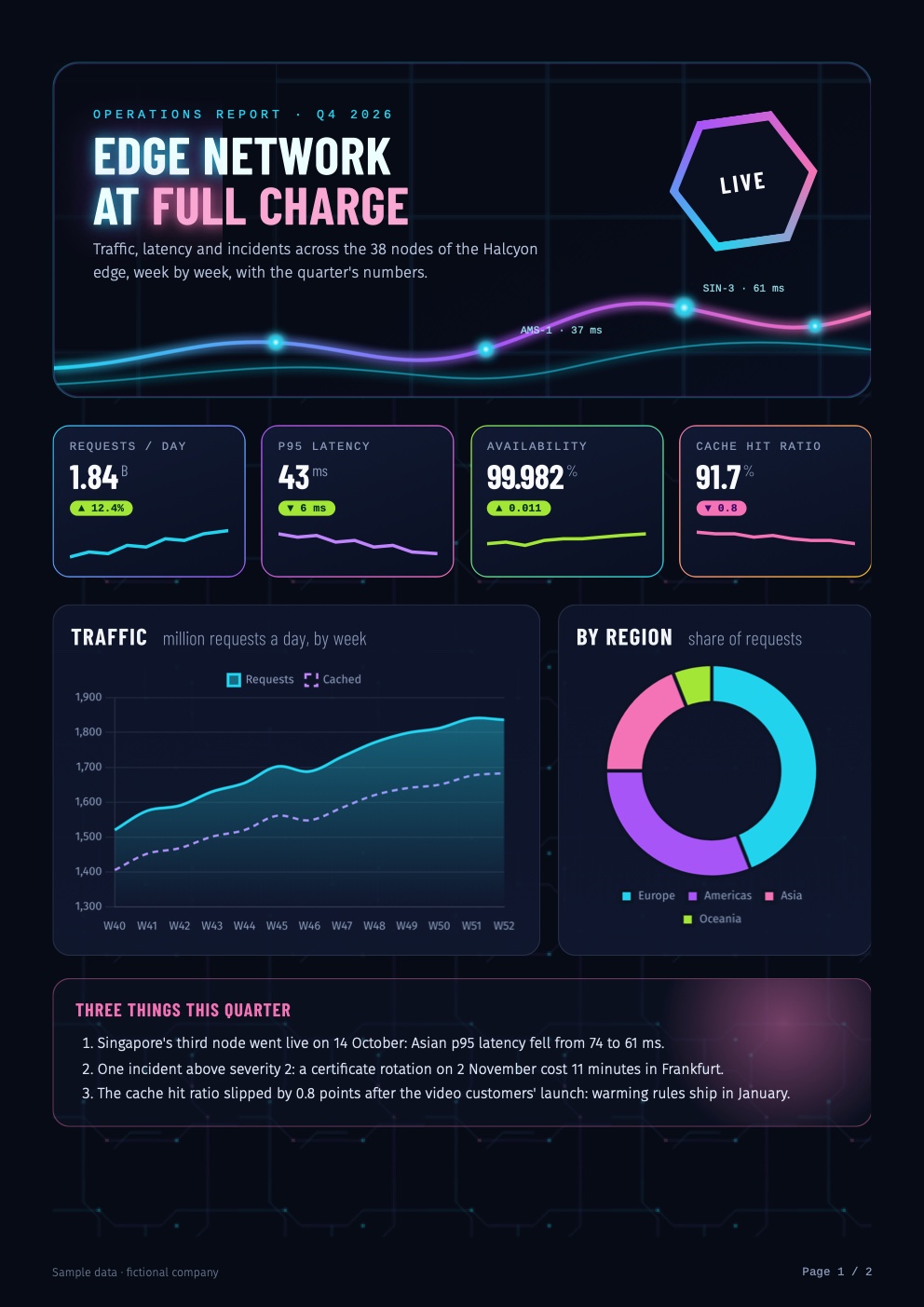
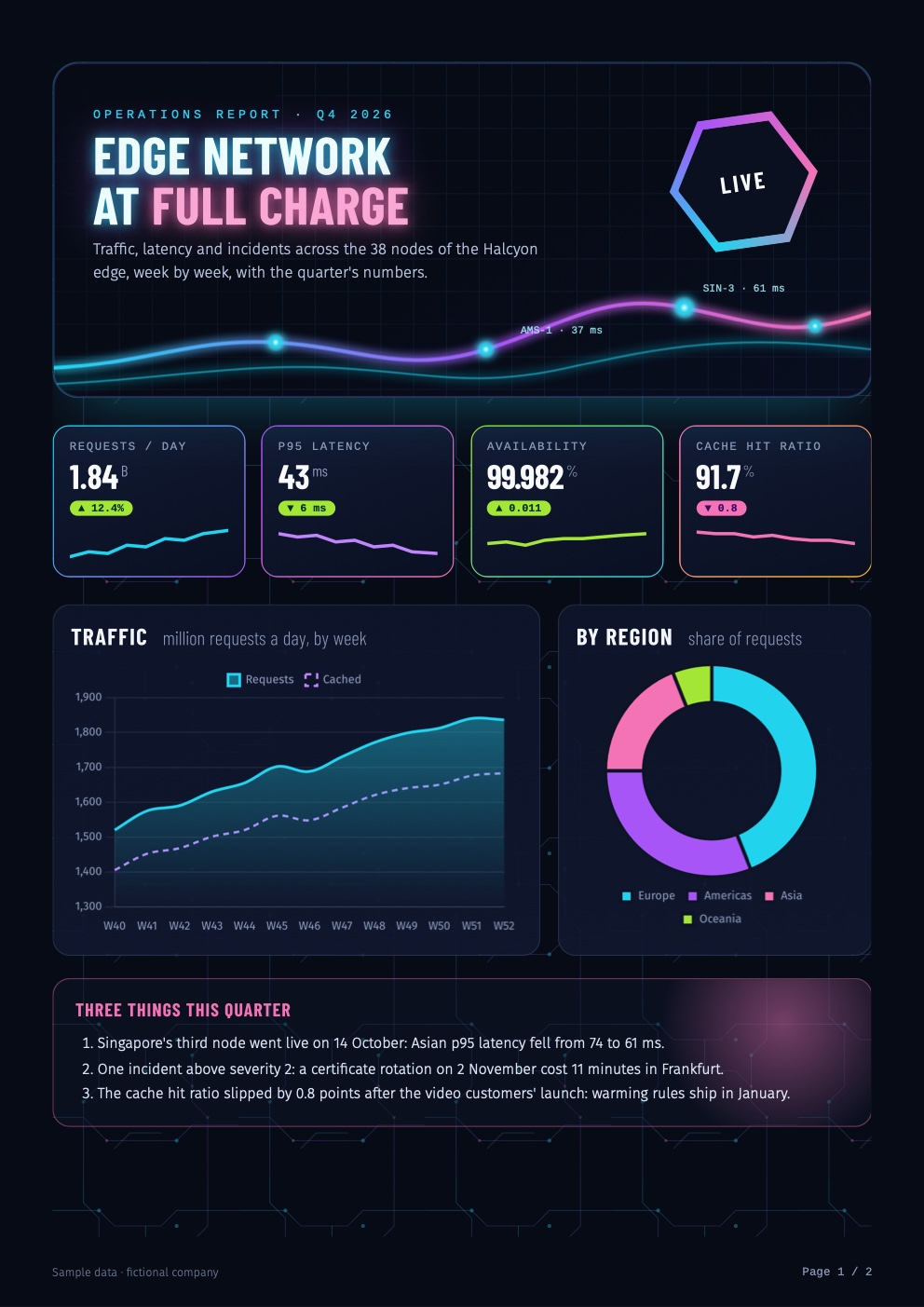
This page's picture did not load. The PDFs below show both outputs.
Your first PDF
HTML in. PDF bytes out.
using WeblitzPdf;
var result = HtmlToPdf.Render("<h1>Invoice 42</h1><p>...</p>");
File.WriteAllBytes("invoice.pdf", result.Pdf!);
using WeblitzPdf;
// Its CSS, pictures, fonts and scripts are read from its folder, never outside it
var letters = HtmlToPdf.RenderFile("templates/letters.html", new HtmlPdfOptions
{
Format = "A4",
Margin = new HtmlMargins("18mm", "18mm", "20mm", "20mm"),
});
File.WriteAllBytes("letters.pdf", letters.Pdf!);using WeblitzPdf;
app.MapGet("/invoices/{id}.pdf", async (int id, InvoiceViews views) =>
{
var result = HtmlToPdf.Render(await views.Html(id), new HtmlPdfOptions { PrintBackground = true });
return Results.File(result.Pdf!, "application/pdf");
});Without a licence key, every page carries a trial watermark.
Chrome-like printing. A different engine.
Weblitz lays out the page and writes the PDF in your .NET process. Your page's JavaScript runs in V8. There is no Chromium browser to install or start.
Pages are printed, not browsed. No clicking or typing. Pages behind a login print with the headers, tokens or cookies you give them.
Your .NET process
What it prints
Layout
Blocks, inline text, floats, positioning, tables, flexbox, grid, multi-column, writing modes, transforms, filters and masks, as Chrome lays them out.
Paged media
@page sizes and margins, margin boxes for headers, footers and page numbers, page breaks, orphans and widows, table headers on each page; Puppeteer's header and footer templates.
Fonts and scripts
Web fonts; right to left (Arabic, Hebrew, Persian); shaped scripts (Arabic, the Indic scripts, Thai); Chinese, Japanese and Korean; emoji.
Graphics
SVG, PNG, JPEG, WebP, GIF, AVIF, gradients, shadows, canvas.
The PDF
Searchable, copyable text; links; title and author; passwords and permissions; PDF/A.
The page's scripts run once before printing: they see the page at the size of the paper, then it prints as Chrome's "Save as PDF" does (beforeprint, print media, afterprint). Content a page loads as it comes into view prints too: lazy content.
Made for servers
In your application
Rendering runs in your process, with no conversion service to call. A file's own folder only, and the network only for what you allow. Thread-safe: one call per document, on as many threads as you use; a fixed clock, time zone and locale give identical files run after run.
Windows, Linux and macOS
.NET 8, 9 and 10 (.NET 11 follows when it ships), x64 and ARM64, in containers and the cloud alike. On Alpine, add the gcompat package: the script engine is built for glibc. Fonts for Arial, Calibri, Cambria, Segoe UI and more come with the package; the fonts guide has the commands for other scripts in a container.
Azure App Service on Windows
Tested on Azure App Service for Windows, Basic B1. measured 2026-11-06 The 17 bench documents and a Chart.js page score there what they score on our Mac, page for page. The check
Printing pages you don't control? Limits on scripts' time and memory, documents, pictures and files are built in; run untrusted HTML in an isolated process or container as well: network and security.
Inspect the output. Read the measurements.
Compare our PDFs with Chrome's, inspect the source documents, and read how the measurements were made.
-
An invoice
100% measured 2026-11-07
Beside Chrome 156's PDF: pages, every box, every line, the text.
-
A Chart.js report
100% measured 2026-11-07
Beside Chrome 156's PDF: pages, every box, every line, the text.
-
International text: Arabic, Hebrew, Thai, Hindi, Chinese, Japanese, emoji
100% measured 2026-11-07
Beside Chrome 156's PDF: pages, every box, every line, the text.
Beside the other HTML to PDF libraries scores measured 2026-11-04 times and sizes 2026-11-07
Weblitz's own measurements, on the same 17 documents and the same Mac.
| Weblitz | The libraries that ship Chromium | |
|---|---|---|
| Score beside Chrome 156's PDF | 100% | 98.9–99.2% |
| A one-page PDF | 1.8 ms | 78–414 ms |
| Engine on a Linux server | 119 MB | 384–695 MB |
| Docker image (Weblitz; Puppeteer's and Playwright's own) | 330 MB | 2.05 GB, 3.59 GB |
The libraries that ship Chromium: Syncfusion HTML-to-PDF, HiQPdf Next, SelectPdf, EVO HTML to PDF Next, each in its trial or evaluation mode. Puppeteer with Chrome, the reference, takes 12 ms a page and 441 MB. Every version, condition and disclosure: the full table.
See all benchmarks and methodology
Also on that page: the web's own tests: complete in every area, measured 2026-11-07 · every library's scores, times and sizes · Azure App Service
One licence. Two engines.
Weblitz is included in the SSRS2 licence, alongside the SSRS2 report engine. One key for both.
USD 799 a year per company, or USD 1,999 for three years, excluding tax. Unlimited developers, servers and documents. A key keeps working with the versions released while it ran. Your price is locked for as long as your licence keeps renewing.
Company licences of the libraries that ship Chromium cost USD 1,095 to 1,599. Compare prices.
Without a key, every page carries a trial watermark: the whole engine can be tried for free.
Questions
- Is there a browser inside?
- No. The layout, the fonts and the PDF are Weblitz's own .NET code. Scripts run in V8, Chrome's JavaScript engine, built into the package.
- Will it print the same as Chrome?
- That is what it is built and measured for, document by document: the measurements. Pages that need a user's clicks or typing are outside its scope.
- Does it run JavaScript?
- Yes, once, before printing: React apps, Chart.js charts and pages that build themselves from their data.
- Can I move from Puppeteer?
- The options carry Puppeteer's
page.pdf()names:Format,Margin,Landscape,Scale,PrintBackground,PageRanges,HeaderTemplate,FooterTemplate. Try your own pages with the preview. - How do I get the preview?
- Leave your email on the preview page and we send it by email. It goes on NuGet as
WeblitzPdfwith SSRS2 2.0.