Weblitz Preview

Scrolling and printing a part

Lazy content prints, with no option to set. Without a scroll option (neither ScrollTo nor ScrollThrough), a page's IntersectionObserver reports every element it observes visible, once, wherever it sits on the page. So what a page loads as it comes into view, lazy pictures, charts drawn when they are reached, items its scripts add, is loaded and printed: the whole page is in the PDF. Chrome reports only what is in its window, so with Puppeteer such a page prints its first screen unless a script scrolls it first.

Some pages want real scrolling: a list that loads more each time its bottom comes into view, effects that follow the scroll, a page opened at a section. Four options scroll the window before printing, as a user would before pressing Print, or print a part of the page. With a scroll option set, Weblitz reports real intersections with the window, as Chrome does.

  • ScrollThrough: scroll from the top to the end, a window height at a time, so what loads on the way is printed (200 steps at most).
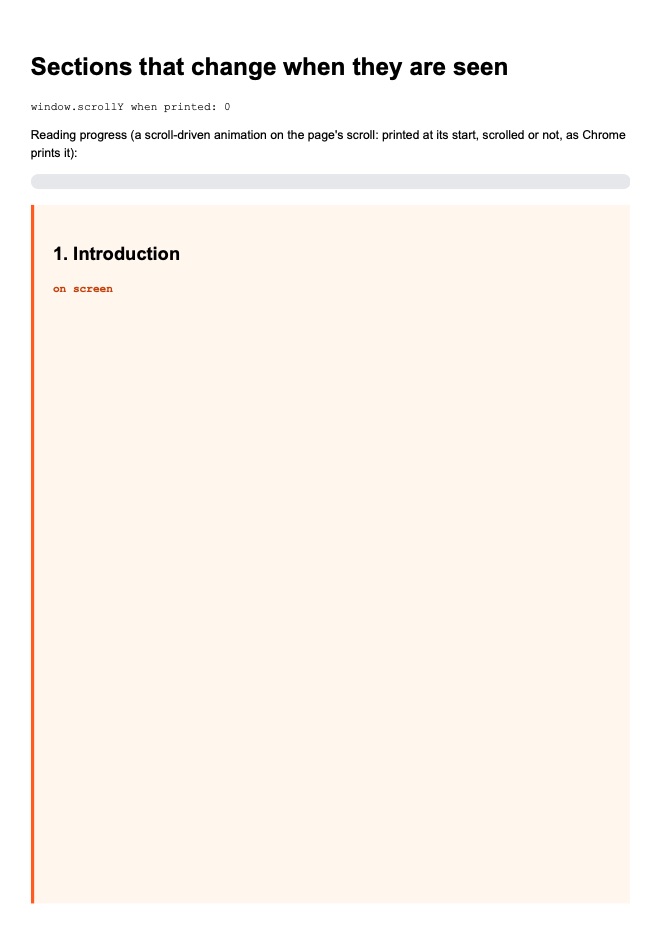
  • ScrollTo: scroll to "top", "bottom", an element (a CSS selector) or a length, once the scripts have settled; the page's scroll events and IntersectionObserver callbacks see it. A scroll timeline on the page's own scroll prints at its start, scrolled or not, as Chrome prints it.
  • ScrollStepWait: the virtual time each scroll gives the page to react (0.5 s by default, 0 to 60 s).
  • Region: print a part of the document (HtmlPrintRegion), from the scroll position, a length or an element, for a height; laid out on pages as a whole document is.

Scrolling alone never crops: the PDF holds the whole document from its top, as Chrome's print of a scrolled page does. Only Region leaves parts out.

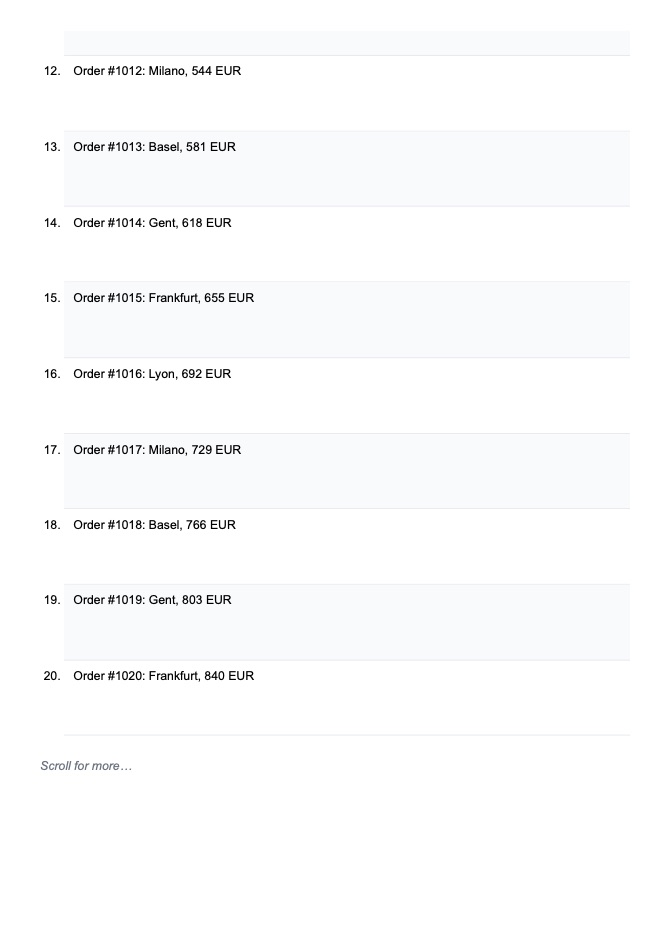
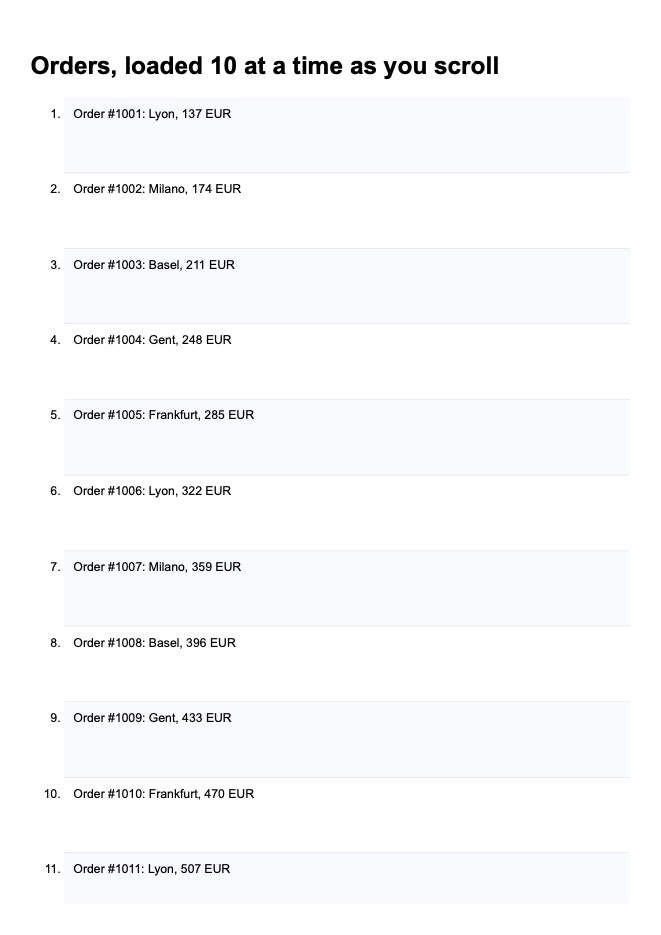
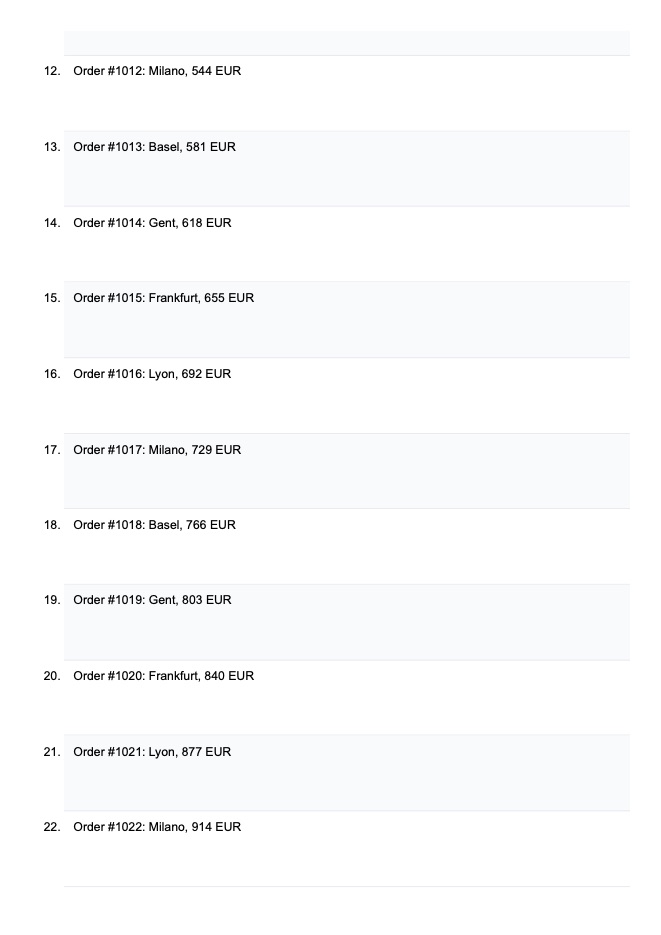
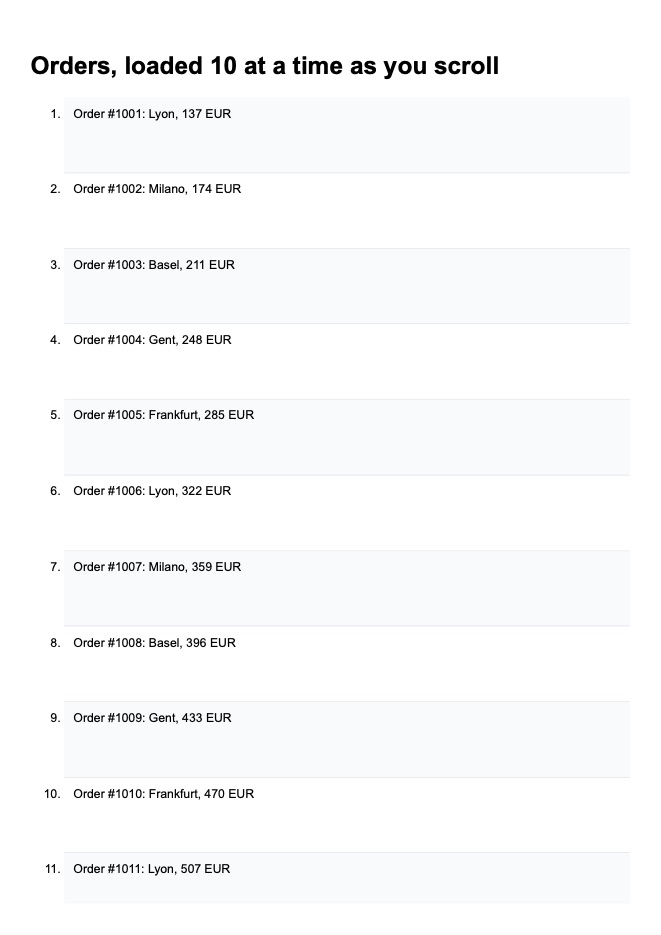
The examples below show both: the infinite list prints twenty orders by default, as its observer reports its bottom once, and all sixty with ScrollThrough.

Lists that load as you scroll

An infinite list loads its next ten orders each time its bottom comes into view. Without a scroll option, Weblitz's IntersectionObserver reports the bottom visible once, so the PDF holds twenty; ScrollThrough scrolls the window down a window height at a time, each step waiting ScrollStepWait of virtual time, so the list loads to its end and all sixty are printed.

Reference: HtmlPdfOptions.ScrollThrough, HtmlPdfOptions.ScrollStepWait

The page printed: lazy-list.html
<!DOCTYPE html>
<html lang="en"><head><meta charset="utf-8"><title>A list that loads as you scroll</title>
<style>
  body { font: 11pt/1.4 Arial, sans-serif; margin: 0; }
  li { padding: 2.2mm 3mm; min-height: 24mm; box-sizing: border-box; border-bottom: 1px solid #e5e7eb; }
  li:nth-child(odd) { background: #f8fafc; }
  #more { padding: 3mm; color: #6b7280; font-style: italic; }
</style></head>
<body>
<h1>Orders, loaded 10 at a time as you scroll</h1>
<ol id="list"></ol>
<p id="more">Scroll for more…</p>
<script>
  // An infinite list as sites write it: the next ten orders load when the bottom comes into view, up to 60
  let loaded = 0;
  const list = document.getElementById('list');
  function loadMore() {
    for (let i = 0; i < 10 && loaded < 60; i++) {
      loaded++;
      const li = document.createElement('li');
      li.textContent = `Order #${1000 + loaded}: ${['Frankfurt', 'Lyon', 'Milano', 'Basel', 'Gent'][loaded % 5]}, ${(loaded * 37) % 900 + 100} EUR`;
      list.append(li);
    }
    if (loaded >= 60) document.getElementById('more').textContent = 'All 60 orders loaded.';
  }
  loadMore();
  new IntersectionObserver((entries) => { if (entries.some(e => e.isIntersecting)) setTimeout(loadMore, 100); })
    .observe(document.getElementById('more'));
</script>
</body></html>
Default: not scrolled
var result = HtmlToPdf.Render(html);
Page 1 of the PDF this code printed Page 2 of the PDF this code printed
Pages
2
File
53,525 bytes (52.3 KB) · the PDF
Notes
  • Info scriptsRan: The page's scripts ran (133 ms of virtual time, 5 tasks; 0 canvases drawn).
ScrollThrough
var result = HtmlToPdf.Render(html, new HtmlPdfOptions { ScrollThrough = true });
Page 1 of the PDF this code printed Page 2 of the PDF this code printed
Pages
6
File
58,672 bytes (57.3 KB) · the PDF
Notes
  • Info scriptsRan: The page's scripts ran (884 ms of virtual time, 40 tasks; 0 canvases drawn).

Scrolling to a section first

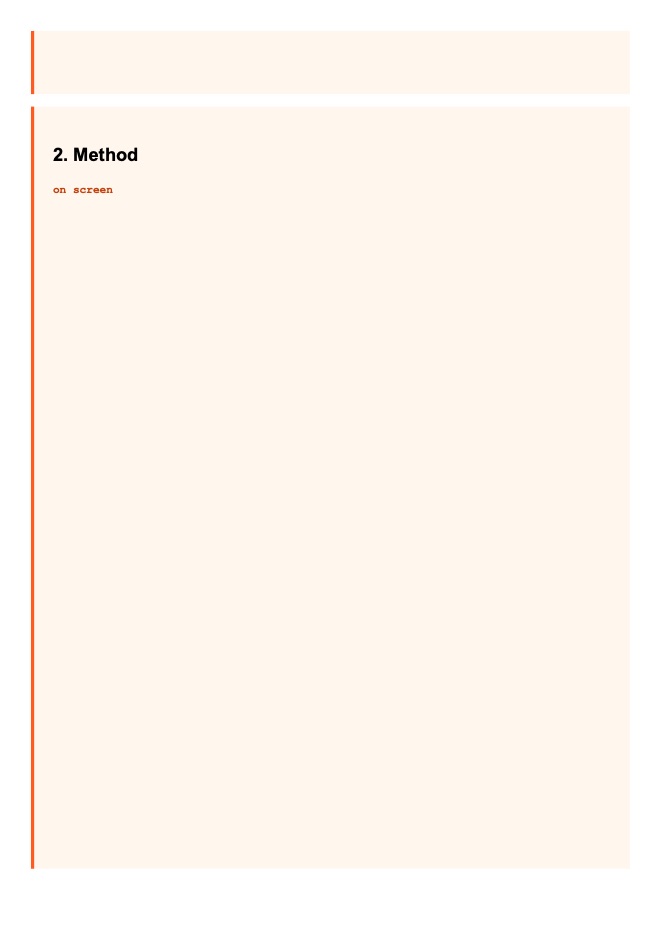
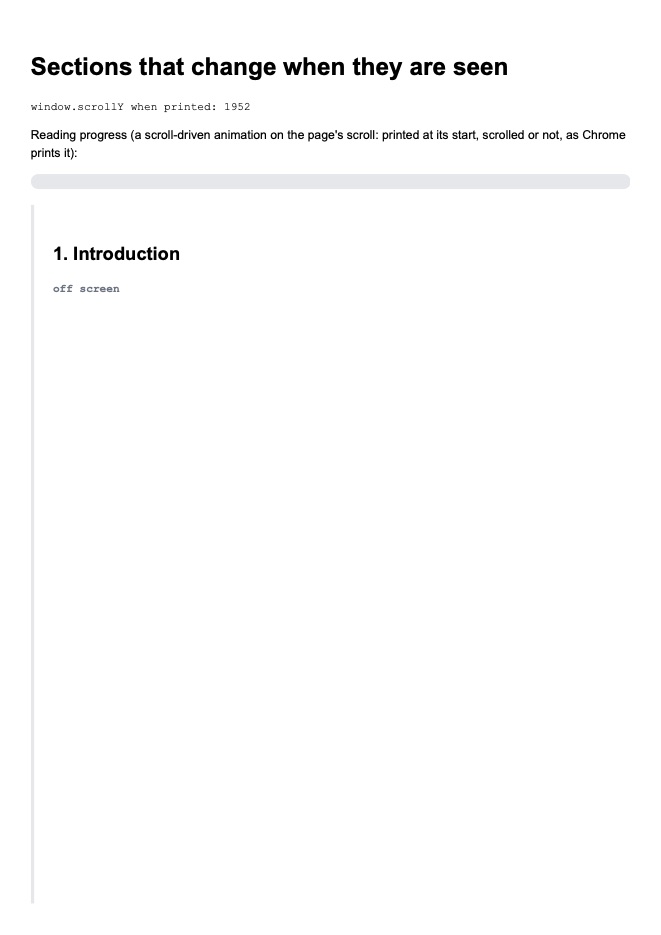
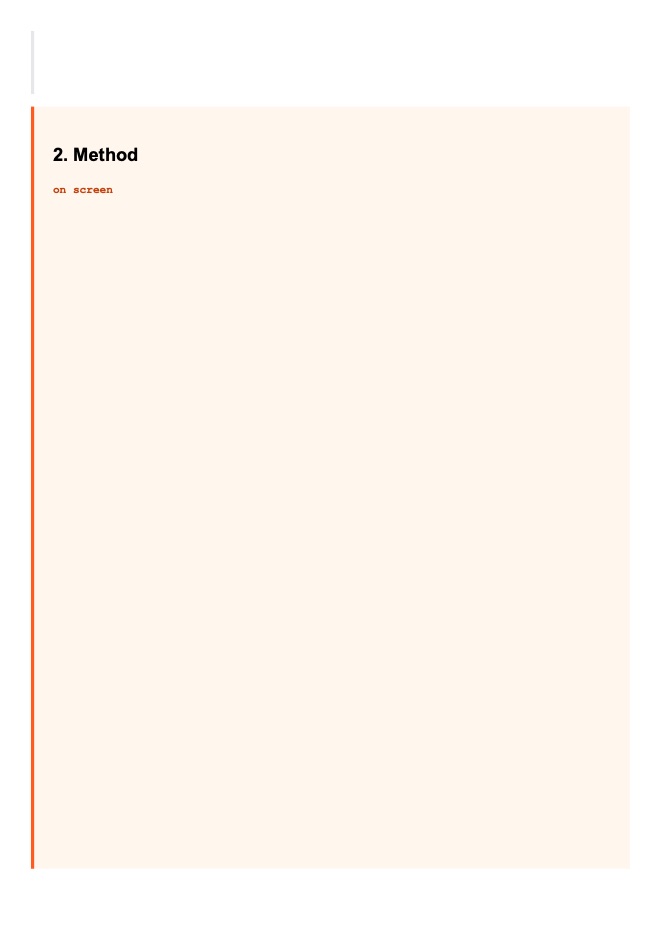
ScrollTo scrolls the window before printing, as a user would before pressing Print: the page's scroll events and IntersectionObserver callbacks see it (here the sections that went off screen, and scrollY). A scroll timeline on the page's own scroll prints at its start either way, as Chrome prints it. The PDF still holds the whole document from its top.

Reference: HtmlPdfOptions.ScrollTo

The page printed: scroll-effects.html
<!DOCTYPE html>
<html lang="en"><head><meta charset="utf-8"><title>Effects that wait for the scroll</title>
<style>
  body { font: 11pt/1.5 Arial, sans-serif; margin: 0; }
  .progress { height: 5mm; background: #e5e7eb; border-radius: 3mm; overflow: hidden; margin: 2mm 0 5mm; }
  .progress i { display: block; height: 100%; width: 100%; transform-origin: left; background: linear-gradient(90deg, #22d3ee, #a855f7);
                animation: fill linear both; animation-timeline: scroll(root); }
  @keyframes fill { from { transform: scaleX(0); } to { transform: scaleX(1); } }
  section { min-height: 230mm; padding: 6mm; border-left: 4px solid #e5e7eb; margin-bottom: 4mm; }
  section.on { border-left-color: #ff5a1f; background: #fff7ed; }
  .state { font: bold 10pt "Courier New", monospace; color: #6b7280; }
  section.on .state { color: #c2410c; }
  #scrolled { font: 10pt "Courier New", monospace; }
</style></head>
<body>
<h1>Sections that change when they are seen</h1>
<p id="scrolled">window.scrollY when printed: 0</p>
<p>Reading progress (a scroll-driven animation on the page's scroll: printed at its start, scrolled or not, as Chrome prints it):</p>
<div class="progress"><i></i></div>
<section id="intro"><h2>1. Introduction</h2><p class="state">not seen yet</p></section>
<section id="method"><h2>2. Method</h2><p class="state">not seen yet</p></section>
<section id="results"><h2>3. Results</h2><p class="state">not seen yet</p></section>
<script>
  // Each section says whether it is on screen (IntersectionObserver); the bar above follows the page's scroll
  const observer = new IntersectionObserver((entries) => {
    for (const e of entries) {
      e.target.classList.toggle('on', e.isIntersecting);
      e.target.querySelector('.state').textContent = e.isIntersecting ? 'on screen' : 'off screen';
    }
  });
  document.querySelectorAll('section').forEach(s => observer.observe(s));
  addEventListener('scroll', () => { document.getElementById('scrolled').textContent = 'window.scrollY when printed: ' + Math.round(scrollY); });
</script>
</body></html>
Default: not scrolled
var result = HtmlToPdf.Render(html);
Page 1 of the PDF this code printed Page 2 of the PDF this code printed Page 3 of the PDF this code printed
Pages
3
File
69,330 bytes (67.7 KB) · the PDF
Notes
  • Info scriptsRan: The page's scripts ran (17 ms of virtual time, 4 tasks; 0 canvases drawn).
ScrollTo "#results"
var result = HtmlToPdf.Render(html, new HtmlPdfOptions { ScrollTo = "#results" });
Page 1 of the PDF this code printed Page 2 of the PDF this code printed Page 3 of the PDF this code printed
Pages
3
File
70,552 bytes (68.9 KB) · the PDF
Notes
  • Info scriptsRan: The page's scripts ran (50 ms of virtual time, 6 tasks; 0 canvases drawn).

Printing a part of the page

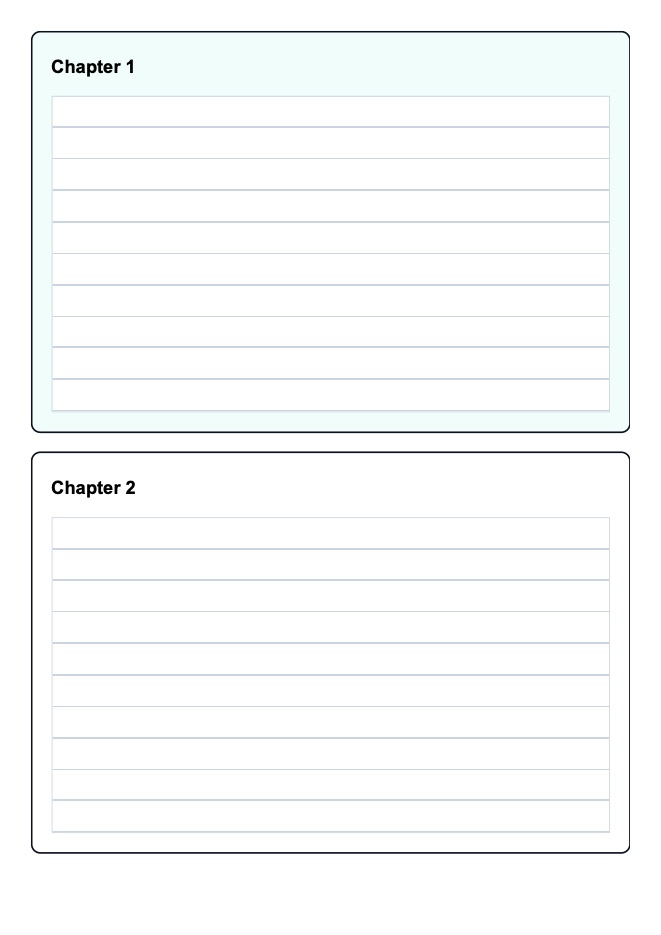
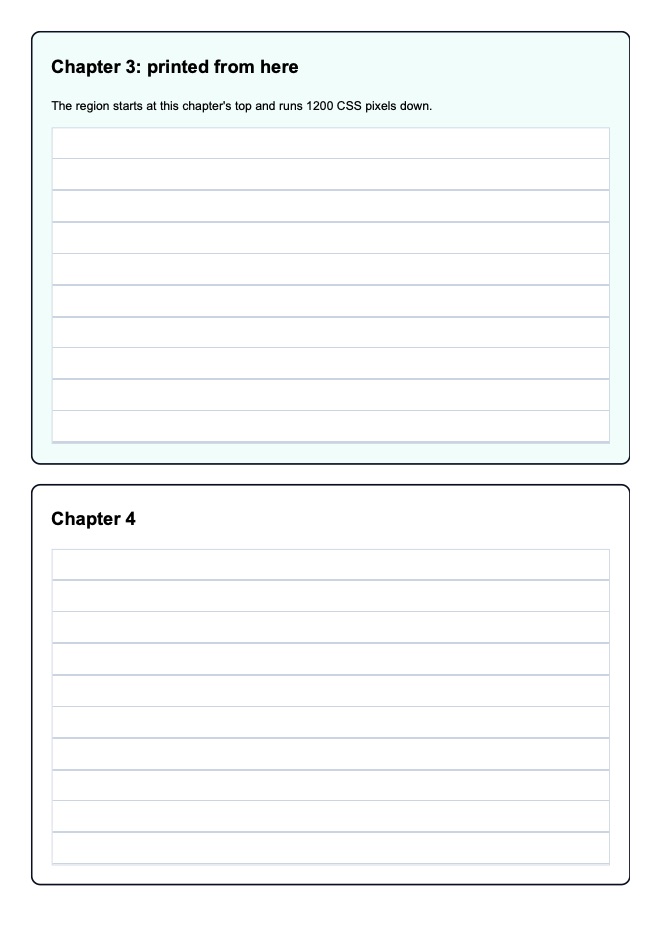
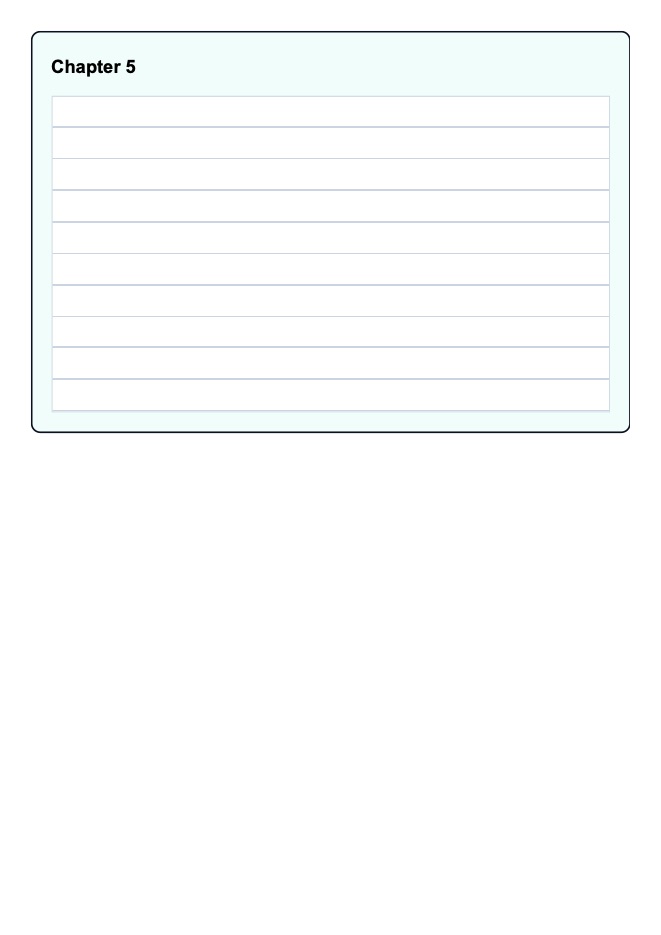
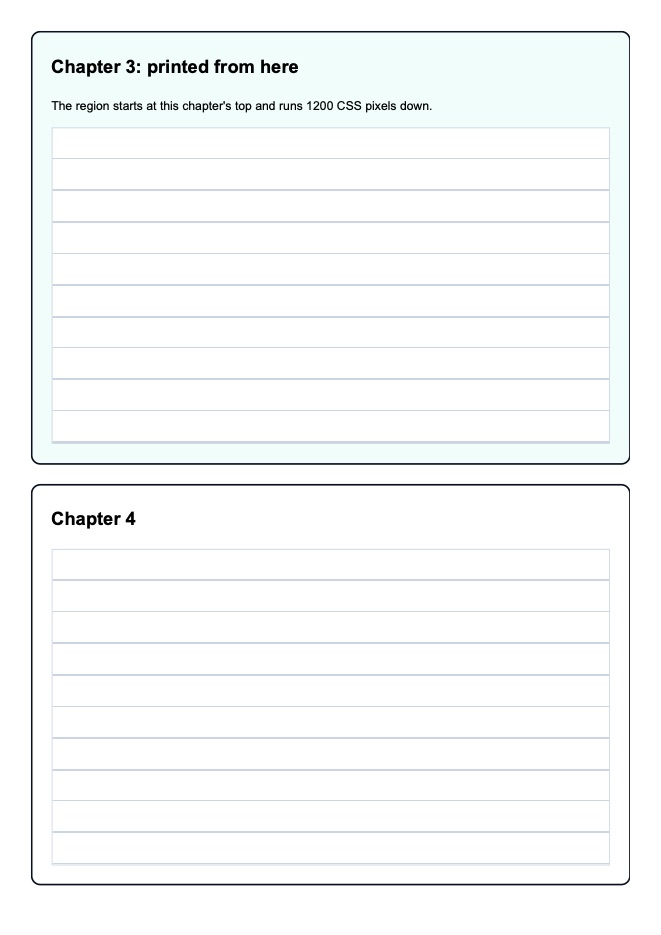
Region prints a part of the document, from a start (the scroll position, a length, an element) for a height; what lies above and below is left out, and the part is laid out on pages as a whole document is.

Reference: HtmlPdfOptions.Region, HtmlPrintRegion

The page printed: chapters.html
<!DOCTYPE html>
<html lang="en"><head><meta charset="utf-8"><title>Five chapters</title>
<style>
  body { font: 11pt/1.6 Arial, sans-serif; margin: 0; }
  .chapter { padding: 6mm; margin-bottom: 6mm; border: 2px solid #0b1020; border-radius: 3mm; }
  .chapter h2 { margin-top: 0; }
  .chapter:nth-child(odd) { background: #f0fdfa; }
  .ruler { height: 100mm; background: repeating-linear-gradient(#fff 0 9.5mm, #cbd5e1 9.5mm 10mm); border: 1px solid #cbd5e1; }
</style></head>
<body>
<div class="chapter" id="chapter-1"><h2>Chapter 1</h2><div class="ruler"></div></div>
<div class="chapter" id="chapter-2"><h2>Chapter 2</h2><div class="ruler"></div></div>
<div class="chapter" id="chapter-3"><h2>Chapter 3: printed from here</h2><p>The region starts at this chapter's top and runs 1200 CSS pixels down.</p><div class="ruler"></div></div>
<div class="chapter" id="chapter-4"><h2>Chapter 4</h2><div class="ruler"></div></div>
<div class="chapter" id="chapter-5"><h2>Chapter 5</h2><div class="ruler"></div></div>
</body></html>
Default: the whole document
var result = HtmlToPdf.Render(html);
Page 1 of the PDF this code printed Page 2 of the PDF this code printed Page 3 of the PDF this code printed
Pages
3
File
46,933 bytes (45.8 KB) · the PDF
1200 px from #chapter-3
var result = HtmlToPdf.Render(html, new HtmlPdfOptions { Region = HtmlPrintRegion.Of("#chapter-3", "1200px") });
Page 1 of the PDF this code printed Page 2 of the PDF this code printed
Pages
2
File
45,114 bytes (44.1 KB) · the PDF