Weblitz prints HTML, CSS and the page's scripts to PDF from a .NET library, as Chrome prints them. Every picture of a page in this documentation is a page of a PDF Weblitz printed from the code shown beside it, made on 2026-11-07 on macOS; each PDF is a download.
Install
Weblitz is the NuGet package WeblitzPdf, version 2.0 with SSRS2 2.0, for .NET 8, 9 and 10 (.NET 11 follows when it ships) on Windows, Linux and macOS. It is a preview and not on NuGet yet: request the preview and we send it by email.
Everything is in the package: the layout engine, the fonts it needs to print as Chrome does, and the script engine (V8, built in). Nothing to download at run time, no browser to start.
Your licence key
Weblitz is covered by the SSRS2 licence: one key, the one that starts with SSRS2-, for SSRS2's reports and for Weblitz. Activate it once when your application starts, or set the environment variable SSRS2_LICENSE, which is read at the first render.
using WeblitzPdf;

License.Activate("SSRS2-...");          // throws when the key is not valid
// or: License.TryActivate(key, out var error)
Console.WriteLine(License.LicensedTo);  // the company the key names
Without a key, Weblitz prints every page with a trial watermark, and does everything else the same: try it all before you buy. License in the reference lists what the key says (its company, expiry, the versions it covers).
Four ways in: HTML text, a file with its folder, a web address, a stream. Each call is static and thread-safe, and returns an HtmlPdfResult: the PDF, its page count, and notes on what could not be done.
<!DOCTYPE html>
<html lang="en"><head><meta charset="utf-8"><title>Letter to Alpenwerk</title>
<link rel="stylesheet" href="letter.css"></head>
<body>
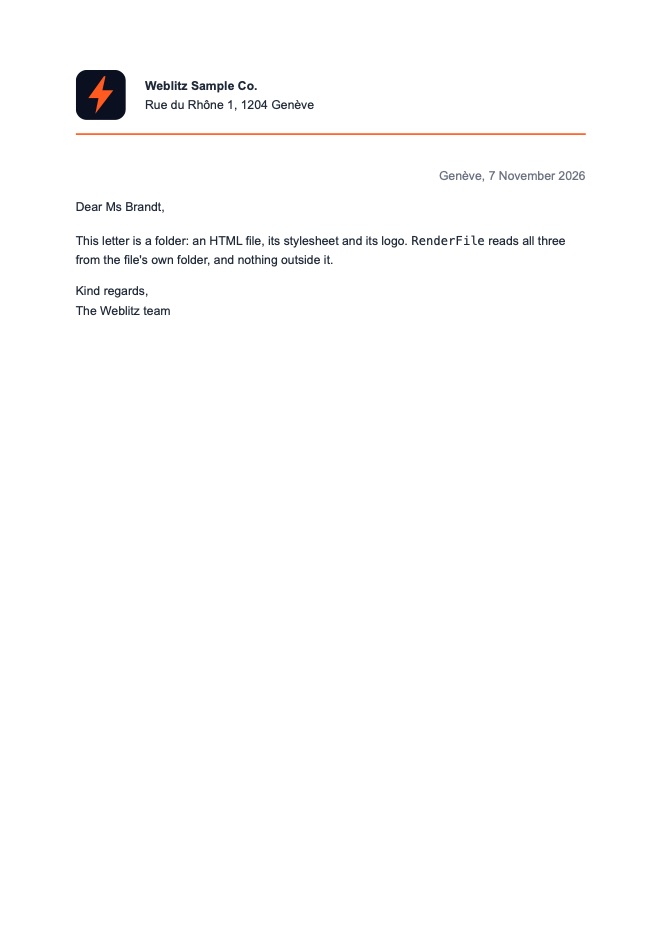
<header><img src="logo.svg" alt="Weblitz"><div><strong>Weblitz Sample Co.</strong><br>Rue du Rhône 1, 1204 Genève</div></header>
<p class="date">Genève, 7 November 2026</p>
<p>Dear Ms Brandt,</p>
<p>This letter is a folder: an HTML file, its stylesheet and its logo. <code>RenderFile</code> reads all three from the file's own folder, and nothing outside it.</p>
<p>Kind regards,<br>The Weblitz team</p>
</body></html>
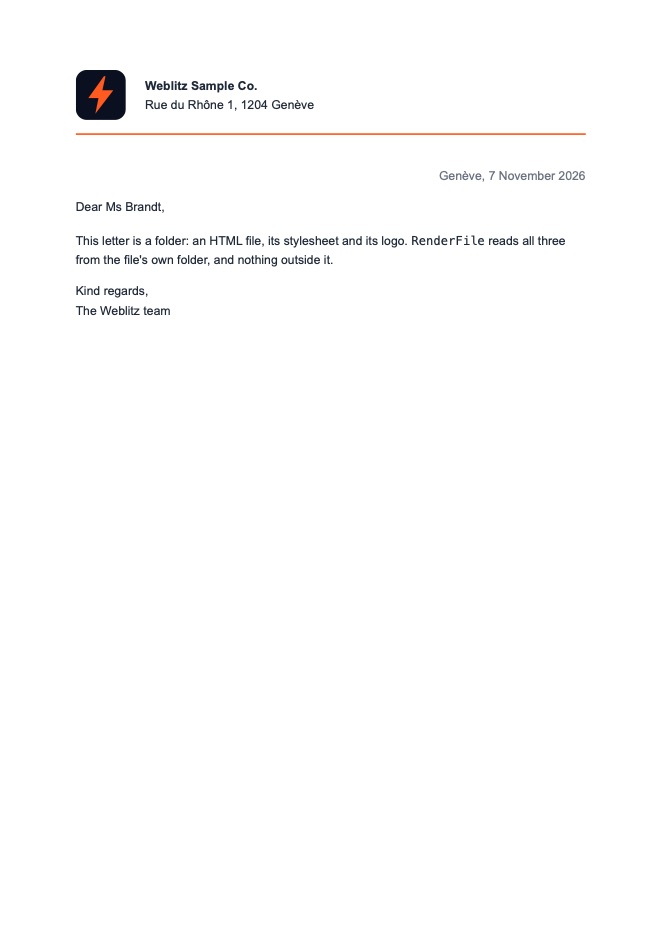
RenderUrl fetches the page and what it loads. With the network left off, the page's own host is allowed (here a server the generator starts on this machine, as assets).
<!DOCTYPE html>
<html lang="en"><head><meta charset="utf-8"><title>Letter to Alpenwerk</title>
<link rel="stylesheet" href="letter.css"></head>
<body>
<header><img src="logo.svg" alt="Weblitz"><div><strong>Weblitz Sample Co.</strong><br>Rue du Rhône 1, 1204 Genève</div></header>
<p class="date">Genève, 7 November 2026</p>
<p>Dear Ms Brandt,</p>
<p>This letter is a folder: an HTML file, its stylesheet and its logo. <code>RenderFile</code> reads all three from the file's own folder, and nothing outside it.</p>
<p>Kind regards,<br>The Weblitz team</p>
</body></html>
RenderUrl
var result = HtmlToPdf.RenderUrl(new Uri(assets, "letter/index.html"));
An endpoint returning a PDF made from your own HTML (a Razor view rendered to a string, a template, a page of your site). Render runs on the calling thread; RenderAsync runs it on the thread pool.
using WeblitzPdf;

app.MapGet("/invoices/{id}.pdf", async (int id, InvoiceViews views) =>
{
    var html = await views.Html(id);
    var result = await HtmlToPdf.RenderAsync(html, new HtmlPdfOptions { Title = $"Invoice {id}" });
    return Results.File(result.Pdf!, "application/pdf", $"invoice-{id}.pdf");
});
InvoiceViews stands for your own code that makes the invoice's HTML.